The bait, then the rug-pull.
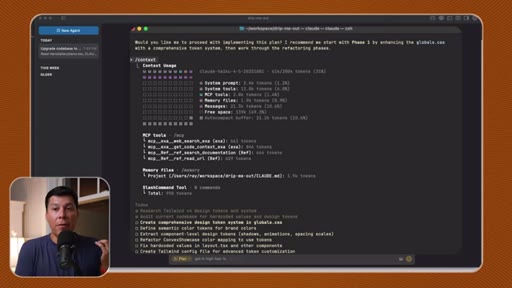
Documentation used to eat 100,000 tokens before a single line of code was written. Ray Fernando — ex-Apple engineer, decade-plus shipping production software — found the fix in two MCP servers that pull only the context the agent needs, precisely when it needs it. The proof is live on screen: a full Tailwind v4 design-token audit across a real codebase clocks in at 2,800 tokens — 1.4% of what Cursor burned on the same task.
What the video promised.
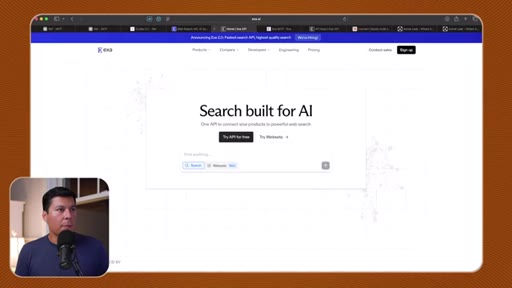
stated at 00:02 "I'm gonna show you how to get two of my favorite MCPs set up." delivered at 16:50
Where the time goes.

01 · The context rot problem
Ray introduces the concept of context rot — LLMs getting dumb as the window fills with irrelevant documentation. Establishes why targeted doc-fetching MCPs beat brute-force token dumps.
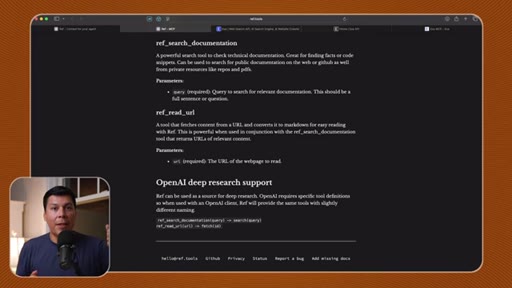
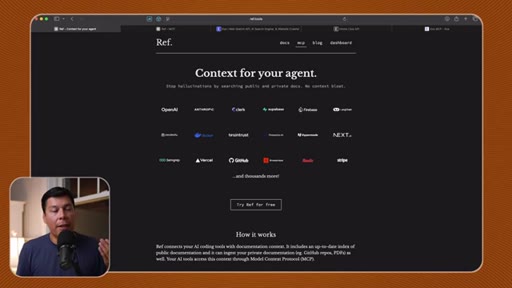
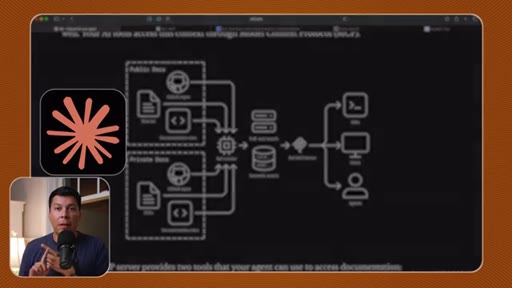
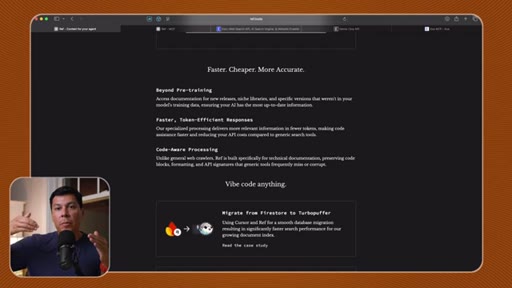
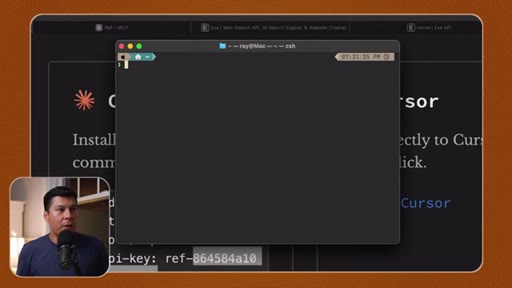
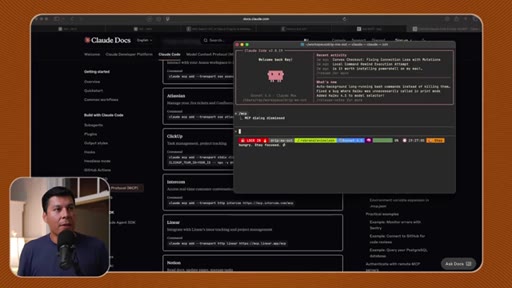
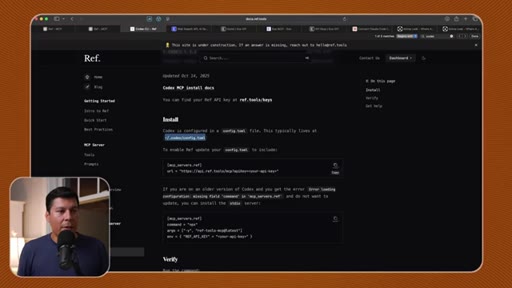
02 · Installing ref.tools in Claude Code
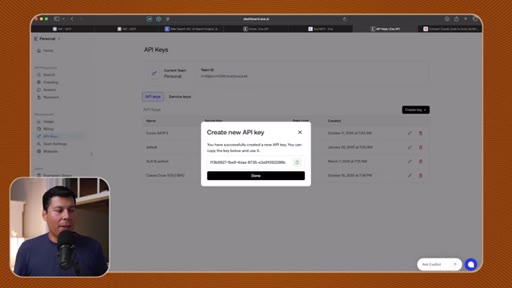
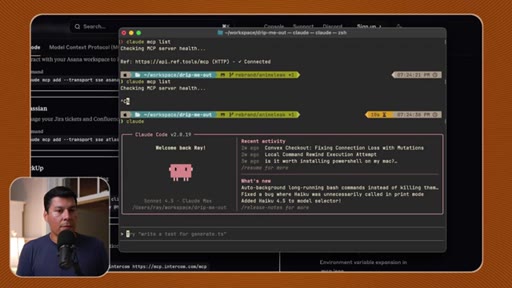
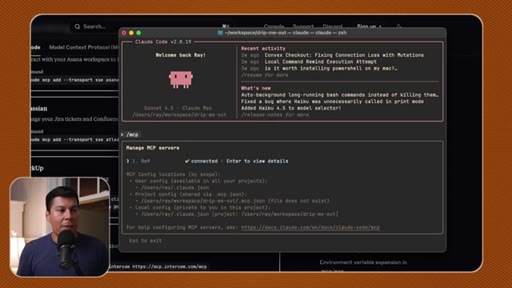
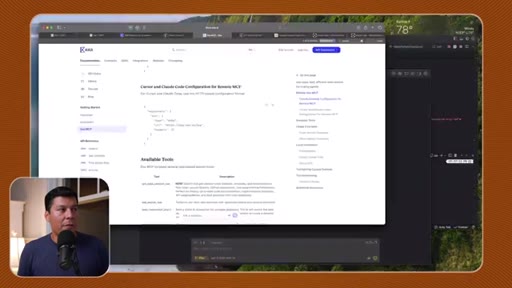
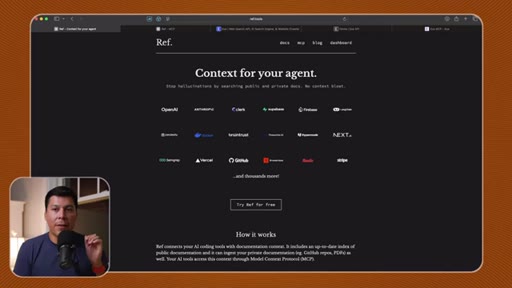
One-command install via `claude mcp add`, API key walkthrough, and security warning about committing keys to public repos.
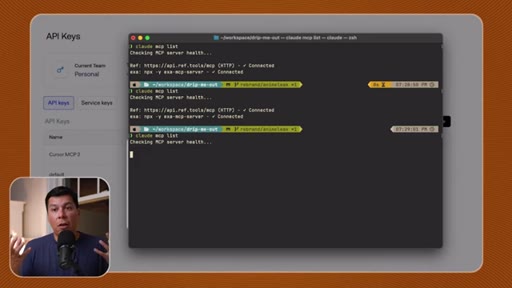
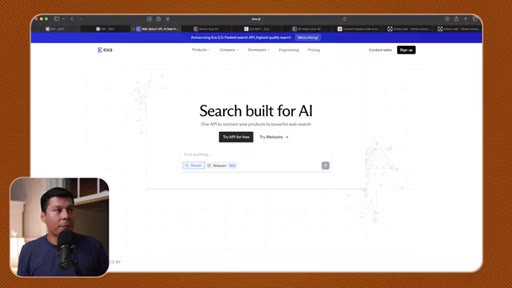
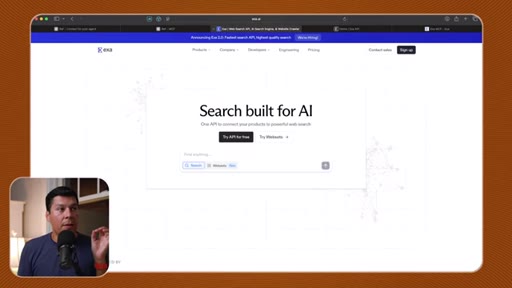
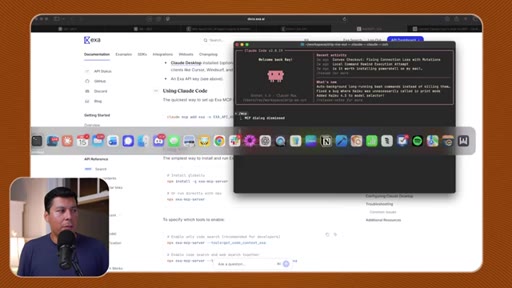
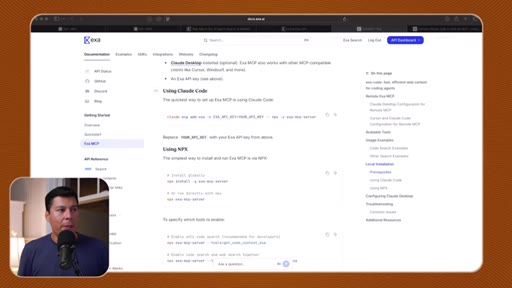
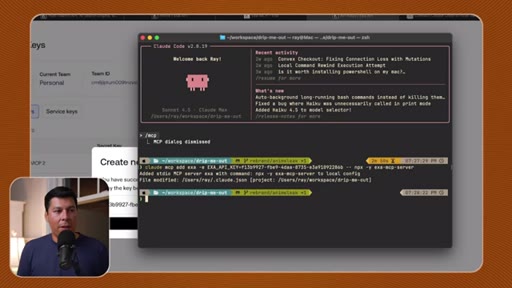
03 · Installing Exa AI in Claude Code
Same pattern as ref.tools. API key generation and paste into terminal. Both MCPs now available globally across any project.
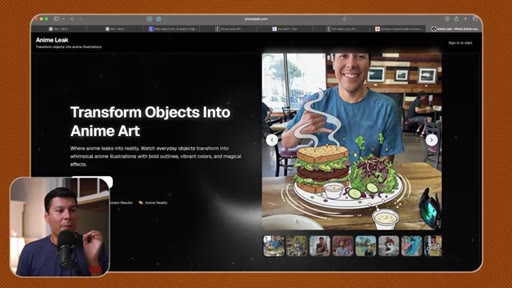
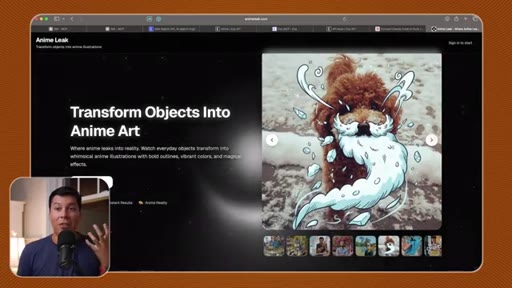
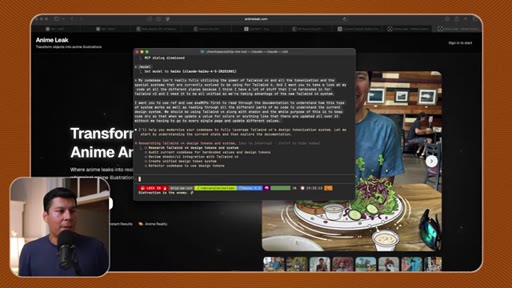
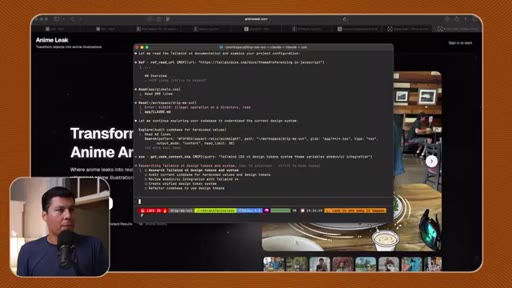
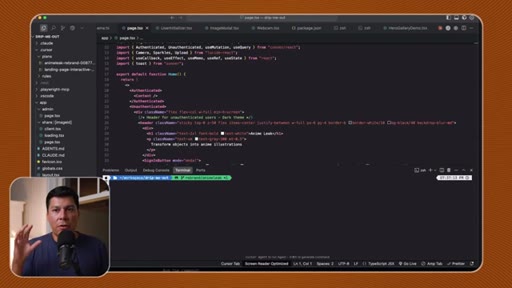
04 · Live demo: Tailwind v4 refactor on Anime Leak
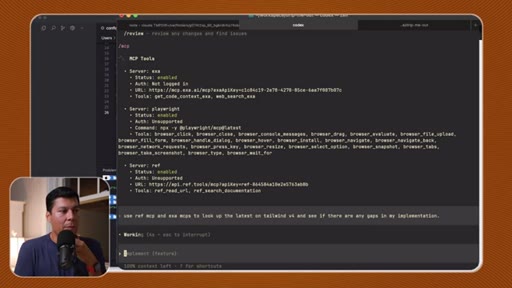
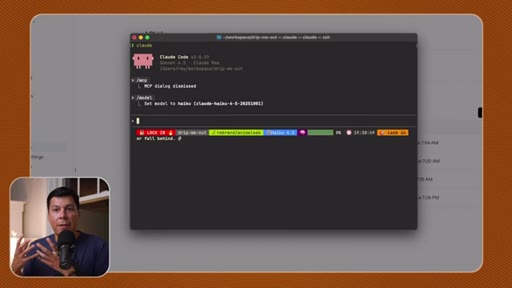
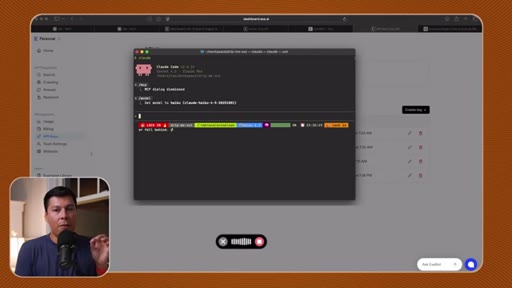
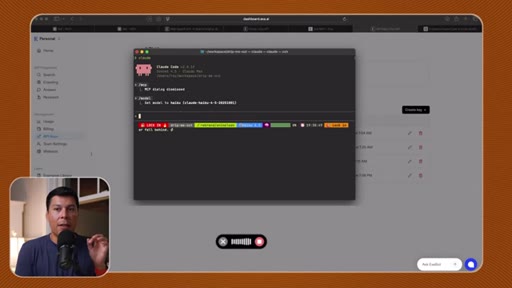
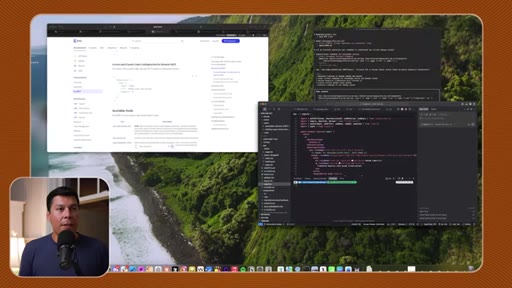
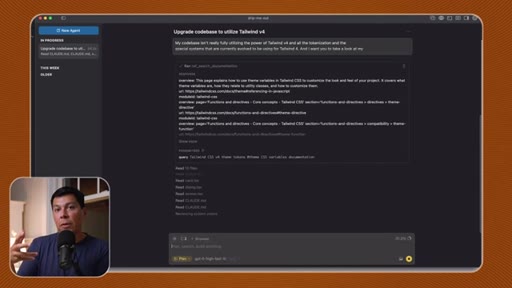
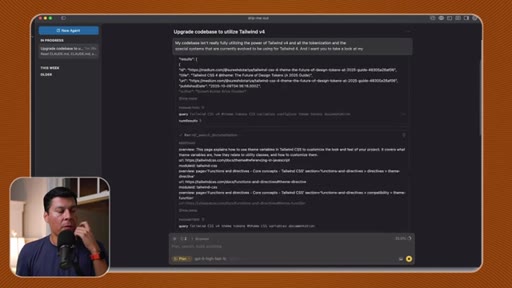
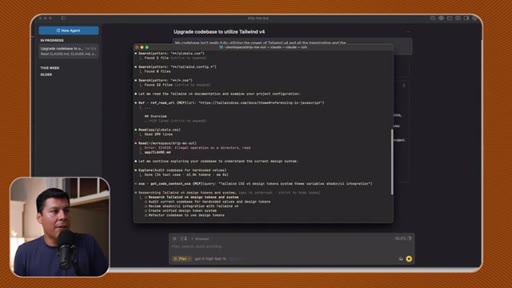
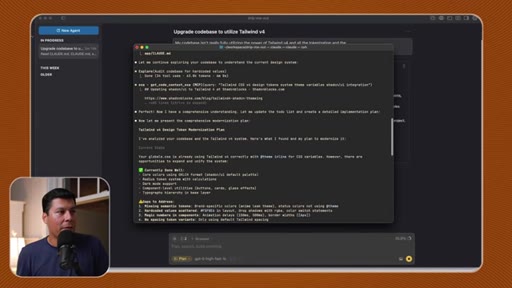
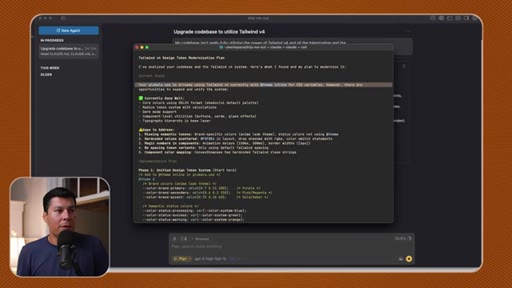
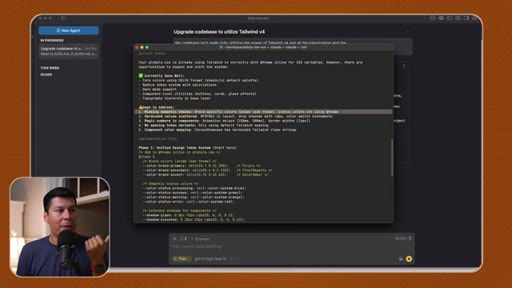
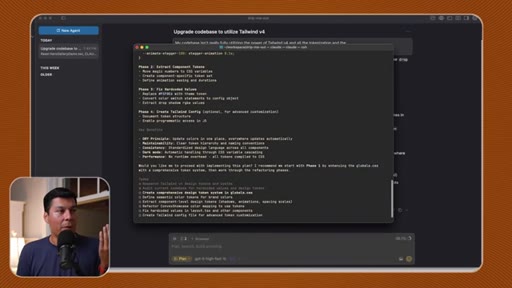
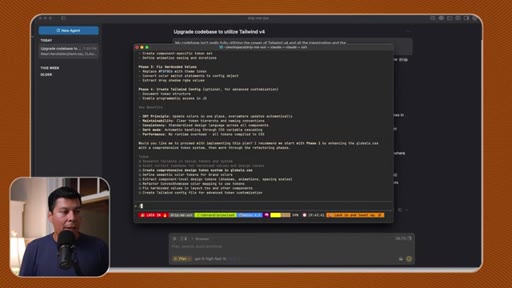
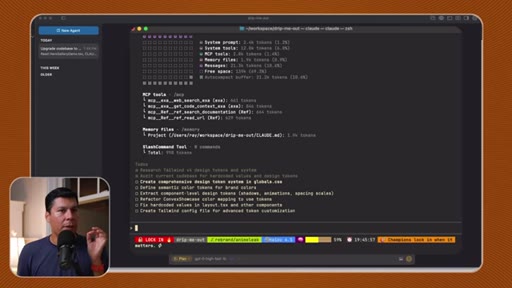
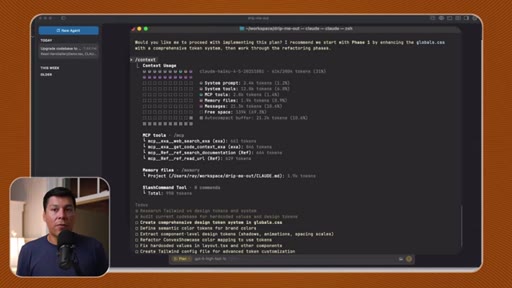
Haiku 4.5 runs a full codebase audit using both MCPs. Ray watches Claude Code research documentation, build a phased implementation plan, and hit /context — revealing only 2,800 tokens used.
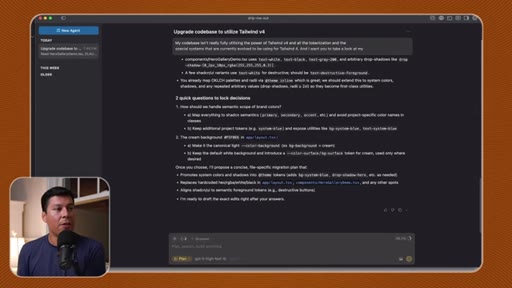
05 · The token comparison: Claude Code vs Cursor
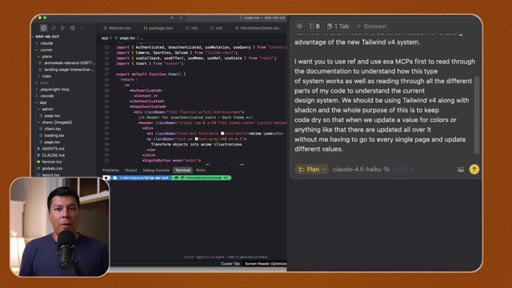
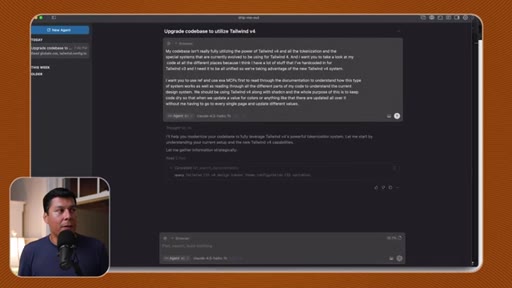
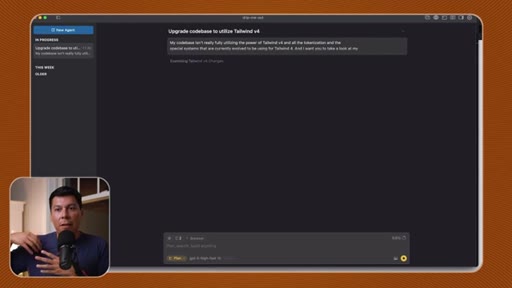
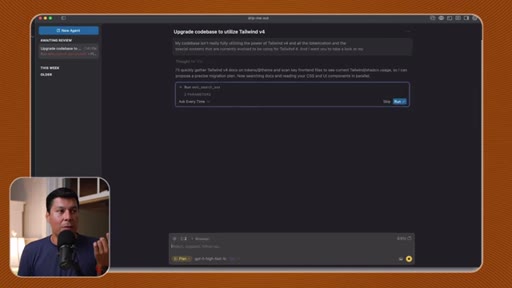
Cursor's plan mode finished the same task using 98,000 tokens. Side-by-side makes the 35x gap visceral. Ray notes Cursor asks clarifying questions; Claude Code doesn't.
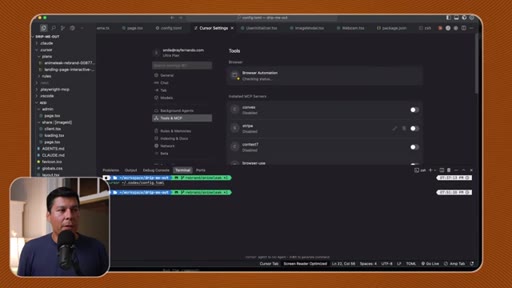
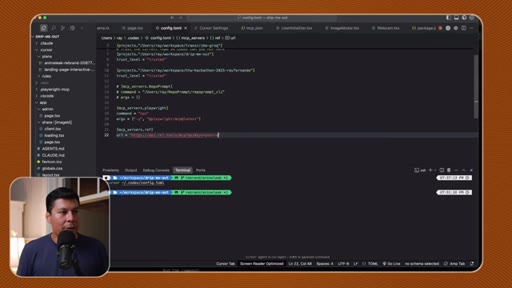
06 · Setting up MCPs in Codex
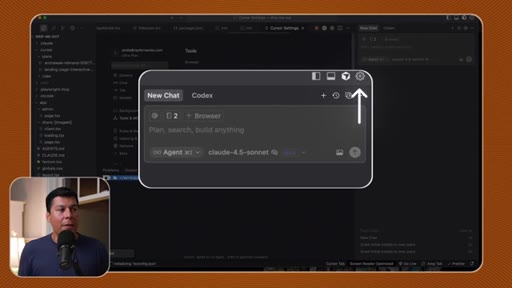
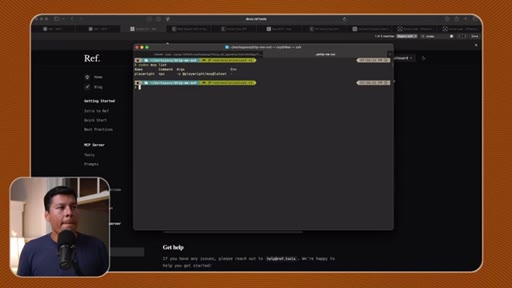
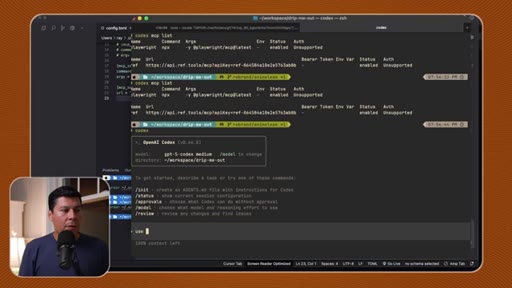
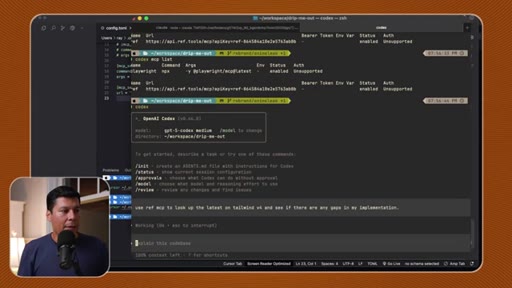
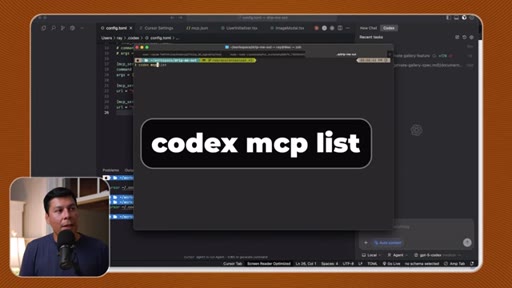
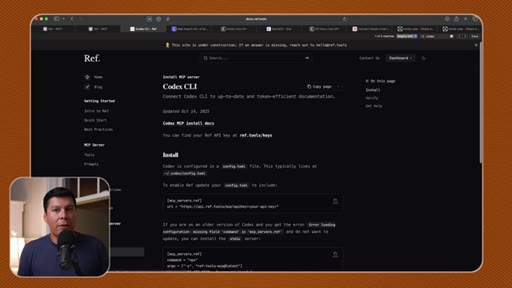
Codex uses config.toml instead of JSON. Ray edits the file in Cursor, pastes the API key, verifies with `codex mcp list`.

07 · Setting up MCPs in Factory Droid
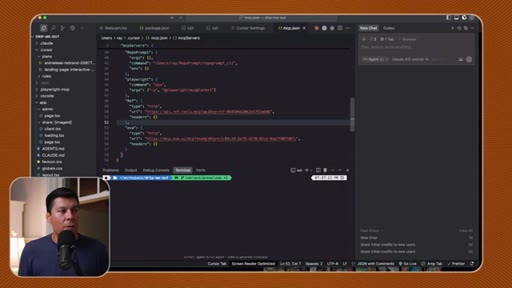
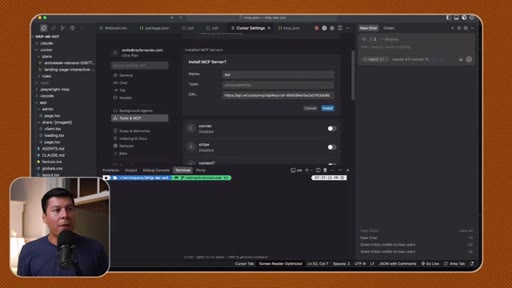
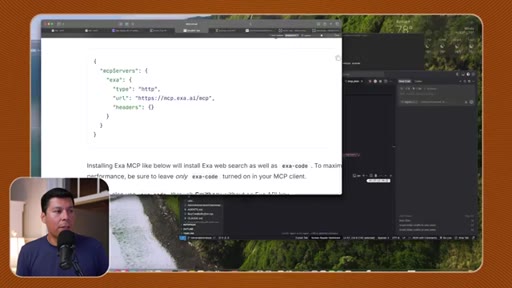
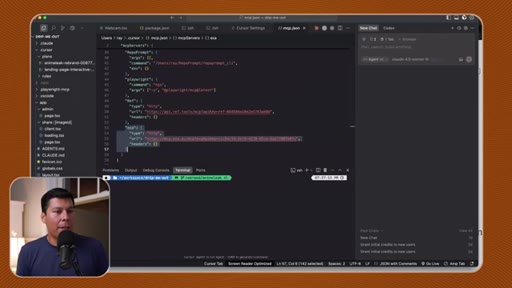
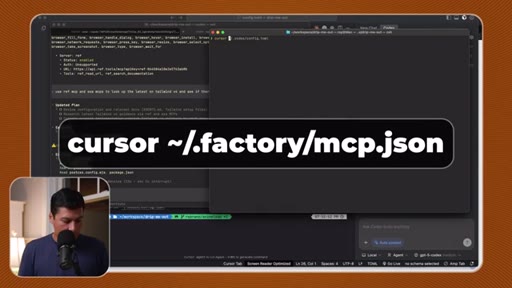
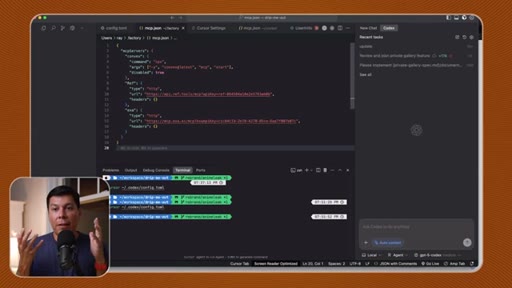
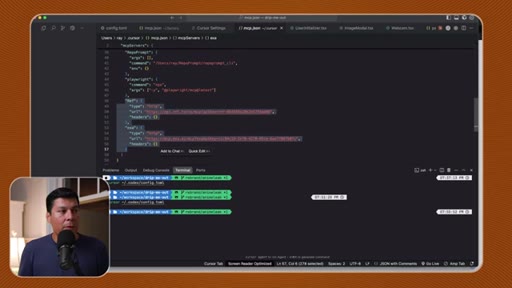
Copy the MCP JSON block from Cursor's tools panel directly into .factory/mcp.json. Same pattern, different file path.

08 · Pro tip + CTA
Always call MCPs explicitly in your prompt. Use plan mode (shift-tab) before writing code. Closes with a pitch for his 1337 coaching intensive and a forward-looking take on agentic AI.
Visual structure at a glance.
Named ideas worth stealing.
Context Rot
The degradation of LLM output quality as the context window fills with broad, untargeted documentation — the agent gets dumb before it writes a line of code.
Targeted Agentic Search
- ref.tools — indexed docs, no context bloat
- Exa AI — high-quality search built for coding tasks
- Explicit MCP calls in prompt
- Plan mode before code mode
Pull only the context needed for the specific sub-task, not everything that might be relevant. Combine ref.tools (documentation precision) with Exa (coding-task search quality) and always call them by name in the prompt.
Lines you could clip.
"I used to use up almost 100k tokens just feeding in tons of documentation."
"LLMs actually operate best when they have just the right information for just the right specific task."
"Our MCP servers and tool calls only use a total of 2,800 tokens — which is only 1.4% of the context window."
"It's almost like as if I hired several developers to read the documentation and implement the code for us."
"Make sure you use plan mode so that it gathers all that specific context before you start writing code."
How they spent the runtime.
Things they pointed at.
How they asked for the click.
"I do have a couple more spots that are open for my one three three seven intensive."
Soft close after delivering all value. Thirty-minute sessions over five days. Credentialed with Apple engineering background. Low pressure but well-timed after a high-value tutorial.
Word for word.
Stop dumping docs. Fetch what the agent needs.
The 35x token gap isn't about Claude Code being smarter than Cursor — it's about giving the agent a scalpel instead of a firehose.
- Add ref.tools and Exa to your global Claude Code config once — they're available to every project automatically.
- Call them explicitly in your prompt: 'use ref MCP' and 'use exa MCP' — the agent won't reach for them unprompted.
- Always use plan mode (shift-tab) before letting the agent write code — gather context first, execute second.
- The /context command in Claude Code shows token usage per tool call — use it to audit your own sessions.
- Haiku 4.5 is the right model for large-codebase pattern-matching tasks: cheaper, fast, doesn't need intelligence — needs volume.
- Don't commit API keys to public repos — the MCP config files store them in plaintext.
What this means if you're using AI coding tools.
Your AI assistant is probably burning through its memory reading docs it doesn't need — and getting dumber because of it.
- Install ref.tools and Exa as MCP servers once — they let your AI fetch only the exact documentation it needs for each step.
- Always start with plan mode before asking the AI to write code — it thinks before it acts instead of hallucinating from stale training data.
- Tell the AI explicitly which tools to use: 'use ref MCP to look up the Tailwind v4 docs' — it won't do it on its own.
- Check your context usage with /context in Claude Code — if MCP tool calls are eating thousands of tokens, something's misconfigured.
- The 35x efficiency gap Ray shows isn't magic — it's just not flooding the AI's working memory with irrelevant information.