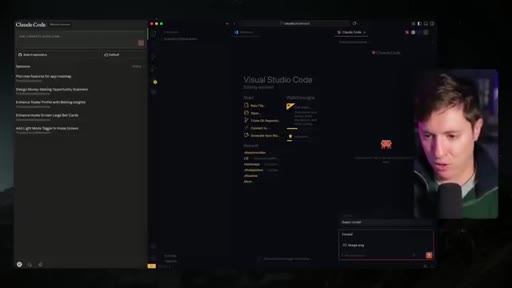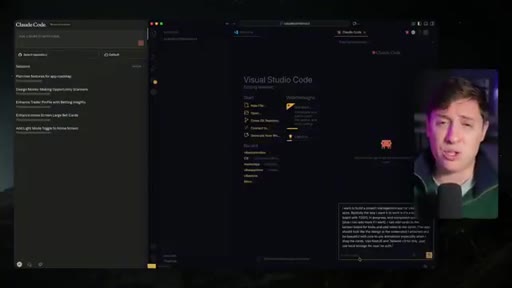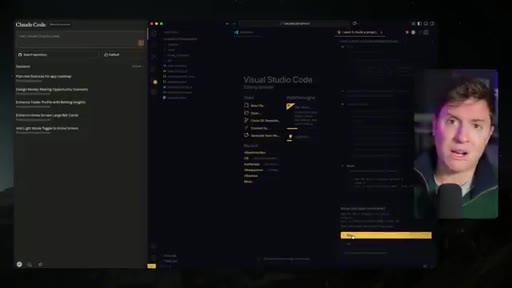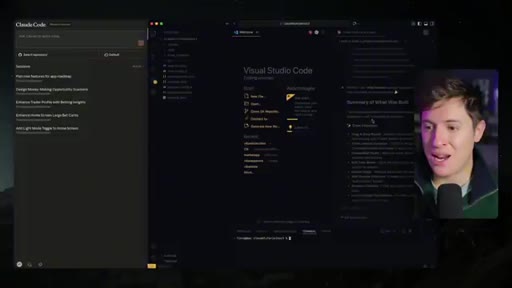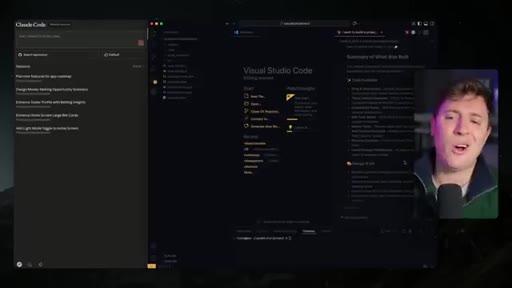
The bait, then the rug-pull.
Alex Finn opens with a stacked promise: blow your mind, build faster than ever, no prior coding required, change how you use AI forever. Then a 20-minute countdown. It's a textbook retention trap that commits to specific outcomes before a single line of code appears on screen.
What the video promised.
stated at 00:30 "If you stick with me twenty minutes from right now, you'll be coming up with endless ideas for apps you can build. You'll be spinning up armies of AI agents to build it, and you'll be able to ship an app that you can start making money on today." delivered at 29:00
Where the time goes.

01 · Hook + promise stack
Triple promise: speed, accessibility, money. Twenty-minute countdown to ship a sellable app.
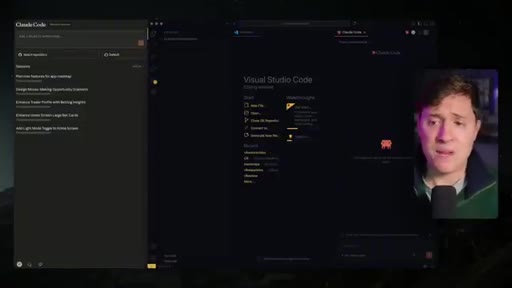
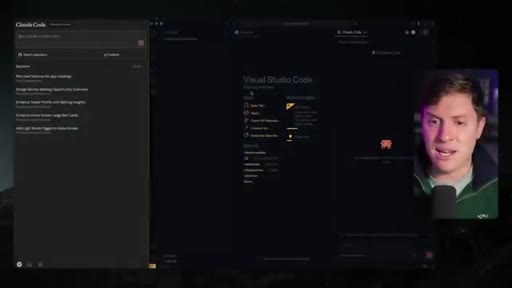
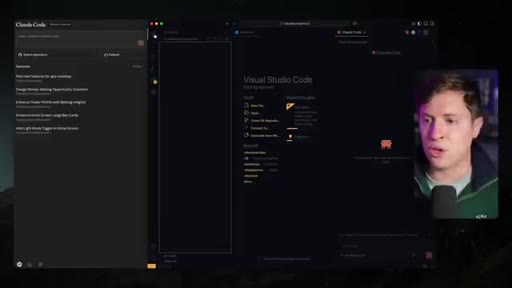
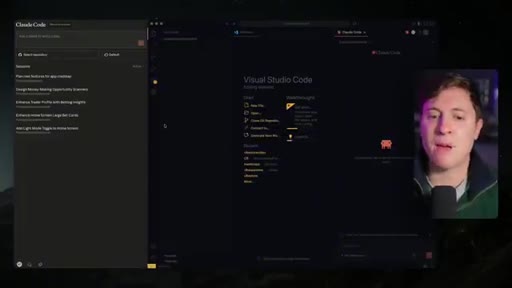
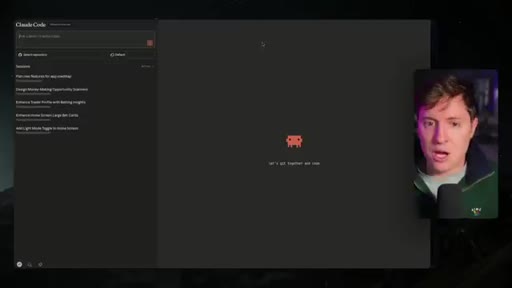
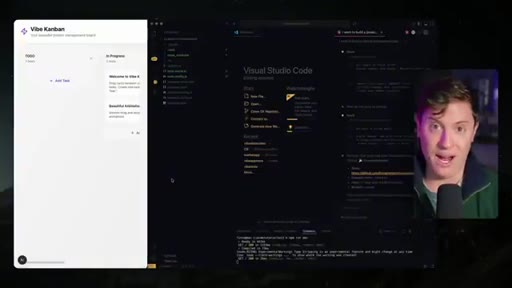
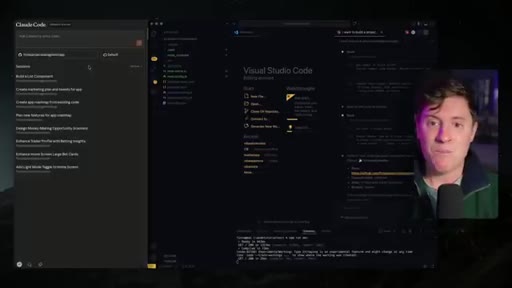
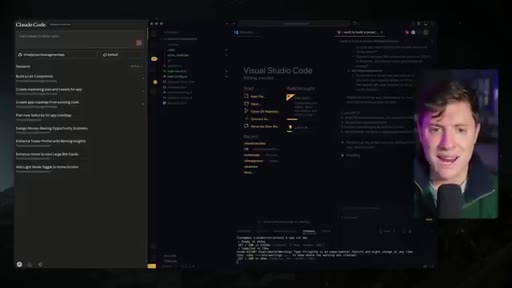
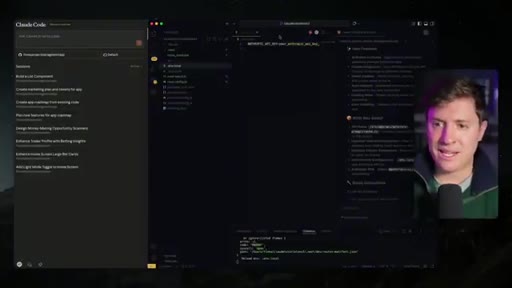
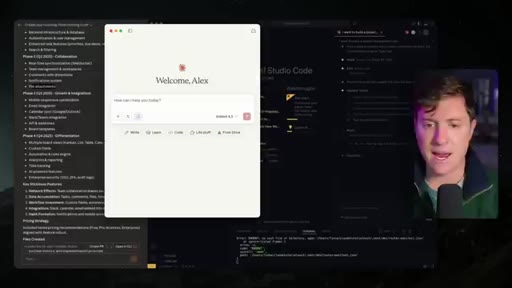
02 · Setup: VS Code + Claude Code extension
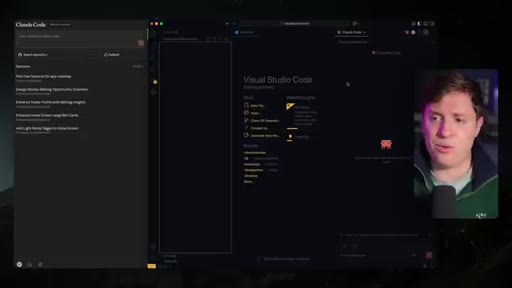
Argues VS Code extension is the best Claude interface — free, reliable, cleaner UI than CLI. Shows Claude for Web briefly as the second key layer.
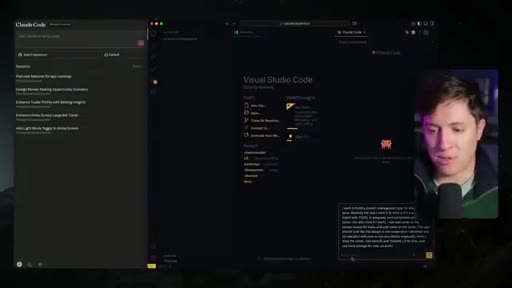
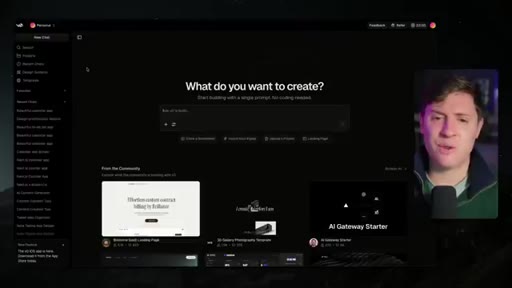
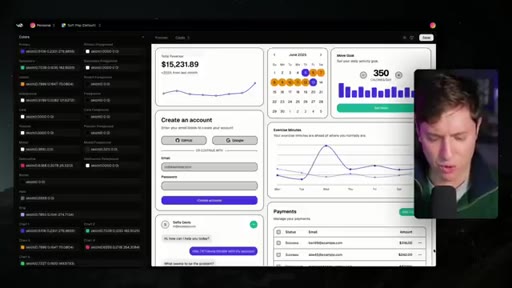
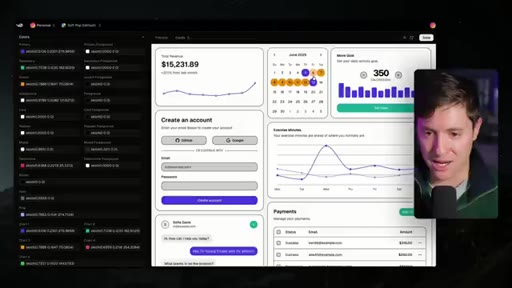
03 · v0 design system screenshot trick
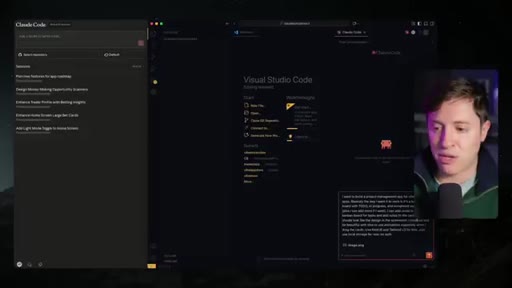
Opens v0 free design systems section, screenshots a palette called Soft Pop, pastes directly into Claude Code prompt to prevent AI-slop aesthetics.
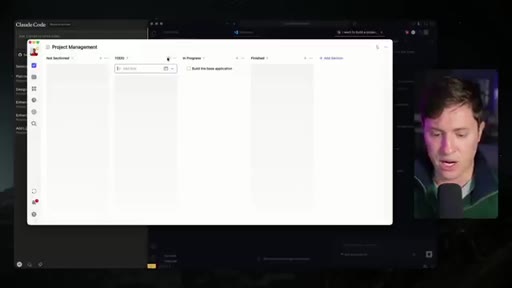
04 · Plan mode + Haiku 4.5 cost hack
/model select Haiku 4.5 + Shift+Tab plan mode: Sonnet plans, Haiku executes. Same quality at a fraction of the cost on $20/month tier.
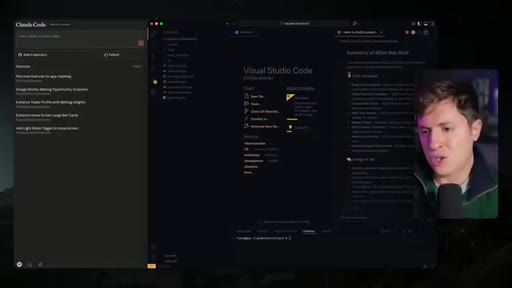
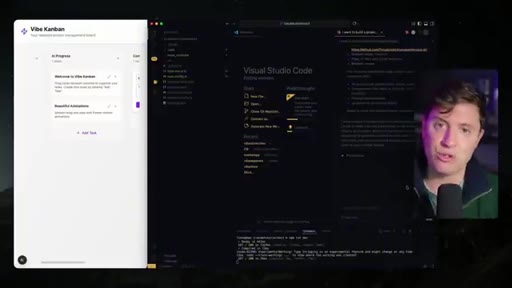
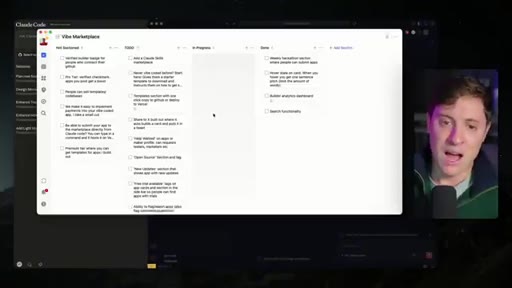
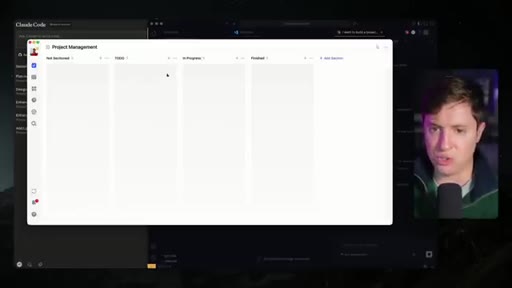
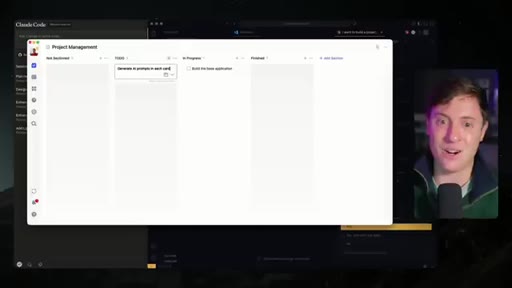
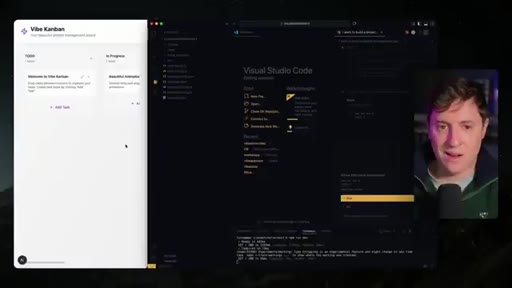
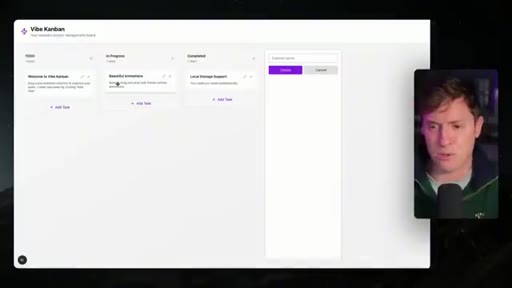
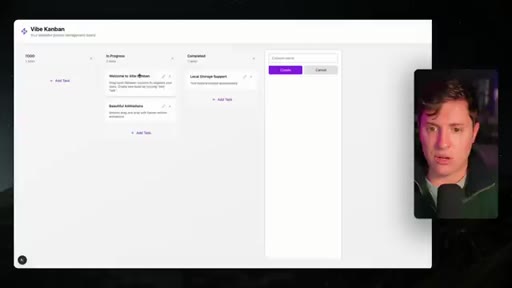
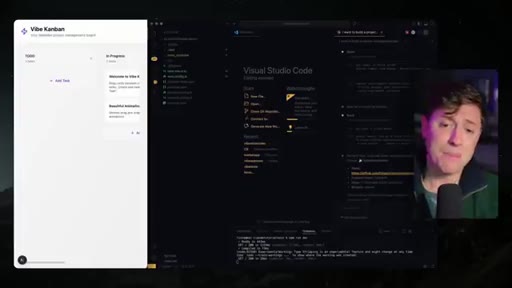
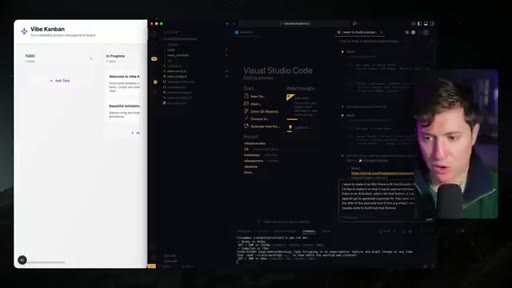
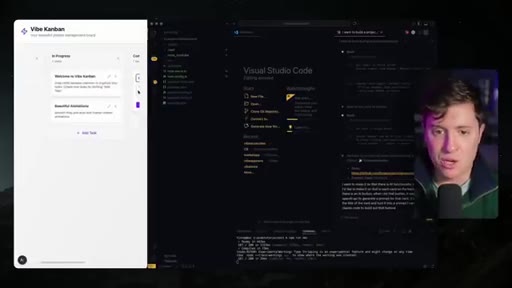
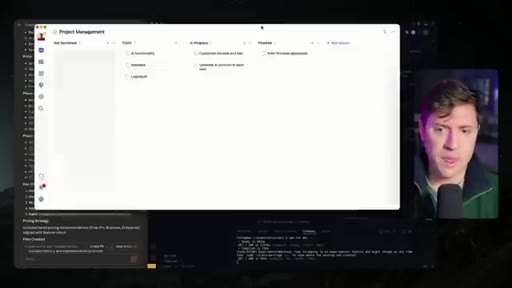
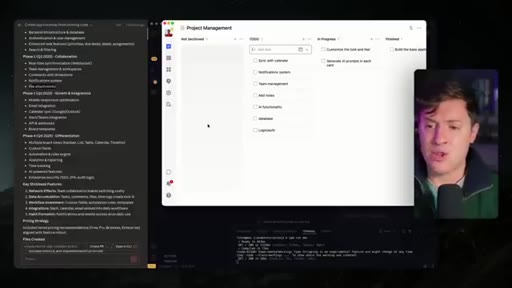
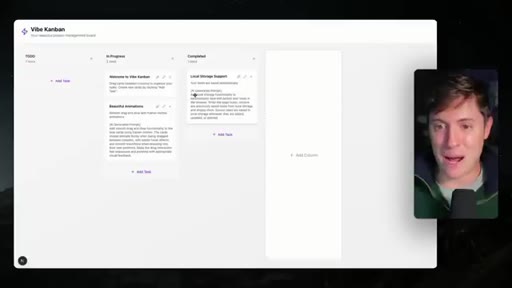
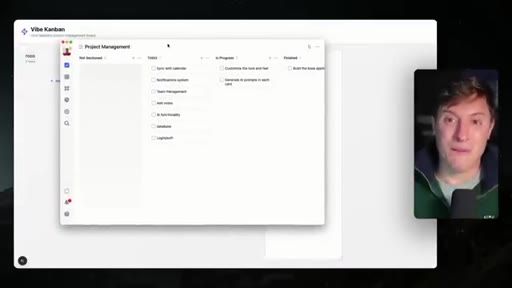
05 · First app build: Vibe Kanban v1
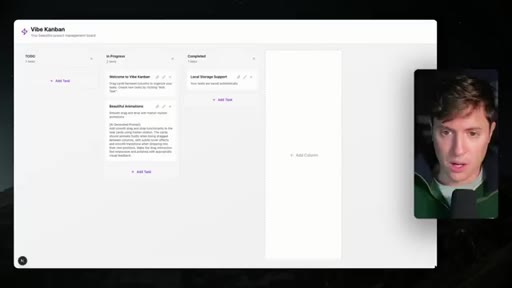
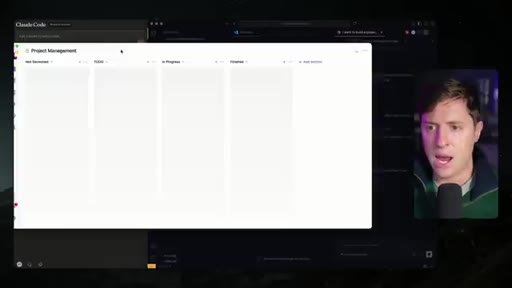
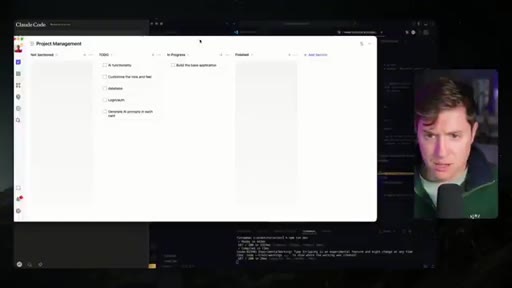
Next.js + Tailwind v3 Kanban board with drag-and-drop animations. Live demo shows a clean non-gradient result from the v0 palette screenshot.
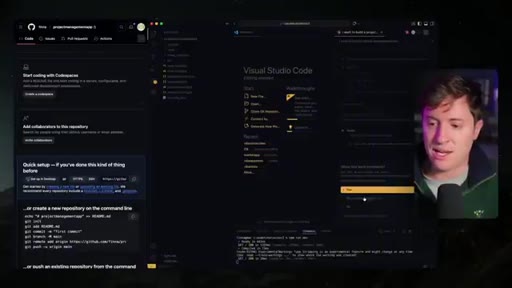
06 · Braindump strategy
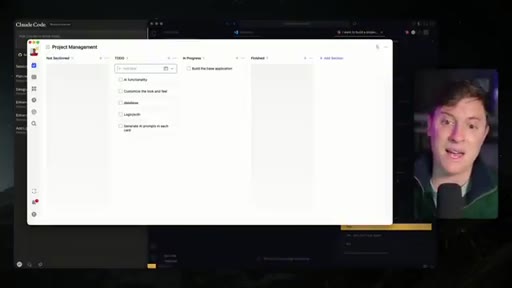
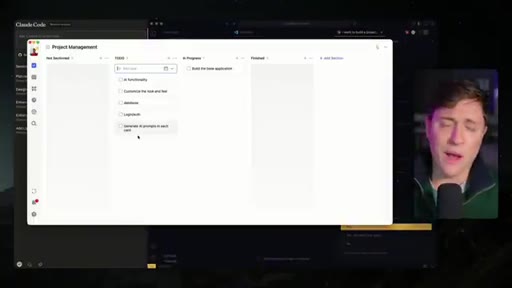
Before prompting, brain-dump feature ideas into TickTick/Apple Notes. Prevents doom-scroll during generation. Frames this as the real productivity unlock most builders skip.
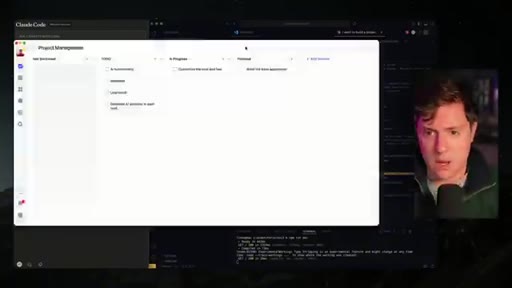
07 · Why Claude Code (unprompted editorial)
Not sponsored — uses Claude because it writes most reliable code, avoids error loops, most beginner friendly. Competes with Codex and Cursor 2.0.
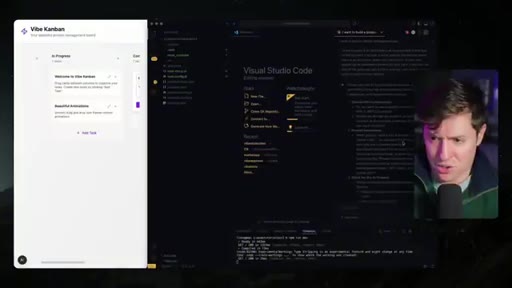
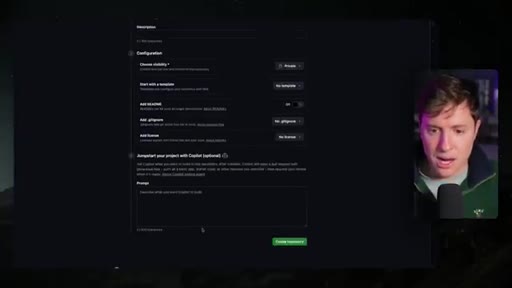
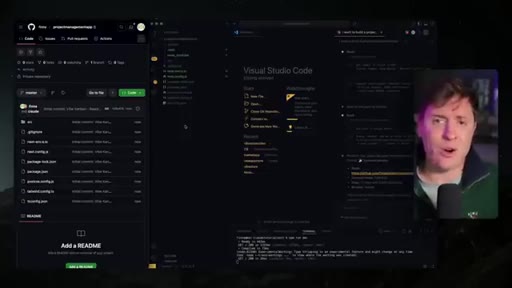
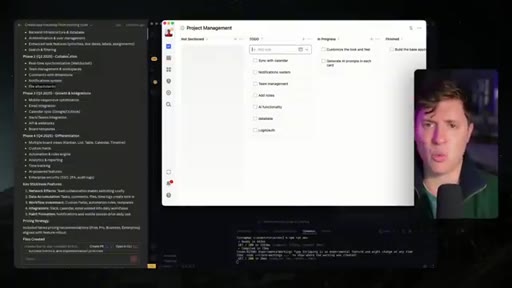
08 · GitHub push + Claude for Web connection
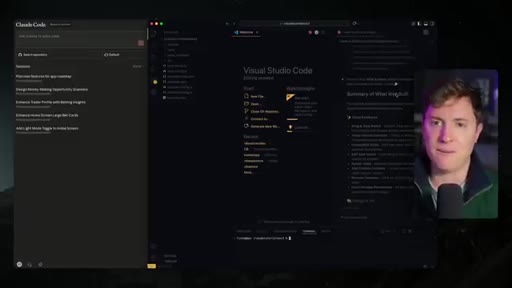
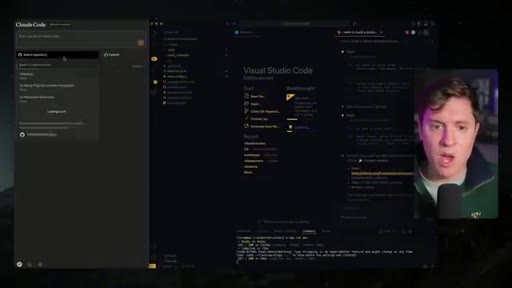
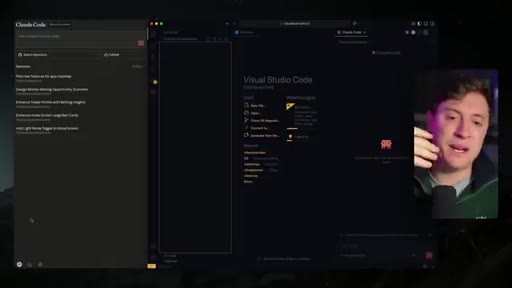
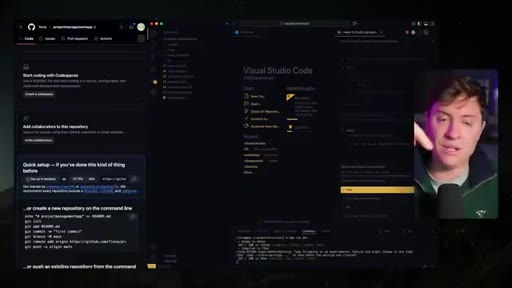
Commits app to GitHub, connects repo to claude.ai/code. Cloud agents can now read and modify the codebase from browser or mobile app.
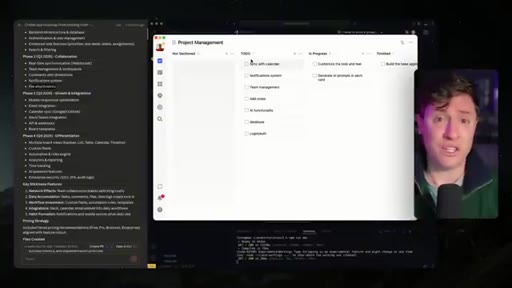
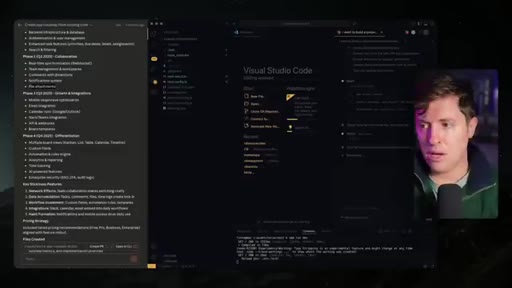
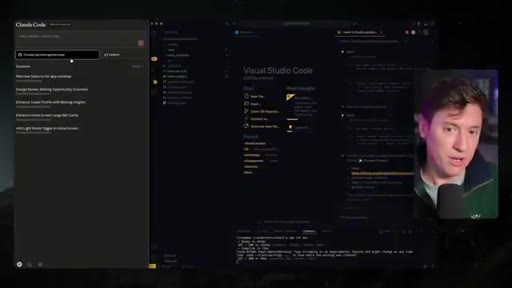
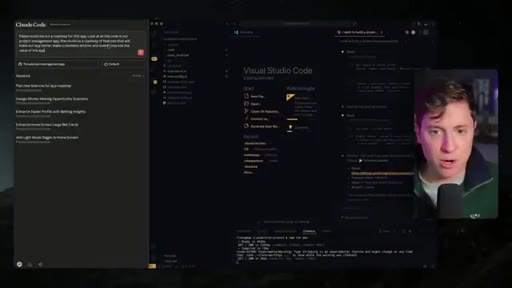
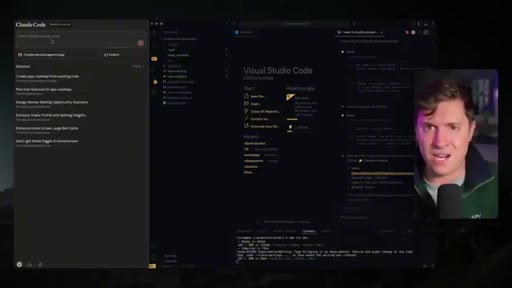
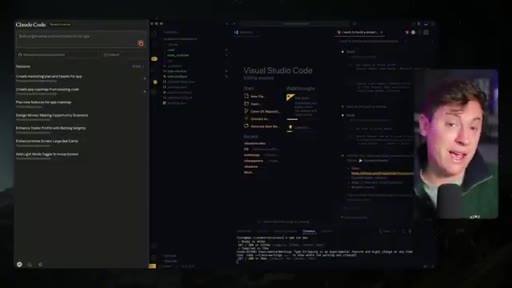
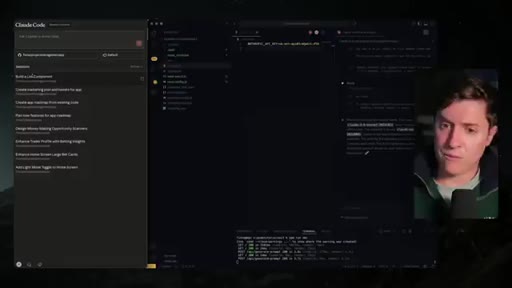
09 · Spinning up the agent army
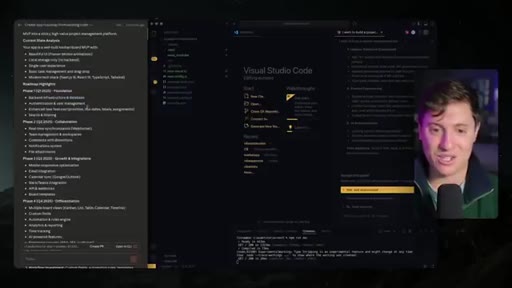
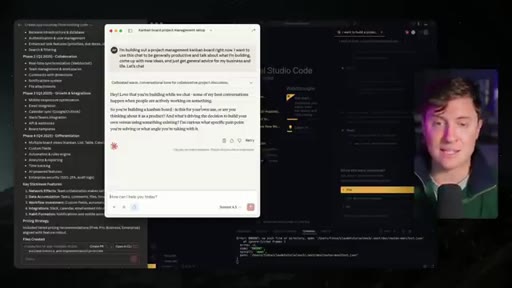
Three concurrent cloud agents: product roadmap, marketing plan + landing page copy, light/dark mode feature. All running unattended while local session continues.
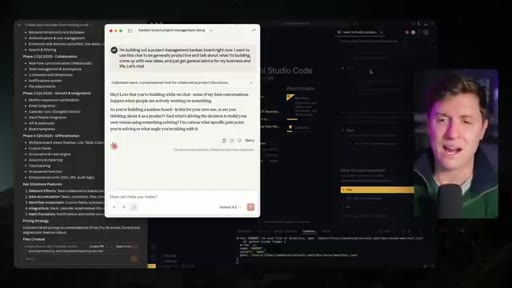
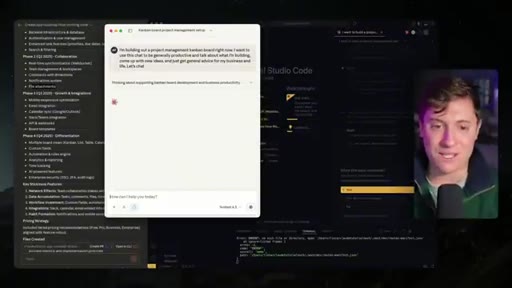
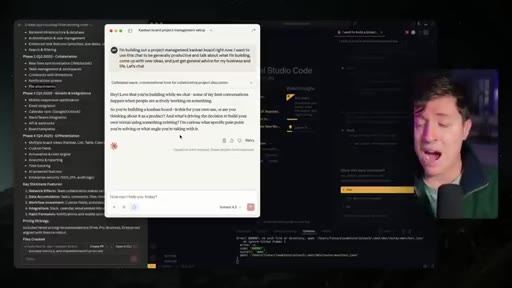
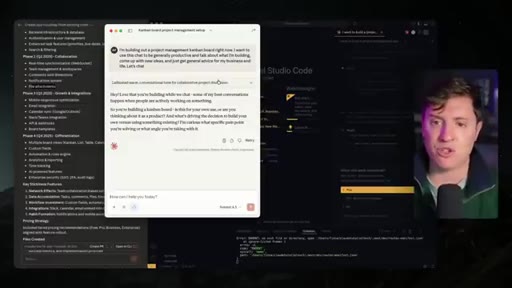
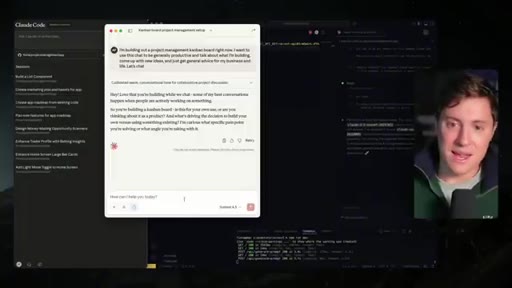
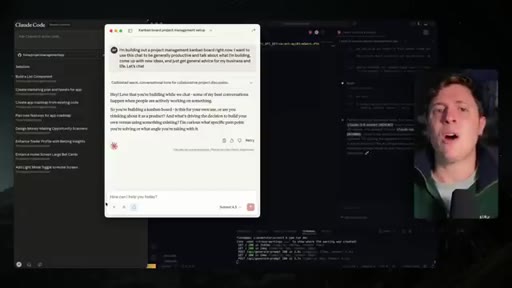
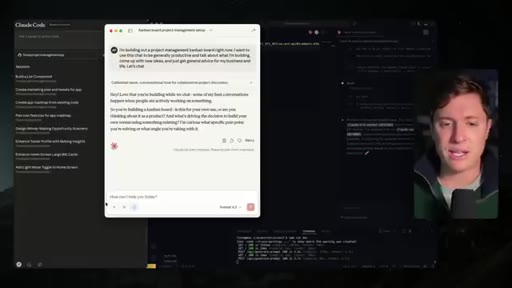
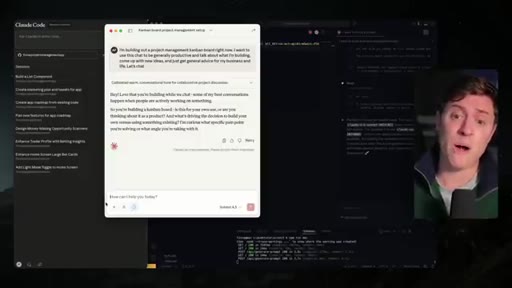
10 · Claude desktop app as business consultant
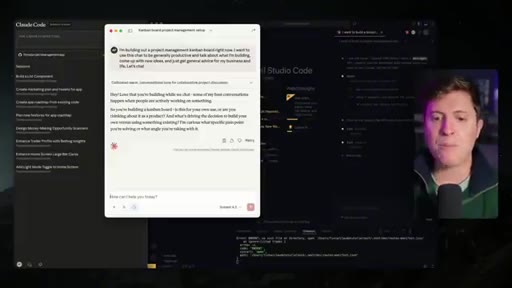
Third layer: Claude desktop for higher-level brainstorming and life management during AI idle time. Eliminates doom-scroll as default behavior.
11 · Recap + CTA
Three-layer summary: VS Code extension (main), Claude for Web (parallel agents), Claude desktop (consultant). Subscribe, live streams Mon/Wed/Fri.
Visual structure at a glance.
Named ideas worth stealing.
Three-Layer AI Workflow
- VS Code + Claude Code extension (primary feature work)
- Claude for Web cloud agents (background parallelization)
- Claude desktop app (consulting + dead-time fill)
Stack three AI surfaces so no minute of work is idle. Each layer handles a different cognitive level: execution, delegation, strategy.
Plan Mode + Haiku Execution
- Set model to Haiku 4.5 (cheapest, fastest)
- Shift+Tab twice to enter plan mode
- Sonnet writes the plan (best quality); Haiku executes it (lowest cost)
Sonnet-quality planning at Haiku prices. Works because a well-specified plan is easy for a smaller model to implement correctly.
v0 Screenshot Design Override
Screenshot any design system palette from v0 free tier, paste directly into your first Claude Code prompt. Overrides AI default gradient aesthetics with zero design skill required.
Dead Time Replacement
The real productivity unlock is behavioral: every idle second while AI generates becomes a braindump, agent spin-up, or consulting session instead of doom-scrolling.
Lines you could clip.
"While your competition snoozes and rots away, you are using leverage and building faster than you ever have in your entire life."
"Before AI, if I wanna build this app, I'd have to hire a product person, a marketing person. I'd be spending millions of dollars a year. Now I'm spending $20-100 a month."
"Vibes are a thing when it comes to talking to AI. That's a critical thing for me."
"I figured out a workflow for Claude code that will absolutely blow your mind."
How they spent the runtime.
Things they pointed at.
How they asked for the click.
"If you learned anything at all, leave a like. Subscribe if you haven't yet. Turn on notifications because all I do is create amazing videos about AI. I also livestream Monday, Wednesday, Friday, 11AM Pacific time."
Stacked CTA delivered twice — mid-video and outro. Includes livestream schedule, which is a stronger hook than a generic subscribe ask.
Word for word.
Stop building serially. Build in parallel.
The real productivity unlock isn't better prompts — it's replacing every idle second with a parallel AI task.
- Use plan mode + Haiku execution on every major build step to cut API costs without hurting quality.
- Paste a v0 design system screenshot into your first prompt to escape AI-default gradients instantly — no design skill needed.
- Brain-dump to Notes/TickTick before you prompt, then pull from that list into cloud agents — never lose an idea to AI generation wait.
- Connect your GitHub repo to Claude for Web and spin up background agents for roadmap, marketing, and sub-features while local Claude handles the main build.
- Keep Claude desktop open for dead-time consulting so no generation wait becomes a doom-scroll.
- The competitive angle — 'your competition is doom-scrolling' — is a proven hook for any solo-builder content.
How to actually build apps faster without burning out.
The bottleneck isn't the AI — it's the dead time you spend waiting for it. Fill every gap with a parallel task and your throughput triples.
- Start with a design you like, even just a screenshot — paste it in and Claude will match the aesthetic so your app looks intentional.
- Use plan mode before every major feature so the AI reasons first and writes reliable code instead of guessing.
- Keep a running list of ideas while you build. When one surfaces, drop it in the list — don't hold it in your head.
- While your main AI session generates, open a second one for something else: roadmap, email copy, anything useful.
- You don't need to understand the code — just read the summary Claude gives you after each build so you stay close to your own app.