Matt Pocock · Youtube · 10:11

How I use Claude Code for real engineering

A 10-minute real-session walkthrough of Matt Pocock's multi-phase planning workflow — plan mode, concision rules, and GitHub Issues as context bridges.

Posted
October 27th 2025
6 months ago
Duration
10:11
Format
Tutorial
educational
Channel
MP
Matt Pocock
§ 01 · The Hook

The bait, then the rug-pull.

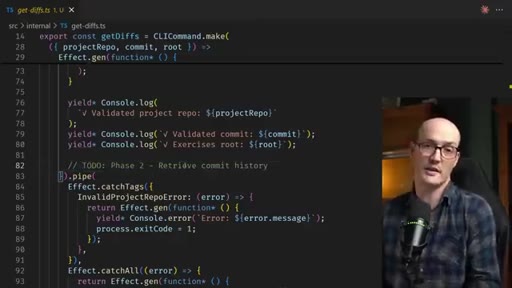
Matt Pocock opens mid-task — prompt already typed, plan mode already on. No setup, no definitions. The contract is stated in the second sentence: this is a real session, not a demo.

§ · Stated Promise

What the video promised.

stated at 00:08 "I just sat down to do a little bit of work, and I realized this is actually a really good opportunity to show a complicated multi phase plan with Claude code." delivered at 09:45
§ · Chapters

Where the time goes.

00:00 – 00:53

01 · Cold open + premise

Building a get-diffs CLI command for AI Hero courses. Frame: what I'm doing is less important than how I'm doing it.
00:53 – 02:11

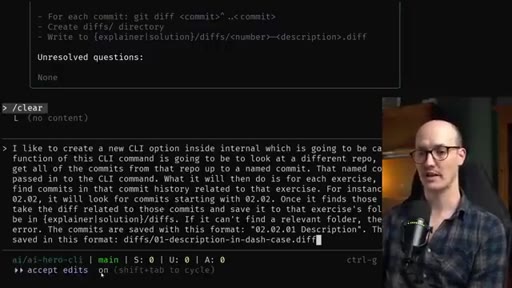
02 · Plan mode explores, surfaces clarifying questions

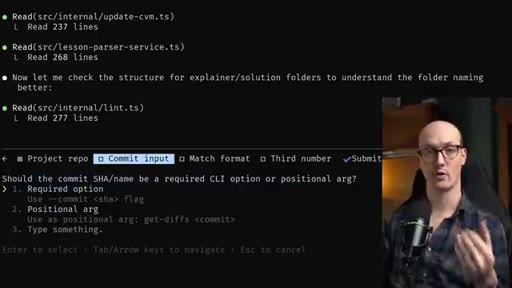
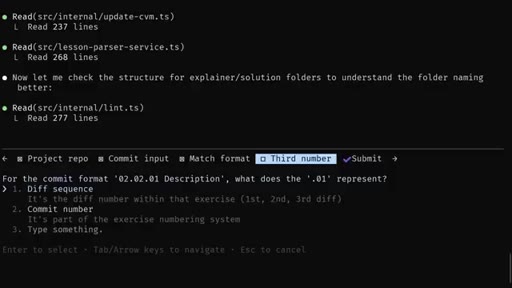
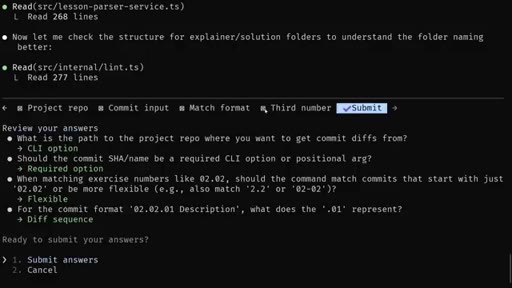
Claude explores codebase via sub-agents, returns an interactive multi-step form. Matt answers: required option, flexible matching, diff sequence numbering.
02:11 – 03:16

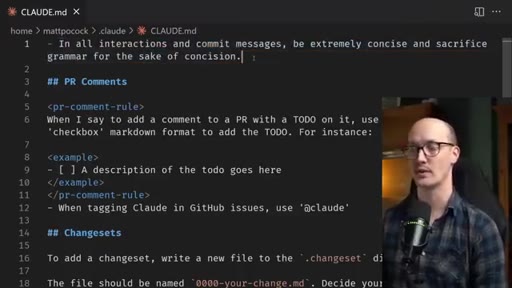
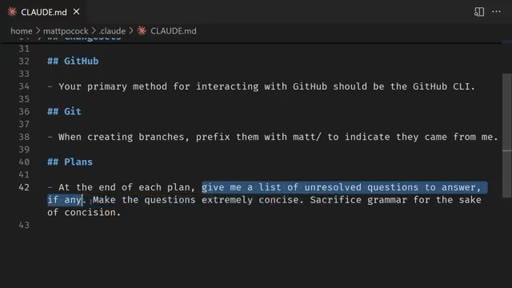
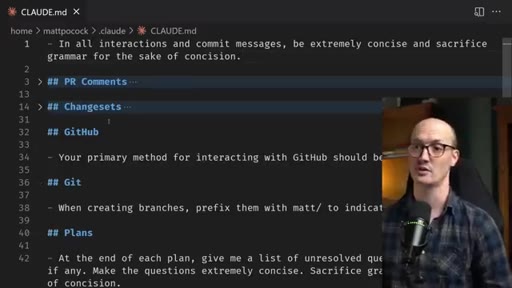
03 · Rules file reveal — the concision rule

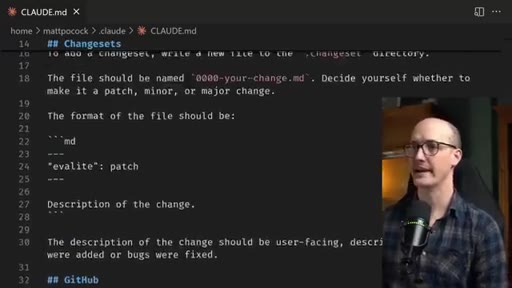
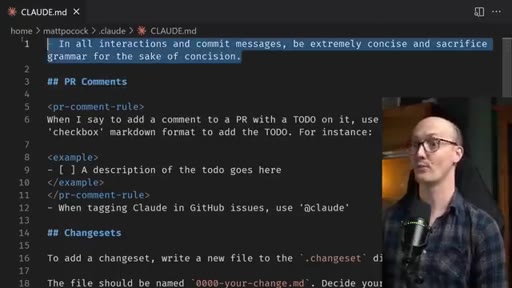
Escapes to /memory, shows 43-line CLAUDE.md. Key rule highlighted: be extremely concise and sacrifice grammar for the sake of concision. Called his favourite rule ever.
03:16 – 04:54

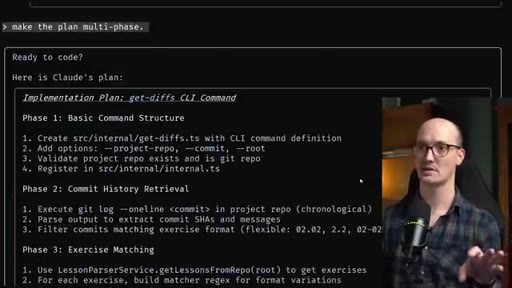
04 · Make the plan multi-phase

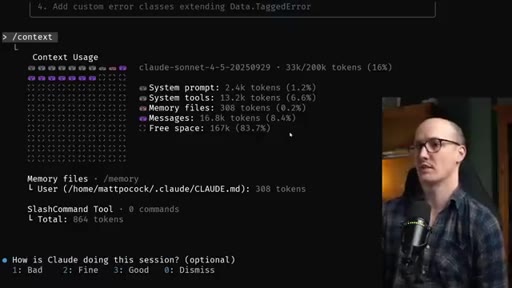
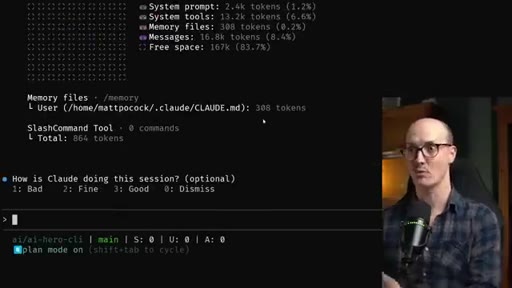
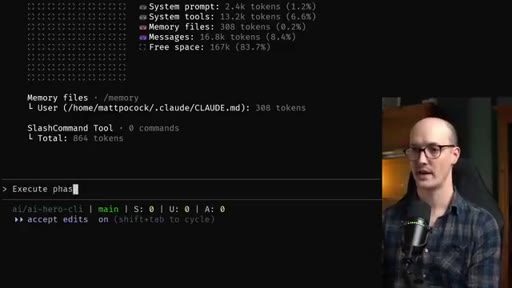
Rejects single-plan output. 5-phase plan appears. Context check: 83.7% free. Switches to accept-edits, types execute phase one.
04:54 – 07:35

05 · Execution loop: phases 1-3

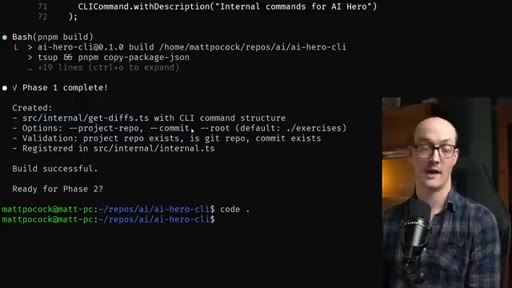
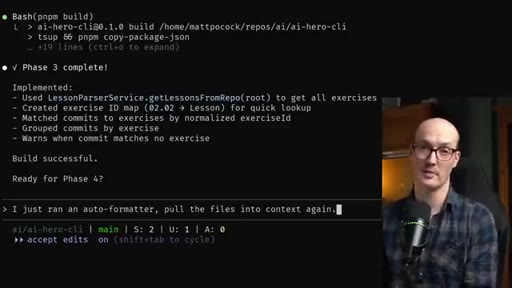
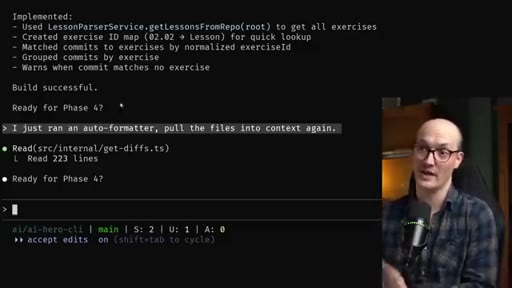
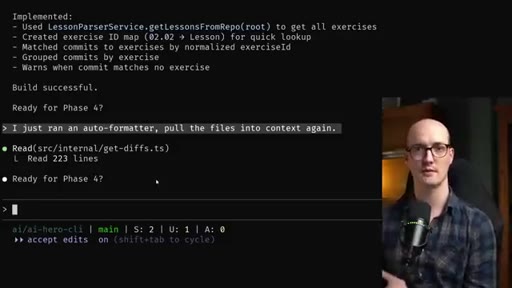
Phase 1 done in 3k tokens. Opens VS Code, reviews diff, stages. Returns with claude continue. Phases 2 and 3 follow same rhythm. Handles accidental formatter run by telling Claude to re-read files.
07:35 – 08:46

06 · GitHub Issue as context bridge

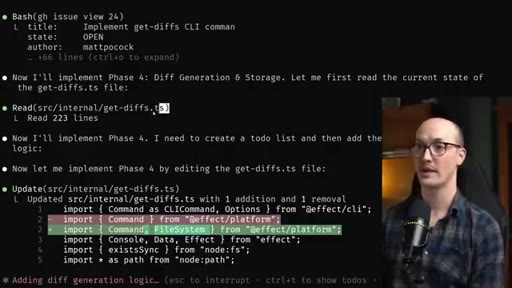
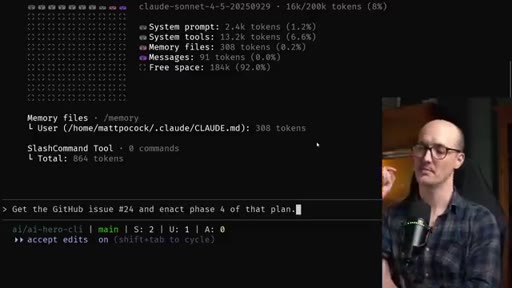
Creates gh issue with full plan including checked-off phases. Clears context to 16k tokens. Types: Get the GitHub issue 24 and enact phase 4 of that plan.
08:46 – 09:45

07 · Phases 4-5 from fresh context

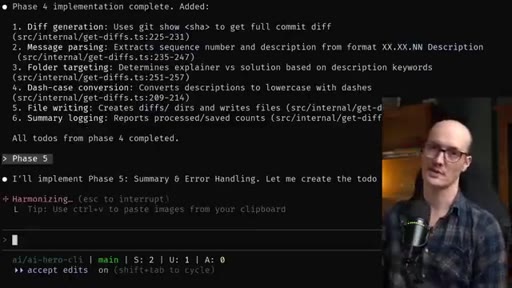
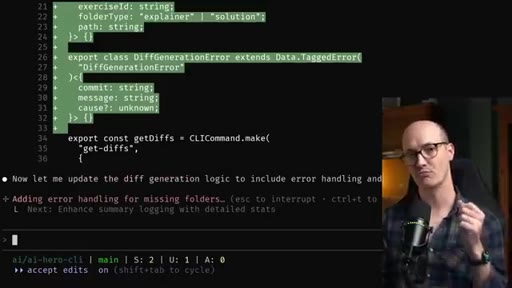
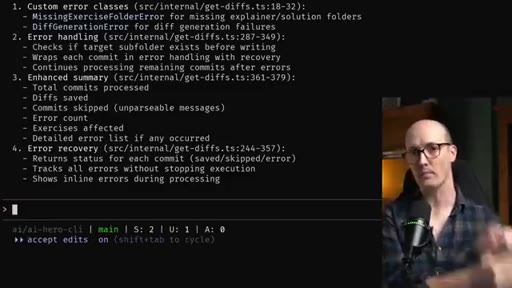
Claude fetches issue, reads correct file, implements. Issue stays in context so phase 5 needs no second fetch.
09:45 – 10:11

08 · Three top tips

Explicit recap: (1) concision rule in memory, (2) unresolved questions at end of each plan, (3) GitHub CLI for cross-context plan persistence.

§ · Storyboard

Visual structure at a glance.

open — mid-task
rules file — concision
make it multi-phase
execute phase one
GitHub Issue bridge
fresh context, phase 4
three top tips
§ · Frameworks

Named ideas worth stealing.

03:16 model

Multi-Phase Plan Loop

  1. Dictate rough prompt (no polish needed)
  2. Plan mode — explore codebase, surface clarifying questions
  3. Answer unresolved questions inline
  4. Force multi-phase if feature spans a context window
  5. Execute phase by phase, check context between each
  6. gh issue create with full plan before context fills
  7. Clear context, resume: get GitHub issue N and enact phase X

Seven-step loop for shipping large features without losing the plan to context resets.

Steal for Any long JoeFlow/MCN session — especially batch-template builds or multi-day feature work
02:11 concept

CLAUDE.md Concision Rule

Single rule: In all interactions and commit messages be extremely concise and sacrifice grammar for the sake of concision. Makes plans scannable, questions answerable, diffs reviewable.

Steal for Add to project CLAUDE.md for any multi-day feature work
03:16 concept

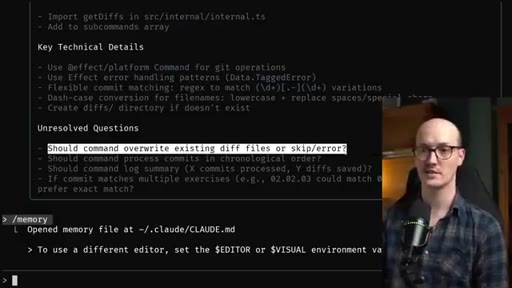
Unresolved Questions Pattern

Rule in memory: At the end of each plan, give me a list of unresolved questions to answer if any. Make the questions extremely concise. Turns planning into a form you fill out.

Steal for Add to project CLAUDE.md for any multi-day feature work
07:35 model

GitHub Issue as Context Store

Before clearing context, gh issue create with the full plan including checkboxes. Survives resets, commentable async, shareable with collaborators.

Steal for JoeFlow batch sessions — store the session plan as a GH issue so an afternoon can resume the next morning
§ · Quotables

Lines you could clip.

00:13
"What I'm doing is less important than how I'm doing it."
Zero setup, clean frame — works as a hook with no context needed → TikTok hook
02:52
"It's 100% my favorite thing I've added to rules and I'm never taking it out."
Conviction + specificity — drives comments → IG reel cold open
03:37
"My spidey senses are tingling here."
Personality moment — developer intuition over AI output → Clip mid-point for retention hook
07:20
"I'm being very direct with it. Pull the files into your context."
Practical tip delivered in one punchy line → TikTok tip clip
§ · Pacing

How they spent the runtime.

Hook length13s
Info densityhigh
Filler3%
§ · Resources Mentioned

Things they pointed at.

02:11toolCLAUDE.md memory system
§ · CTA Breakdown

How they asked for the click.

09:45 next-video
"Thanks for watching. This ended up being a pretty chunky video, and I will see you in the next one."

No explicit subscribe ask. No product pitch mid-video. Newsletter mentioned only in description.

§ 04 · The Script

Word for word.

HOOK opening / re-engagementCTA the pitch metaphor
00:00HOOKWhat's up, friends? We're gonna do a little bit of a different kind of video. I've been working a lot with Claude code recently.
00:05HOOKI've been getting a lot of questions on how I use it. And so I just sat down to do a little bit of work, and I realized this is actually a really good opportunity to show a complicated multi phase plan with Claude code.
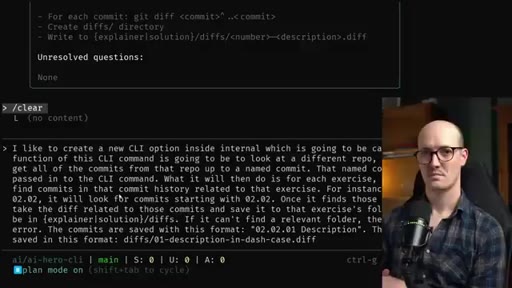
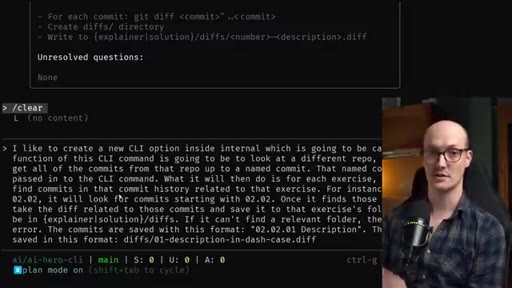
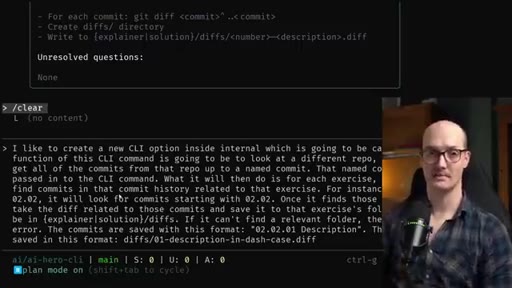
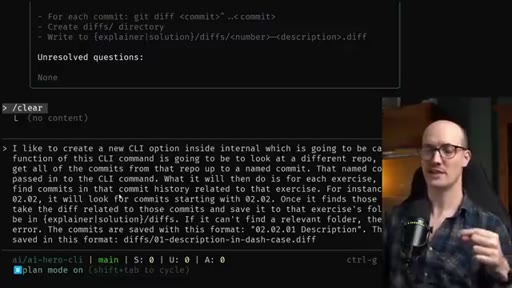
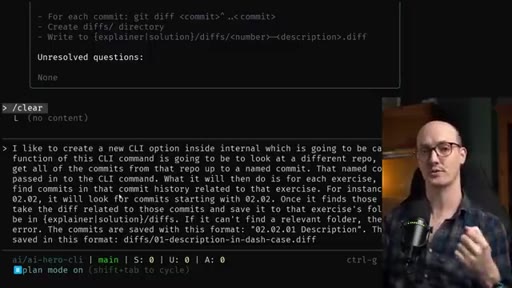
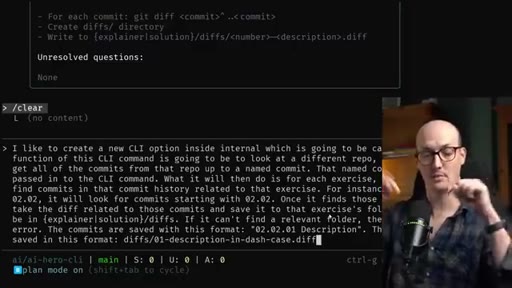
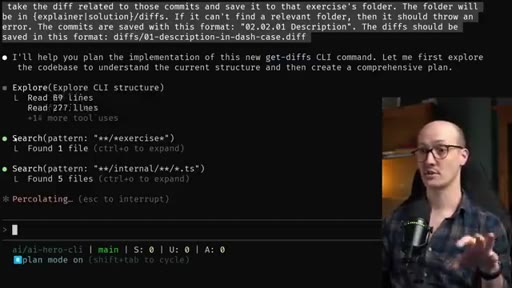
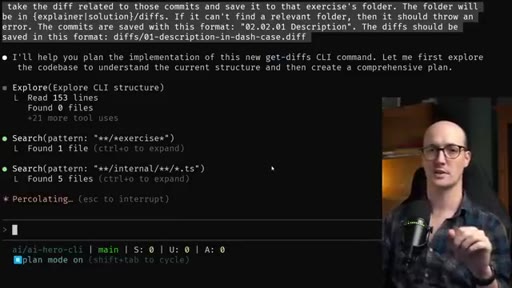
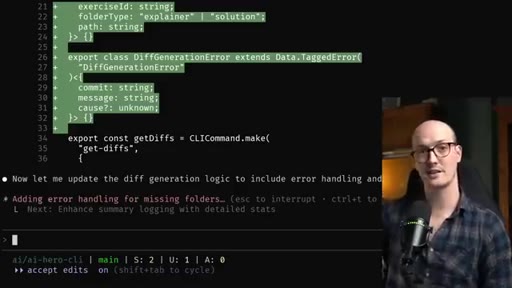
00:16The only thing I've done so far is I've written this prompt here. I'm doing a bit of work to add a CLI command to an internal CLI that I have to do with my AI hero courses. But what I'm doing is less important than how I'm doing it.
00:28All you really need to know is this is a pretty large feature that will go probably beyond a single context window. I have here an initial prompt that I've put in. I haven't really put too much thought into this.
00:39The way I produced this was I just talked into my microphone and used a dictation tool to dictate it in. And I've also activated plan mode here by tabbing or shift tabbing through until I hit plan mode in the bottom left. Whenever I embark out on a big piece of work, I'm always thinking about creating a plan first.
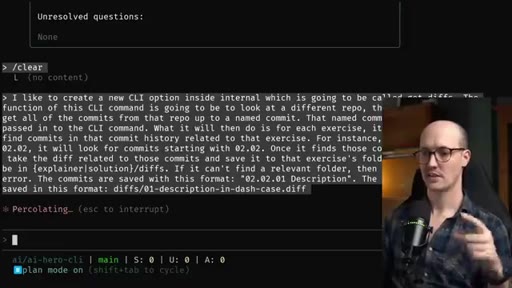
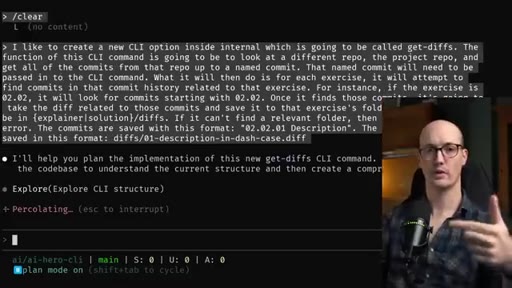
00:57Let's get this running and I can actually talk through while it's going. So this plan is basically it's sort of forcing Claude code to explore the code base first.
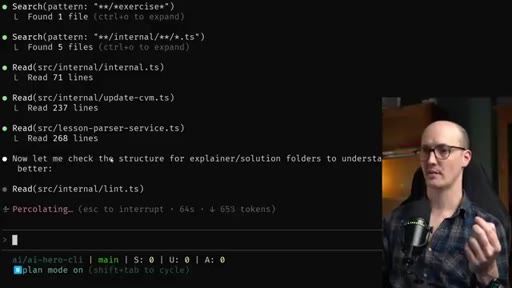
01:06We can see it's kicked off an explore sub agent task to explore the current CLI structure in the code base. It's also doing some searching here, just searching different files, searching different patterns. And what I'm waiting for it to do is to figure out anything that's unclear from my specification and give me back some sort of plan.
01:22Again, we can see it's doing a lot of stuff here. It's reading different files. It's doing some other stuff.
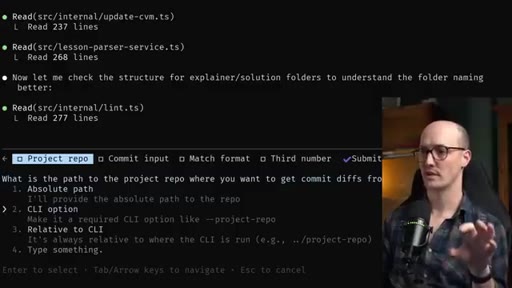
01:27Let me check the structure for explainer solution folders. And now this is really cool. It's come back with some clarifying questions.
01:33What is the part of the project repo where you want to get commit diffs from? I'm gonna make it a CLI option. I just press return to choose that one.
01:40It's asking whether I wanted to use a positional argument or required option. I'm gonna choose a required option. And it's now asking me a really specific question about my implementation like should it match exercise numbers strictly or flexibly?
01:50I'll choose flexible. And again, it's asking a clarifying question here. What does the o one represent?
01:55It represents the sequence of the diff. This is basically a multi step form and then I end up with the submit. I'm ready to submit my answers.
02:01Let's go. Alright. It has now come back with a plan.
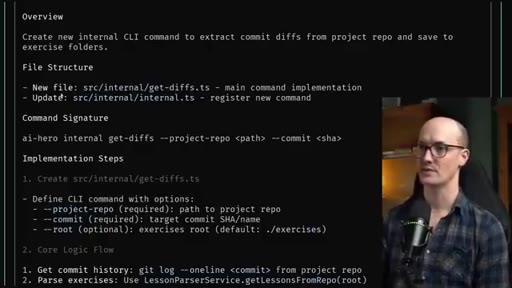
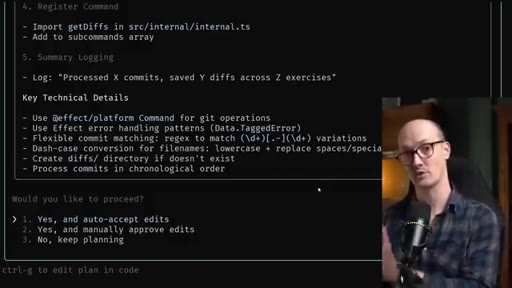
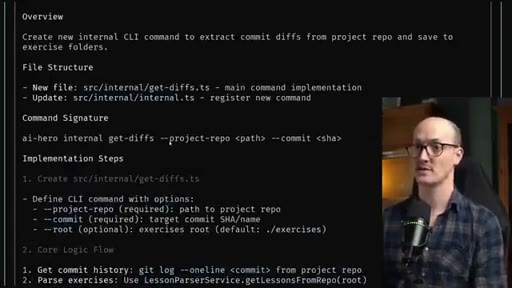
02:04HOOKNow this plan might look a little bit different from the plans that you tend to get from Claude code. The first thing is it's extremely concise here.
02:12HOOKWe have a fair few sections but the stuff inside those sections is pretty easy to read. This is because I have this configured like that in my rules which we'll look at in a moment. We have a new file, get diffs dot t s, and an updated
02:22HOOKfile that seems fine. And it's created some implementation steps here too.
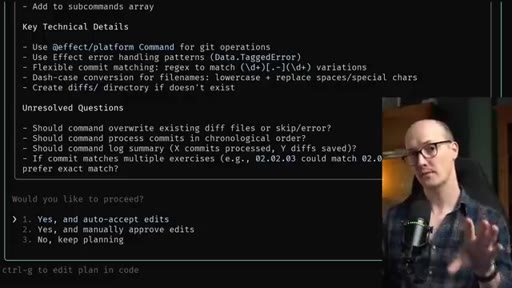
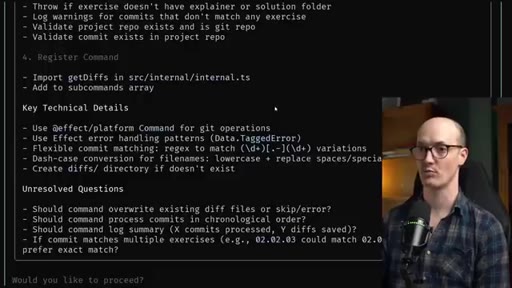
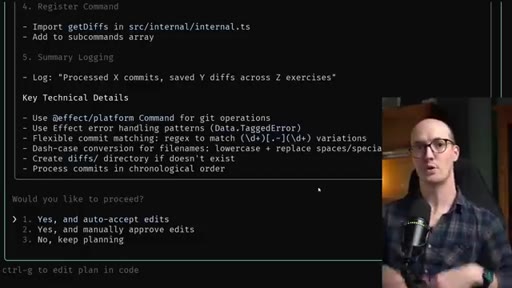
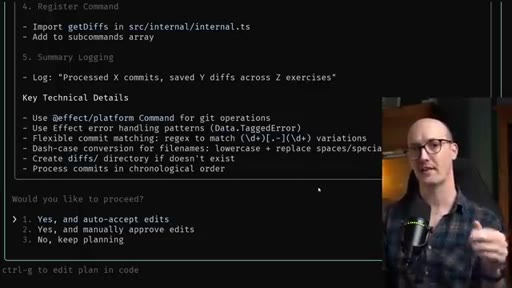
02:26HOOKThe crucial thing though, and I have this set up in my rules too, is it's given me some unresolved questions. And I get to choose whether I want to auto accept the edits, manually approve the edits, keep planning. I'm gonna escape out of this for now just so I can show you what's in my rules file.
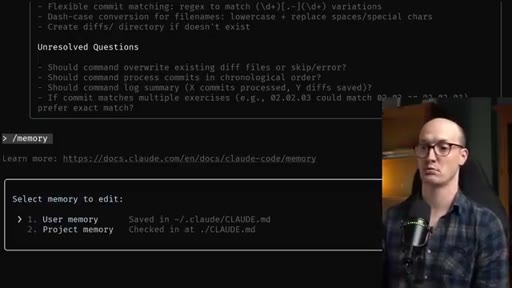
02:40HOOKYou can call this command memory and you can basically be taken to your user memory or project memory. This is what my user memory looks like. It's really not very long, only about 43 lines.
02:50HOOKI've given it just some very light hints about what I want. The crucial thing though is to say in all interactions and commit messages be extremely concise and sacrifice grammar for the sake of concision. That's why that plan is so concise and easy to read is because of this top line rule.
03:05HOOKAnd it's a 100% my favorite thing I've added to rules and I'm never taking it out. There's some stuff in here that's specific to my workflow like PR comments, like change sets as well which I use in quite a few repos.
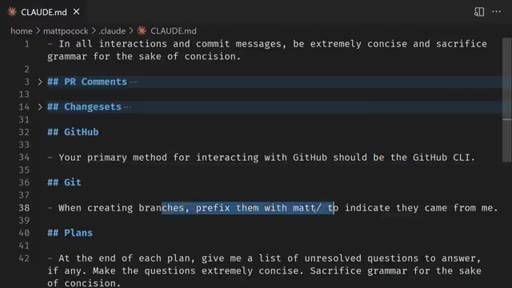
03:16I've already said that your primary method for interacting with GitHub should be the GitHub CLI. When creating branches, prefix them with mat to indicate they came from me. Very, light stuff.
03:24But here's the one we're seeing here which is at the end of each plan, give me a list of unresolved questions to answer if any. And again, make the questions extremely concise. Sacrifice grammar for the sake of concision.
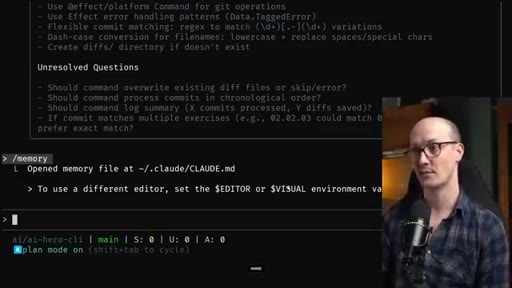
03:33This is why then we're getting this list of unresolved questions right to the point where we can see them. So I'm now going to dictate my answers to these questions into this box. I'll just do the first question just so you get the idea.
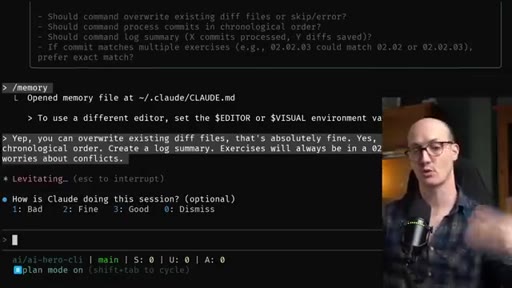
03:43Yep. You can overwrite existing diff files. That's absolutely fine.
03:46And thanks to my dictation tool, this ends up Okay. I've now got my full answers to those questions. Let's submit it and it's going to continue creating another plan.
03:53Notice how we haven't written any codes yet. This is all just planning before we dive into code. Okay.
03:58It's now given me a plan without any unresolved questions. Questions. But my spidey senses are tingling here, and I've got a feeling this is a pretty large piece of work.
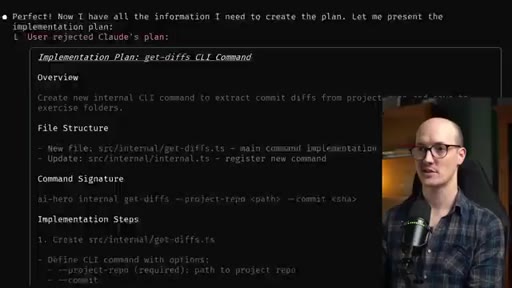
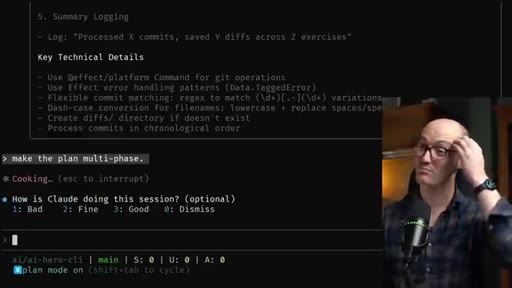
04:06And if this piece of work is too large, it's going to overrun the context window of the LLM. It's going to be much better going forward if I break this into a multi phase plan that I can split over multiple context windows. So I'm actually gonna say no, keep planning, and then make the plan multi phase.
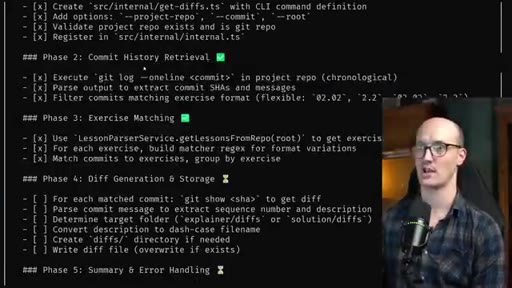
04:22Make the plan multi phase is really, really nice because it's going to tell Claude to break this down into a set of implementation steps. And now we have our multi phase plan. Beautiful.
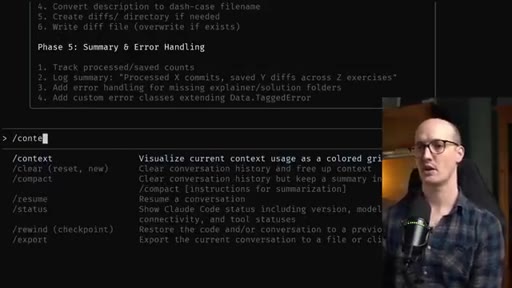
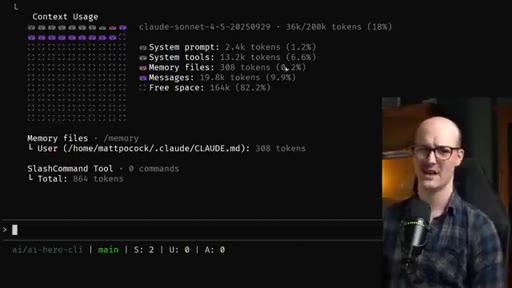
04:32Now at this point, I'm starting to get a little bit nervous about my context window. Like, that's a paranoia that I have. And I'm just gonna go and exit out of there and just check my context and see how it's doing.
04:42We can see that so far we have 83.7 free space. That's feeling pretty good.
04:46We've only used about 33 k tokens. Lovely. So I think having had all the exploration and now having this plan in memory,
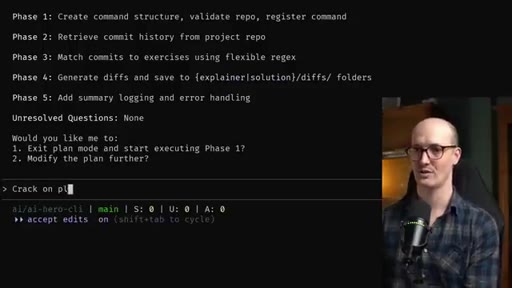
04:54we can then start executing the plan. So I'm gonna swap to auto accept edits and I'm gonna say execute
05:01phase one. Let's go.
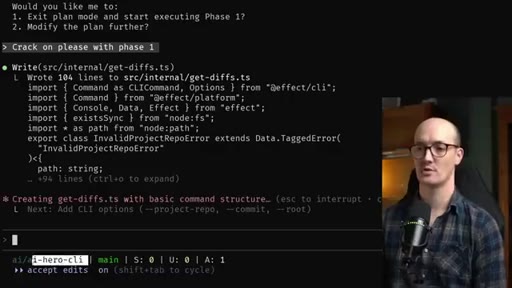
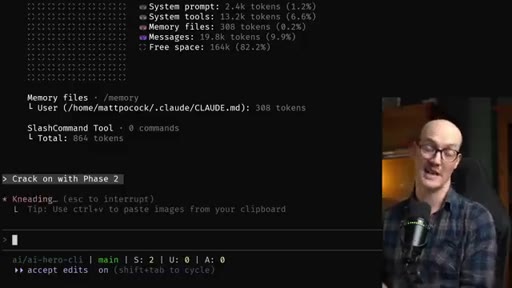
05:03Okay. We've had our first little paper cut which is it still thinks it's in plan mode. I just say crack on please with phase
05:11one. Lovely stuff. While it's doing its thing, we should talk about this little status line down the bottom.
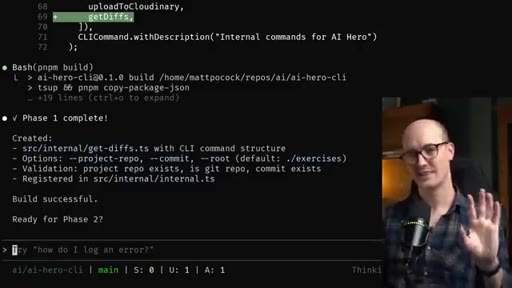
05:15I have this customized so it shows which repo I'm in relative to my repos folder. It also shows which branch I'm on and how many staged, unstaged, and new files I have inside the current repo. It's already asking me to build the project.
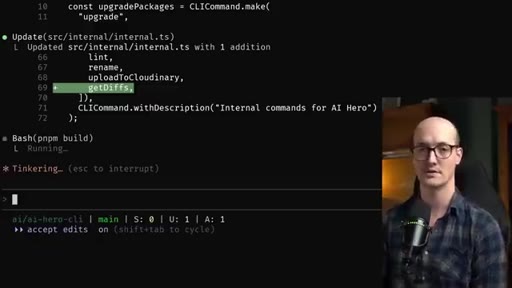
05:28That's a good sign. And I'm gonna say yes and don't ask again for p n p m build commands. I'm not gonna review it as it's going.
05:34I'm just gonna review it when it gets to the end. So what I wanna do now is open it up in Versus Code to have a look at the files and just see if there's anything I need to tweak. I'm actually going to exit out of Claude here by pressing control c twice.
05:45I'm just gonna run code dot. And now I do wanna get Claude back into this terminal. So I'm just gonna say Claude continue.
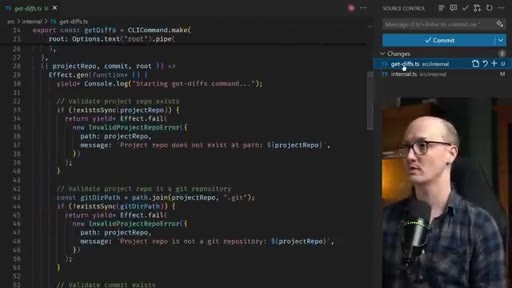
05:51And Claude will now pick up our conversation where we left off. It's a really nice little flow if you just want to x out of Claude, run a CLI command, and then go back. So now I can just use the, you know, standard git diff viewer that we're all used to just to see what's going on here.
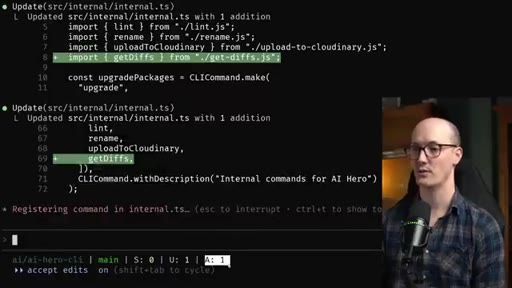
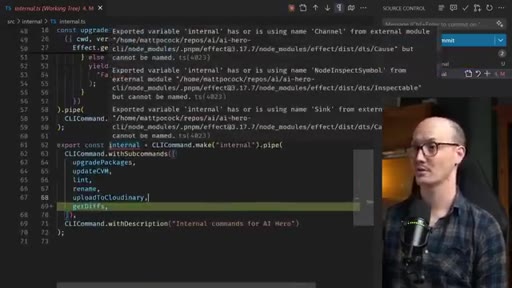
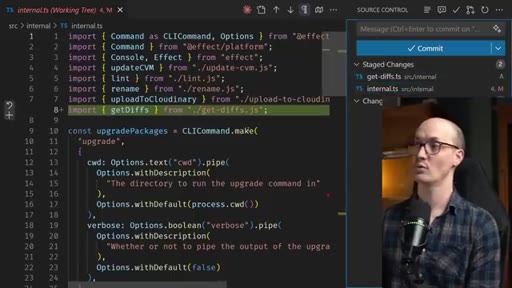
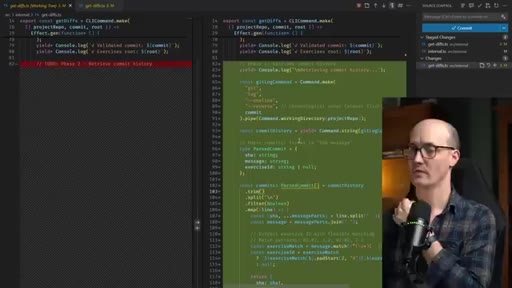
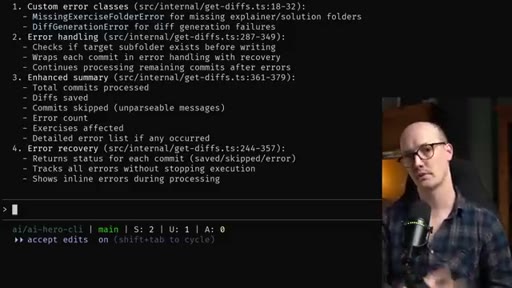
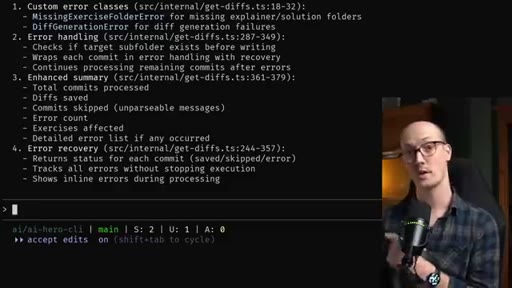
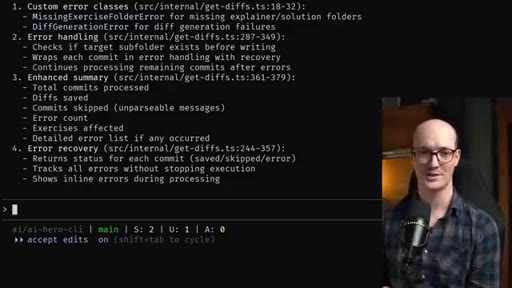
06:04I can see that it's added gitdiffs.js. That's nice. And it's added this to internal.
06:08There is a TypeScript error there, but shocker it was actually there before. And I'm not entirely sure how to fix it and I can't be arsed. You can also see it's left in here a to do for phase two which is really nice.
06:18It means that when we go to phase two, we actually have a hint in the code where it's going to execute it. So this all looks good. What I like to do is either commit these changes or just stage them so it's really clear between phases what's been added.
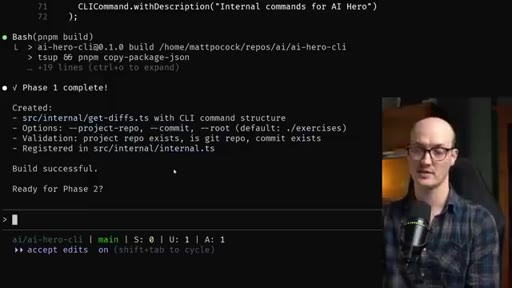
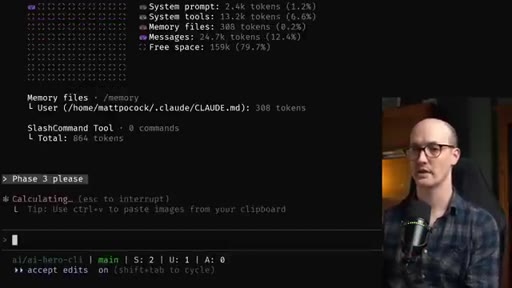
06:29If we go back to Claude, let's have a quick check on context. Yeah. Phase one only used like three k tokens, so we can absolutely
06:36crack on with phase two. And I'm gonna leave it accept edit on. Now that we've done the planning, we can be pretty aggressive with accept edit on because we understand the implementation a bit and we kinda get what's going on.
06:48Phase two is complete and I'm reviewing it and it looks pretty nice. A quick check on context. We are in a very healthy place.
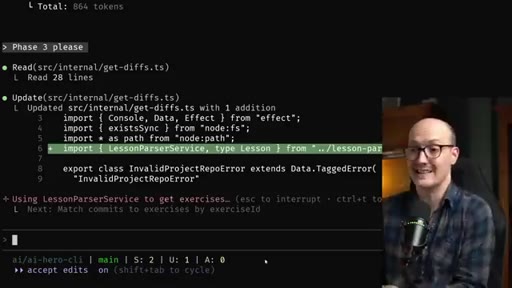
06:54Let's do phase three, please. Something I really wish that Claude code would add is to just add the amount of tokens that I've used so that I can put it in my status line.
07:02That would mean I wouldn't need to keep running context. I would just have it right there, which is something that cursor does really really well actually. So phase three is complete and then what I accidentally did was went into the file and press save.
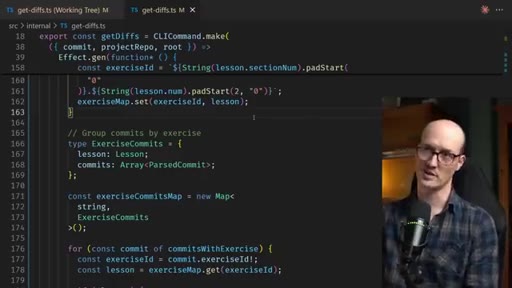
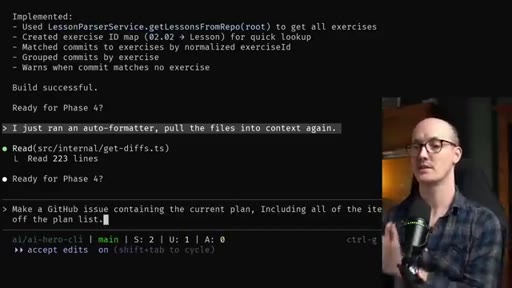
07:13And an auto formatter ran and it did a little couple of changes. When that accidentally happens, the Claw code doesn't know anything about it. So I do like to tell it.
07:21I'm being very direct with it as well. Pull the files into your context. Context.
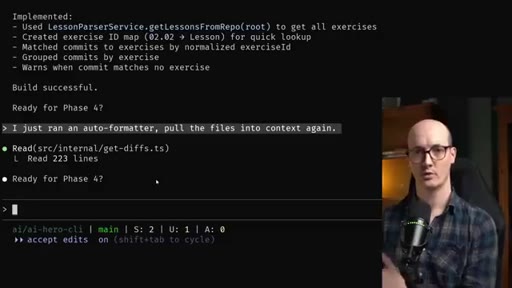
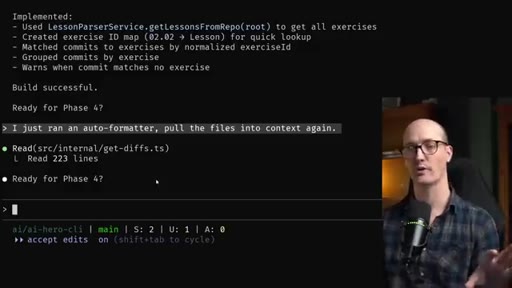
07:24And note how it followed my instructions really well. It didn't do anything. It just literally read a file again.
07:29So our context is in a pretty healthy place and I'm pretty sure we're gonna be able to get to the end of this feature without actually needing to reset the context window. But I want to show you what it's like when you do reset the context window.
07:41The cool thing about having a multi phase plan is that we can preserve it between different context windows. And the LLM should have all the information it needs to carry it on. But the question is where do we actually store it?
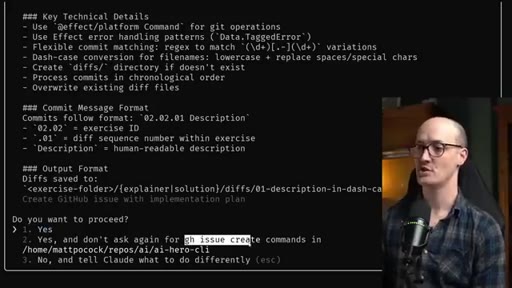
07:52Do we put it in a local file or do we do something else with it? What I like to do is actually keep these as GitHub issues. And I've said to it, make a GitHub issue containing the current plan including all of the items that you've checked off the plan list.
08:03This is calling g h issue create with this plan in the description of the issue. Everything's been checked off for all of these phases except for phase four and five.
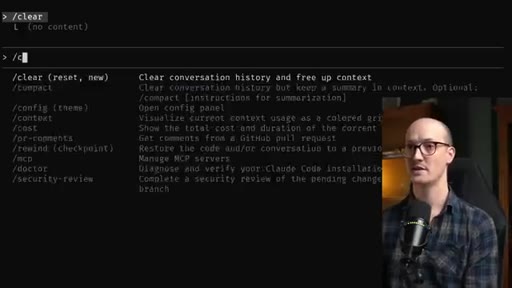
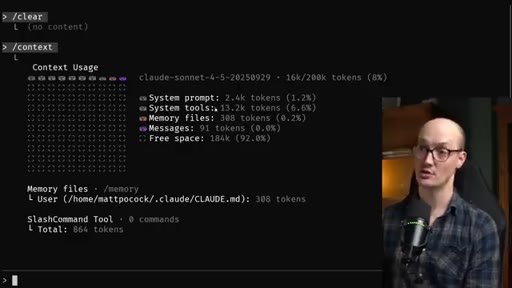
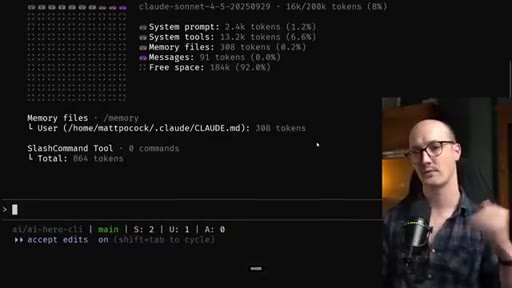
08:12I'm happy with this, so I'll accept this. And now that I have this asset out outside of my context window, I can feel happy clearing it. And this means if I run context now, we now have virtually nothing in the context window.
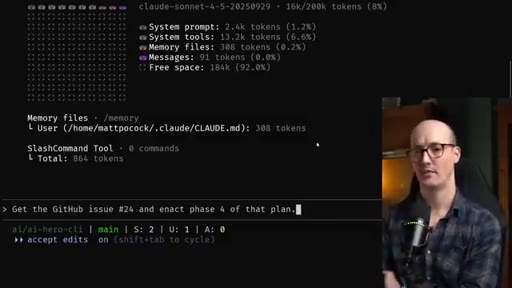
08:24No messages whatsoever. We're down to 16 k tokens just from our memory files, the system tools, and the system prompt. So I'm now going to ask it,
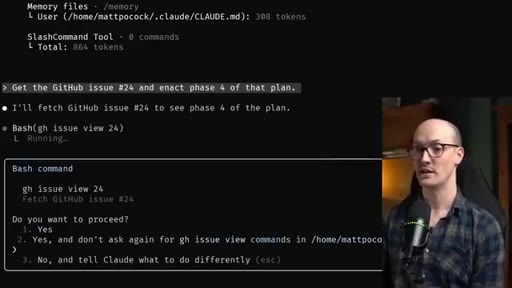
08:32get the GitHub issue 24 and enact phase four of that plan. Now I'm deciding in my head, do I want to go for accept edits on or do I want to go for plan mode? Because plan mode basically forces it to do a little bit of exploration,
08:46and the exploration might be necessary because we've completely cleared out the context. I think though I'm gonna go for accept edits on and basically just get it to take the information from the plan and get going. You can see it's asking to view an issue and I'm happy to say don't ask again.
09:01Issues are fine to view. Okay. It hasn't done so much planning or like code base exploration here, but it has read the correct file and it's now implementing the correct stuff, I think.
09:09Yep. That's actually looking really nice. Let's now do phase five.
09:12And, of course, because it's already fetched the GitHub issue, it doesn't need to fetch it again. It's still just in the context window. So this process then of splitting work into phases is really, really important.
09:22You don't have to put each phase into a separate context window. You can do as many phases as you like, check-in the context window as you go. And I really like keeping these assets in the cloud because then, actually, people can comment on them, add stuff overnight, add stuff async.
09:36CTAAnd I find this flow is a really nice combination of letting the AI go and do its work on accept mode and having a lot of upfront thinking, doing lots of thought via planning. And this is currently how I'm doing all of my coding, not only for AI Hero stuff, but also for Everlight.
09:52CTAAnd I think my top tips are make sure that in your memory file, have a tip to be extremely concise. Get it to produce unresolved questions at the end of each plan, and get it to use the GitHub CLI to create issues so you can share context across multiple context windows. Thanks for watching.
10:07CTAThis ended up being a pretty chunky video, and I will see you in the next one.
— full transcript
§ 05 · For Joe

Steal the GitHub Issue trick.

Joe's Claude Code workflow

The plan that survives a context reset is a plan stored outside the context window.

  • Add one rule to your CLAUDE.md right now: be extremely concise and sacrifice grammar for the sake of concision. That single line makes plans scannable and questions answerable.
  • Tell Claude to end every plan with a list of unresolved questions. Turns planning into a form you can answer fast.
  • When a feature spans more than one session, type make the plan multi-phase before executing anything.
  • Before your context fills: gh issue create with the full plan, checkboxes intact. Clear context. Resume with get GitHub issue N and enact phase X.
  • Check context between phases with /context — not obsessively, but before each major execution block.
  • If a file changes outside Claude (formatter, linter, manual save): tell it directly to pull the files into context. One line, done.
§ 05 · For You

How to actually finish a big coding project with AI.

If you use Claude Code or any AI coding tool

The AI does not fail on big projects because it is dumb — it fails because you run out of context and it loses the plan.

  • Before writing a single line of code, ask the AI to explore your codebase and ask you clarifying questions. Answer them. Then ask for a plan.
  • If the feature is large, ask the AI to make the plan multi-phase. This gives you checkpoints instead of one giant prompt.
  • Create a GitHub Issue with the plan before you clear your session. Now the plan lives outside the AI's memory and you can pick up tomorrow.
  • Put one rule in your AI memory file: be extremely concise. Your plans will go from unreadable walls of text to scannable bullet lists.
§ 06 · Frame Gallery

Visual moments.