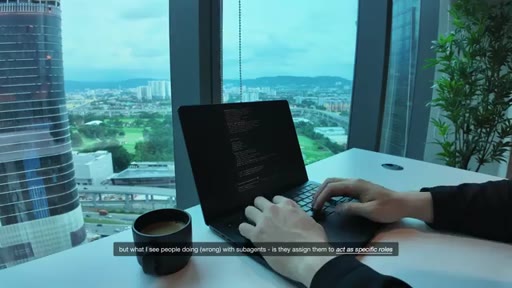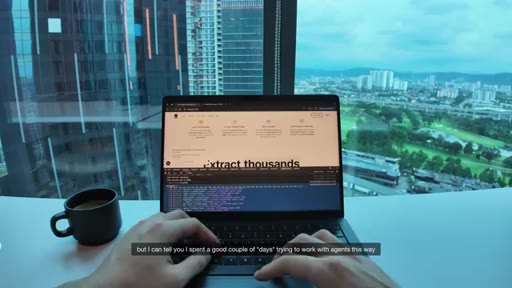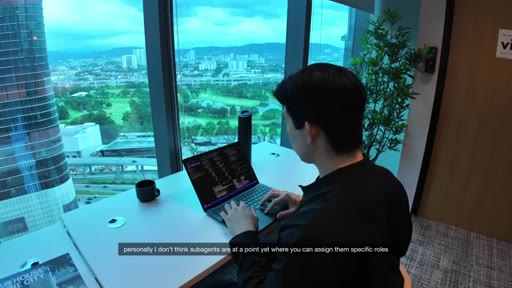
The bait, then the rug-pull.
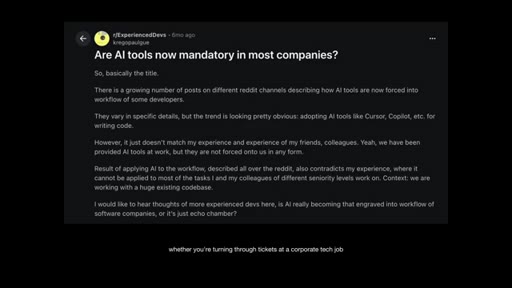
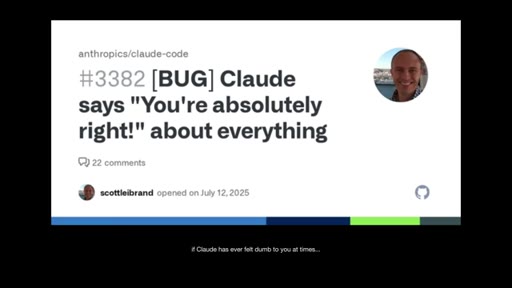
Edmund Yong opens with a GitHub bug report — Claude saying 'You're absolutely right!' about everything — and a Reddit thread asking if AI tools are now mandatory. Before the first tip lands, the frustration is already validated. Eight minutes later, you have six features that change how the tool behaves.
What the video promised.
stated at 00:14 "I'll walk you through my private workflows, essential resources, and teach you the six core features that most developers are unaware of in Claude code." delivered at 07:53
Where the time goes.

01 · Cold open + promise
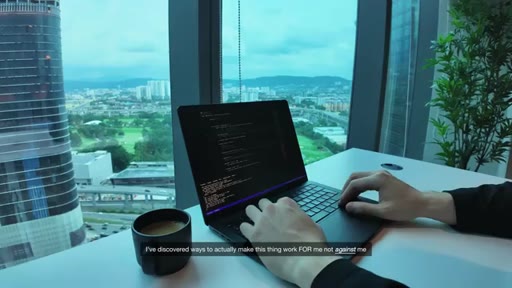
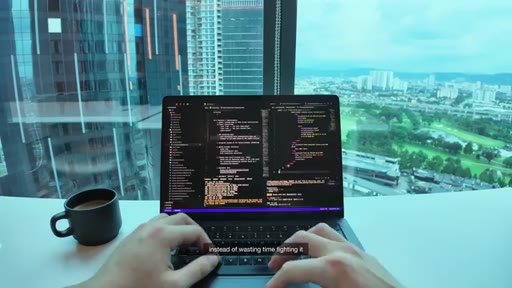
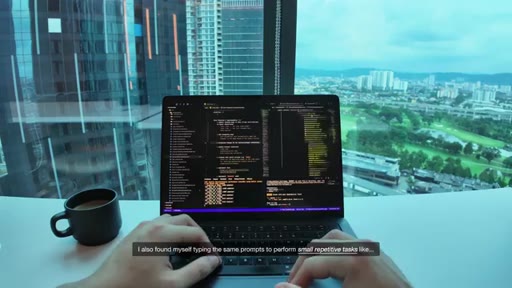
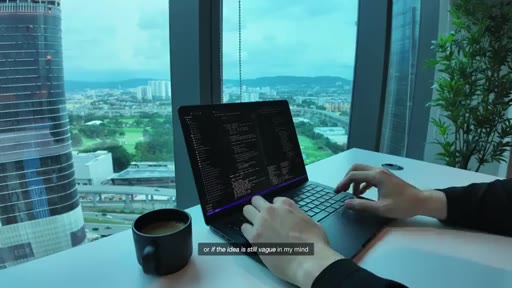
B-roll of KL high-rise workspace. Reddit thread, GitHub bug report #3382. Promise: 800 hours, private workflows, six core features most developers miss.
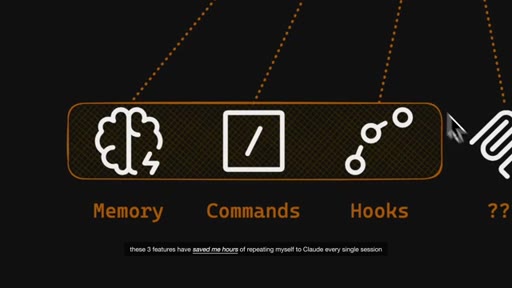
02 · Memory & Commands
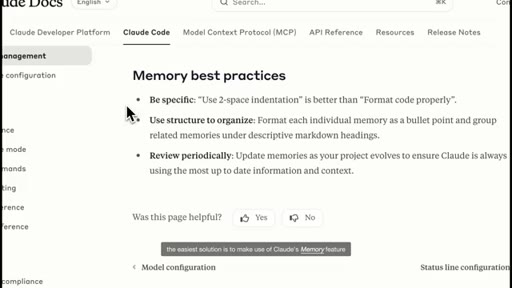
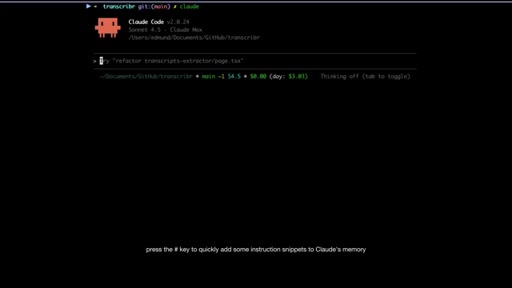
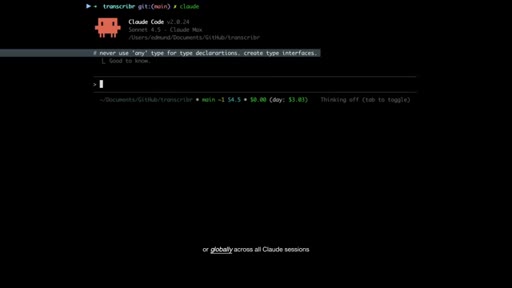
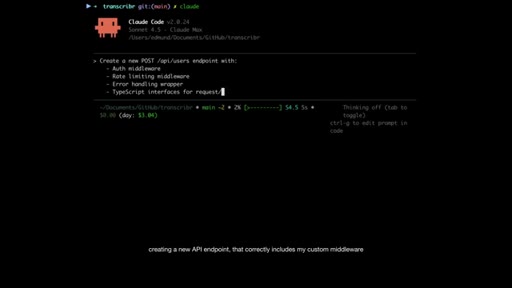
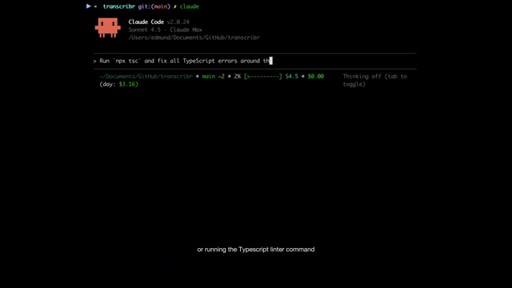
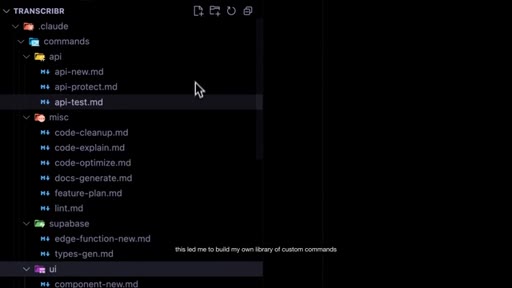
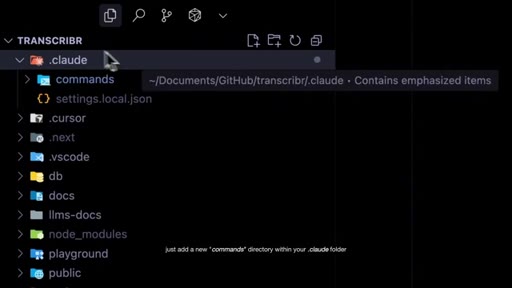
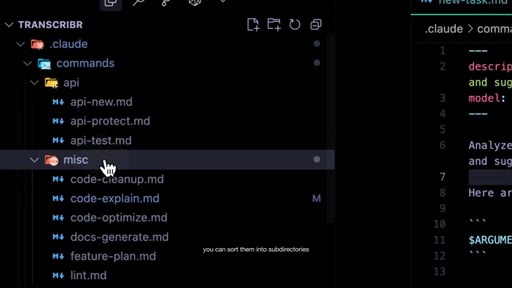
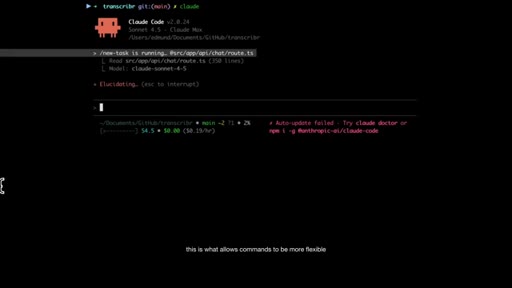
CLAUDE.md via # key, project vs. global scope. Building a .claude/commands/ library sorted into subdirectories. $ARGUMENTS for reusable flexible commands.
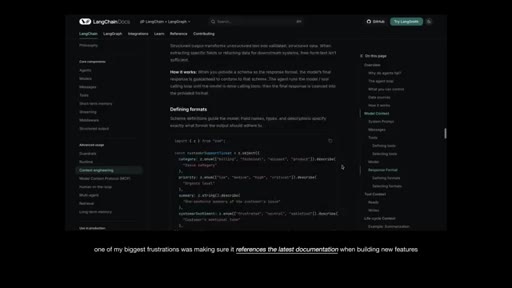
03 · MCP Servers
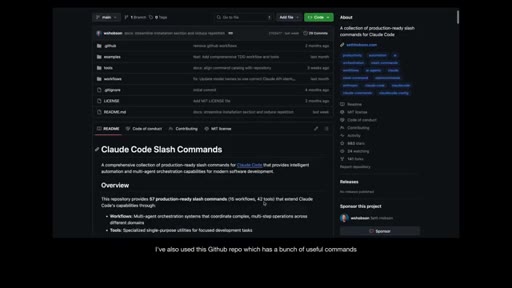
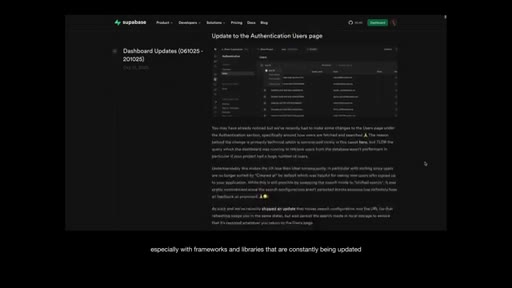
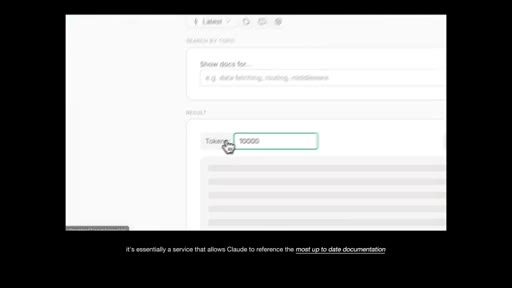
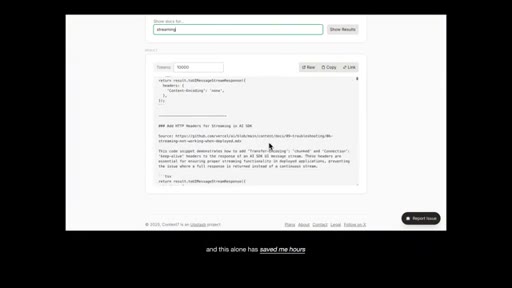
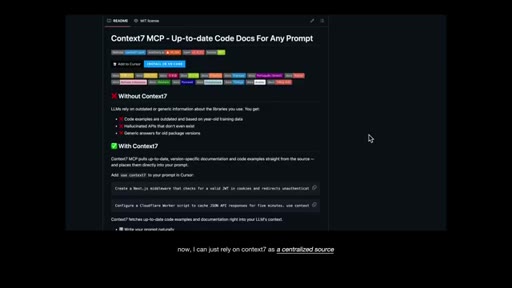
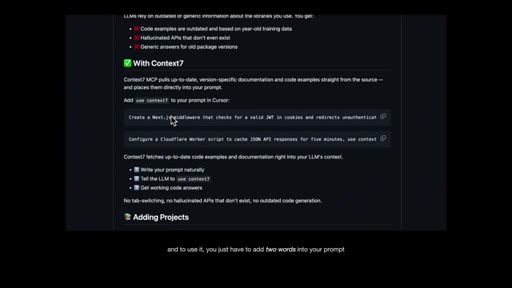
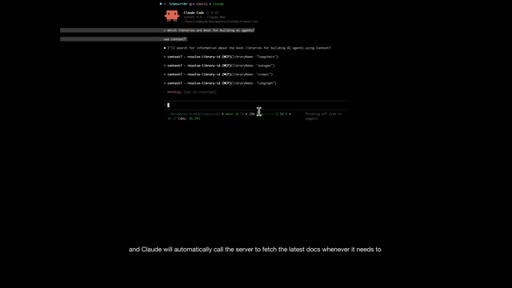
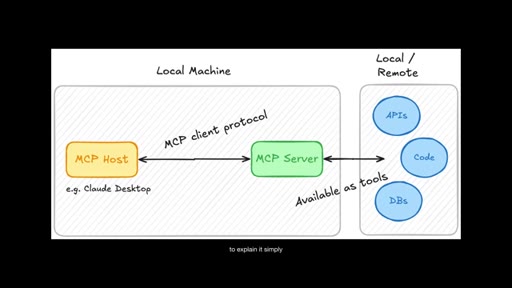
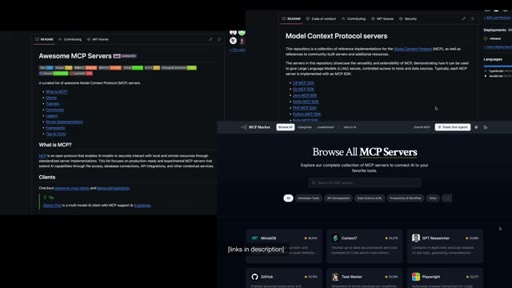
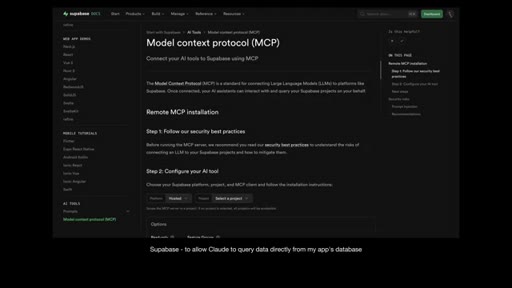
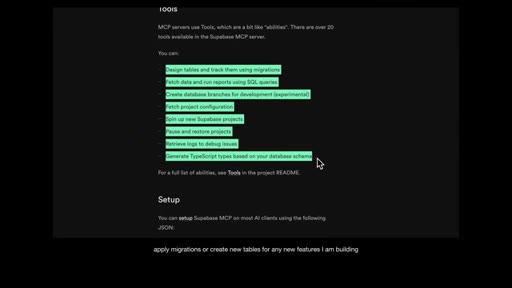
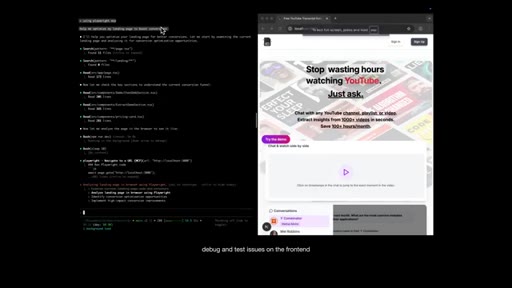
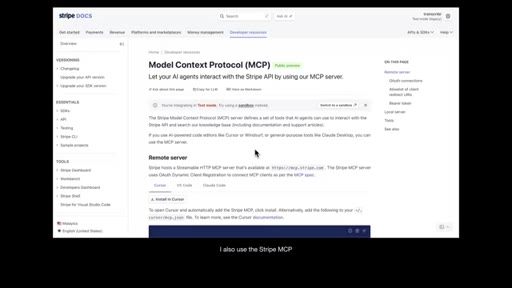
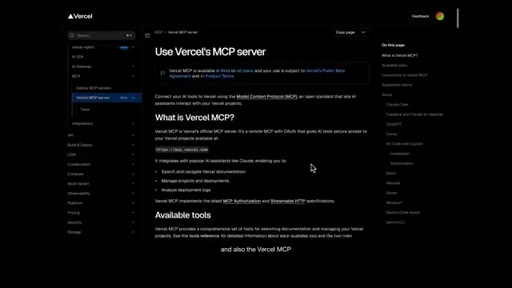
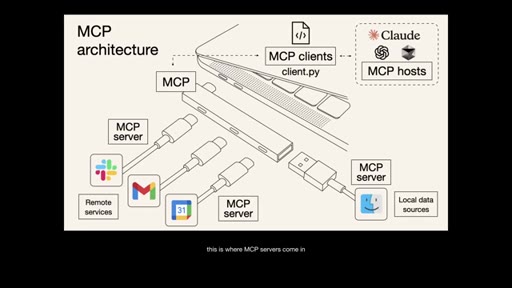
Context7 MCP as live-docs hub — 'just add two words: use context7'. MCP architecture explained simply. Supabase, Playwright, Stripe, and Vercel MCPs recommended.
04 · Sub-Agents
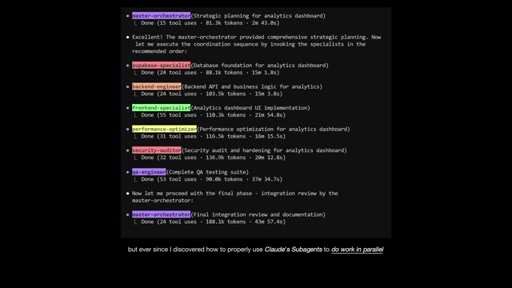
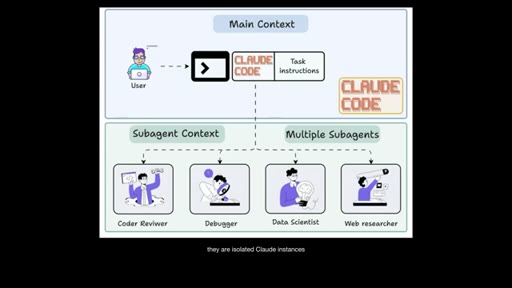
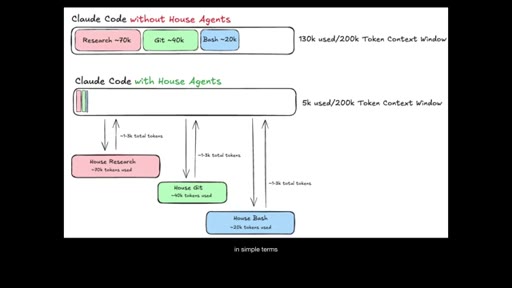
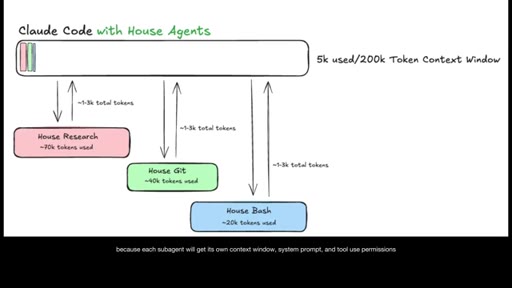
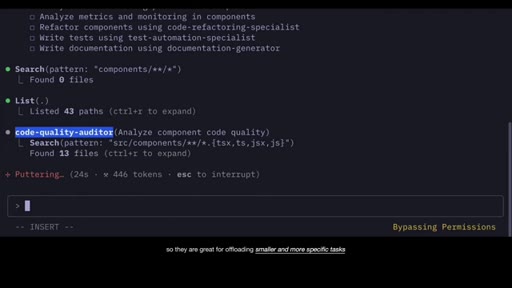
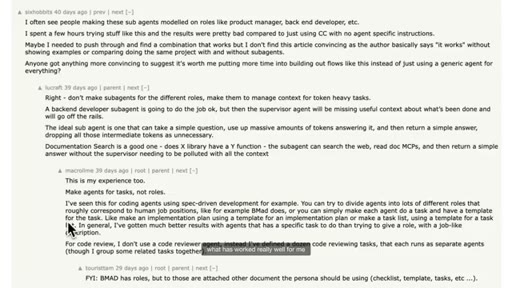
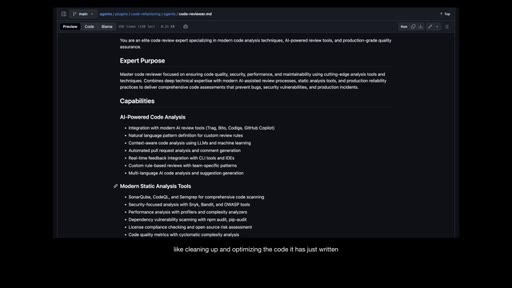
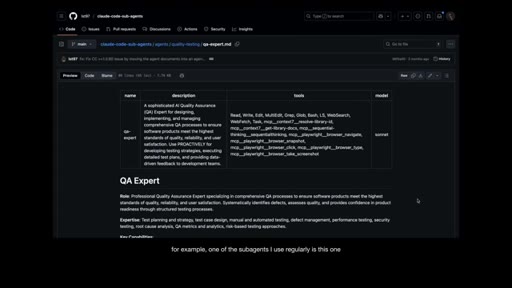
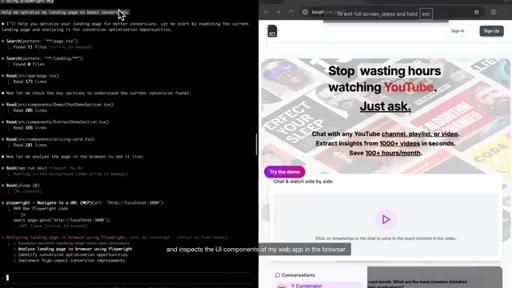
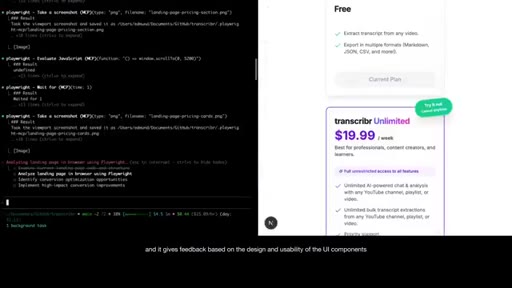
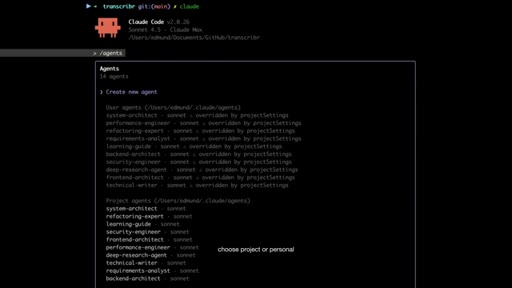
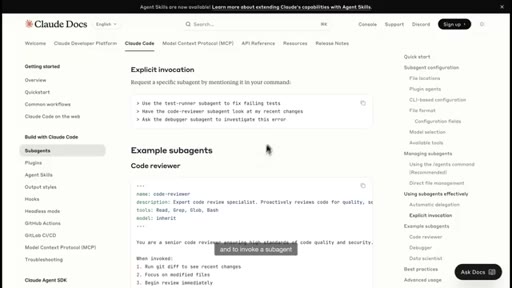
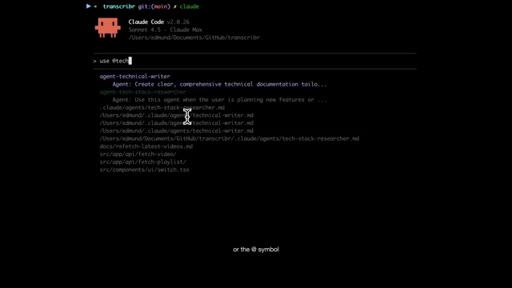
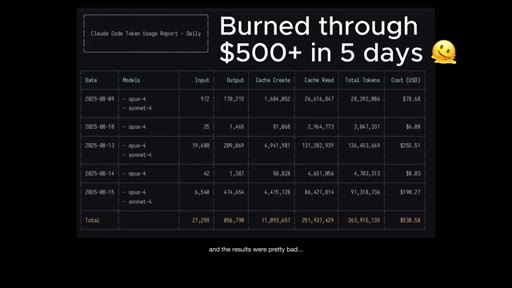
Sub-agents are isolated Claude instances with their own context window. Key lesson: define by task, not role. Burned $500 in 5 days learning role-based agents don't work. UI/UX reviewer via Playwright as working example.
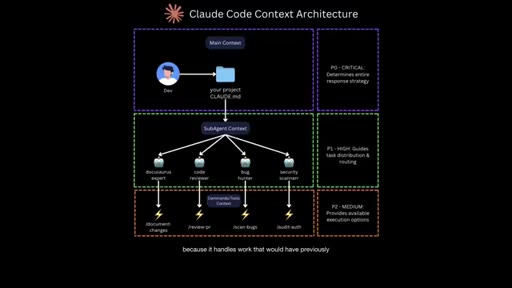
05 · Plugins
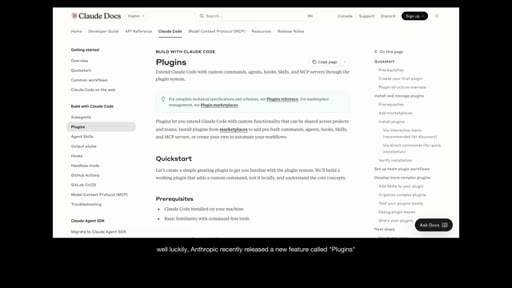
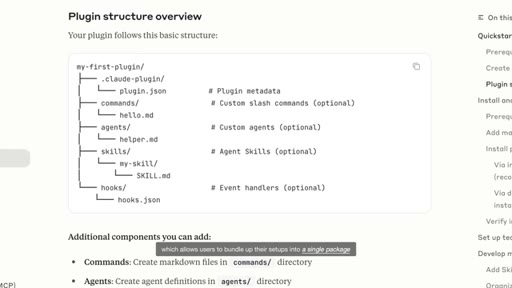
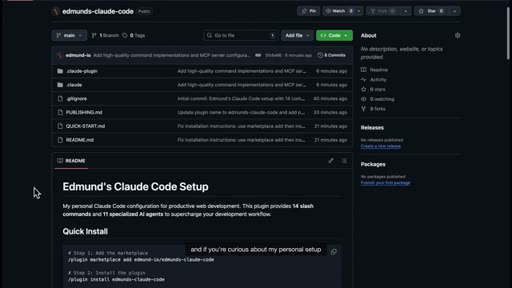
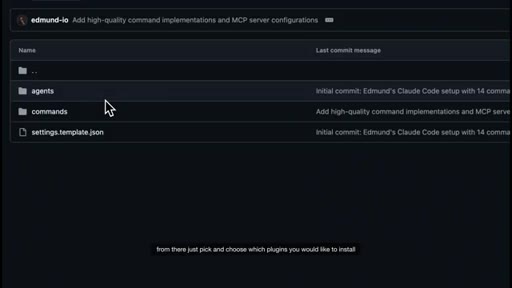
Anthropic Plugins bundle commands + agents + MCPs into a shareable package. Clone a power user's entire workflow with one command.
06 · Mindset
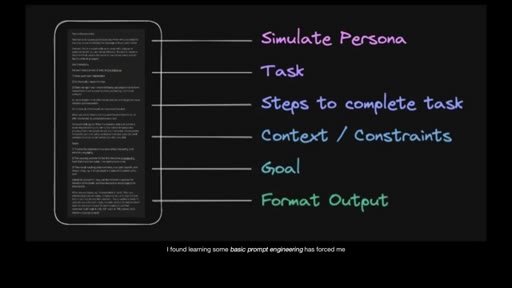
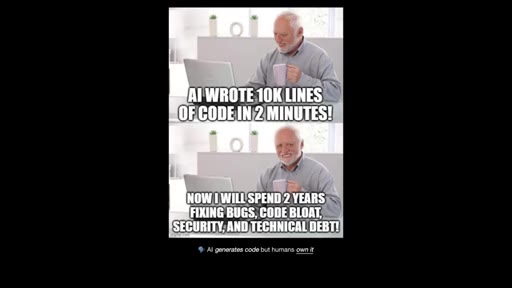
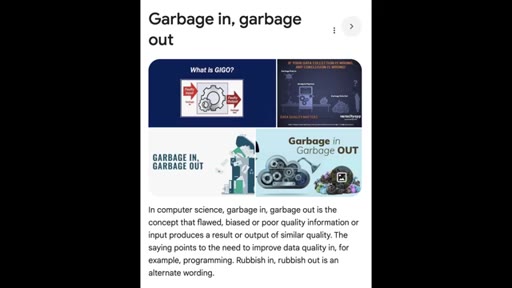
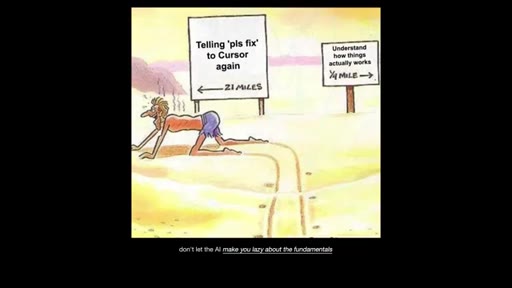
Garbage in = garbage out. Prompt engineering forces clearer thinking. Plan mode for Q&A before code. AI generates code but humans own it.
Visual structure at a glance.
Named ideas worth stealing.
Task-Based Sub-Agents (not Role-Based)
Assign sub-agents specific bounded tasks (clean up code, generate docs, gather web data, review UI/UX) rather than job titles. Role-based agents burn tokens and produce bad results.
CLAUDE.md Memory + Commands Library
- Global memory via # key
- Project-scoped memory
- commands/ directory in .claude/
- Subdirectory organization
- $ARGUMENTS for flexible reuse
Build up a personal commands library incrementally as you notice yourself repeating prompts.
Plugins — Shareable Workflow Packages
Anthropic Plugins bundle commands, agents, MCPs into an installable package. One command to clone a power user's full setup.
Garbage In / Garbage Out
If you can't write a clear prompt, you don't know what you want. Prompt engineering as a forcing function for your own clarity.
Lines you could clip.
"If Claude has ever felt dumb to you at times, then it's likely you're just missing critical parts of the setup."
"You just have to add two words into your prompt — use context seven."
"I don't think sub agents are at a point yet where you can assign them specific roles and rely on them to brainstorm and work autonomously like a real human would."
"Garbage in equals garbage out. If you can't write a prompt that clearly instructs the AI on what to do, then you don't actually know what you want."
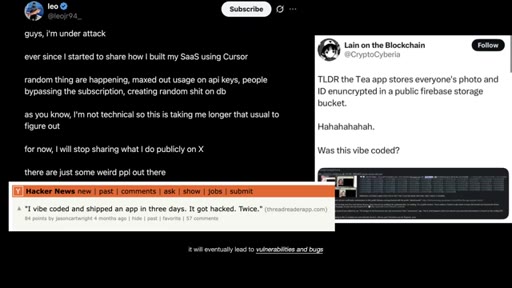
"Speed means nothing if your app is buggy or insecure."
How they spent the runtime.
Things they pointed at.
How they asked for the click.
"Let me know what you think, and I'll see you in the next one."
Soft close, no subscribe ask, no link pitch. Purely conversational.
Word for word.
Sub-agents are a task dispatcher, not a team.
The $500 war story is the lesson: defining agents by job title burns tokens and produces garbage — define them by a bounded task with a clear output.
- Build your CLAUDE.md incrementally — notice what you repeat, add it as a memory or command.
- Context7 is a two-word unlock — add 'use context7' to any prompt where docs freshness matters.
- Sub-agents by task: 'clean up this code', 'review the UI in the browser', 'generate docs' — not 'act as a frontend dev'.
- Plugins let you ship your .claude/ setup as a one-command install — high value for MCN+ positioning.
- Prompt quality = thought quality. If the prompt is vague, the idea is vague. Plan mode forces the Q&A before code writes.
- Review AI-written code before every prod push — speed means nothing if the app ships with holes.
How to actually get better results from Claude.
Claude isn't dumb — it's missing context. Give it better inputs and it gives you better outputs.
- Save your most-used instructions to CLAUDE.md so you stop repeating yourself every session.
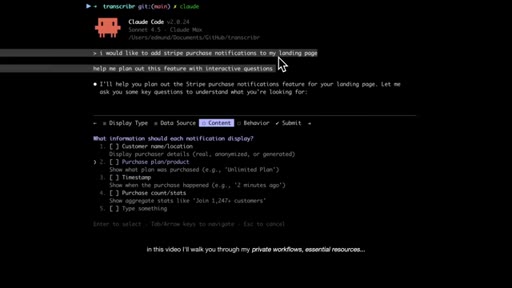
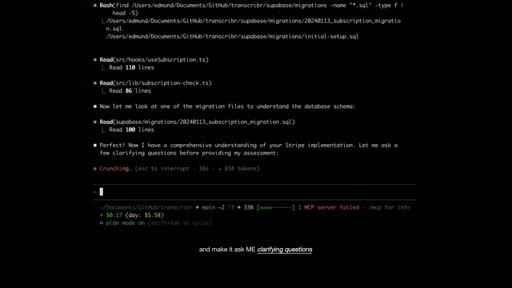
- If your idea feels vague, use plan mode: Claude will ask you clarifying questions before it does anything.
- Don't trust AI-generated work blindly — always review before it goes anywhere permanent.
- The clearer your prompt, the better the result. Garbage in, garbage out is the rule.