The bait, then the rug-pull.
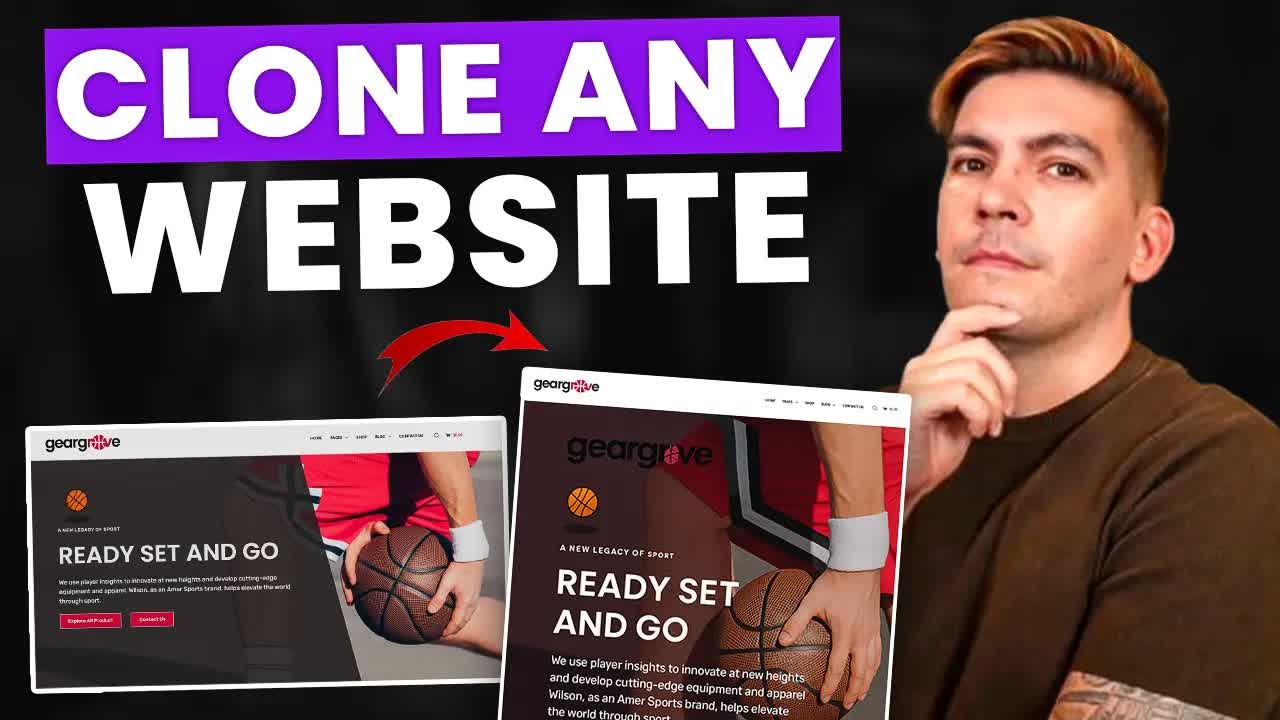
The title makes a claim that sounds like marketing — ten thousand dollars, seconds — but the video delivers it literally: paste a URL, wait three minutes, compare side by side. What makes this worth studying is the second half, where the same technique extends from copying pixels to copying behavior.
Where the time goes.

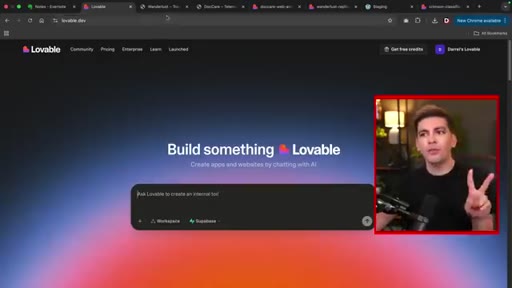
01 · Cold open + tool intro
Sets up the premise: AI cloning is real, Lovable is the tool, two Elementor demo templates chosen.

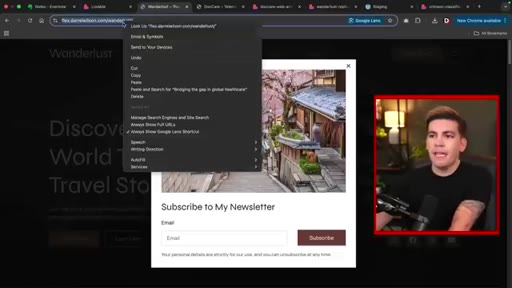
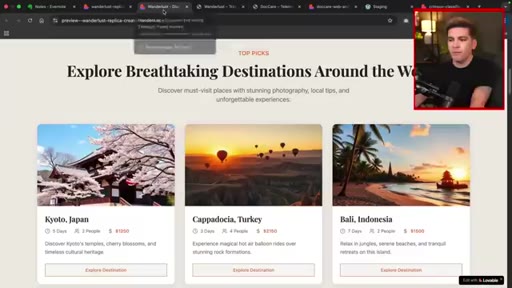
02 · Cloning Wunderlust
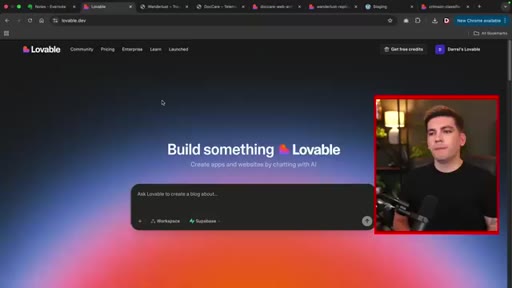
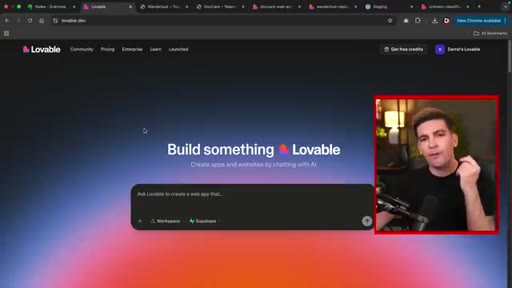
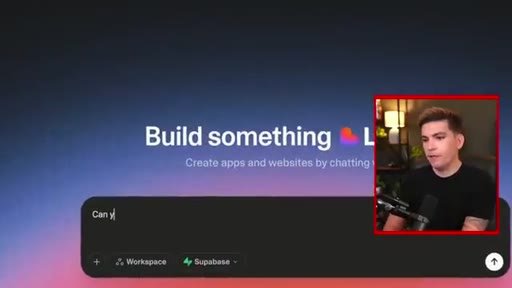
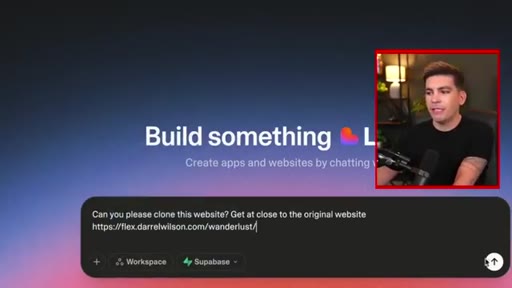
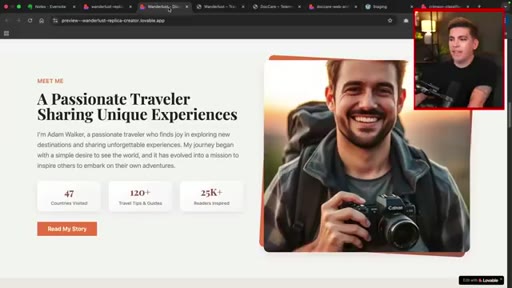
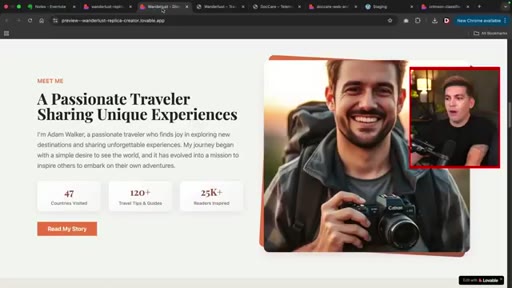
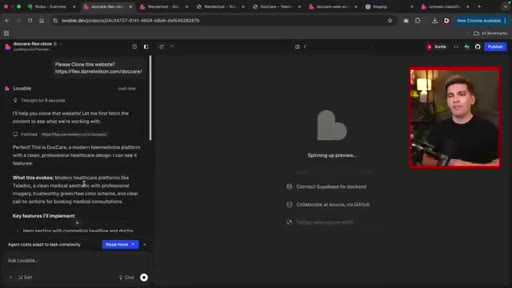
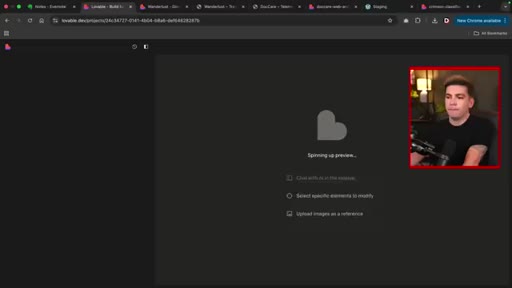
Copy URL from browser, paste into Lovable prompt, wait 1-3 minutes, open result in new tab.

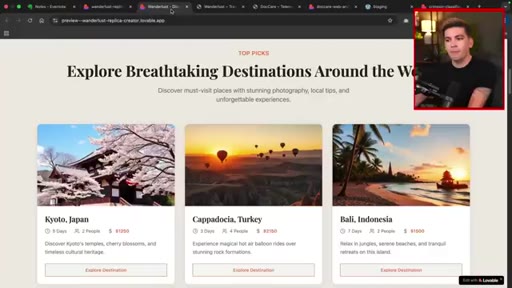
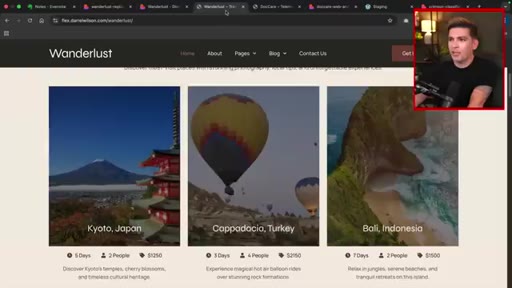
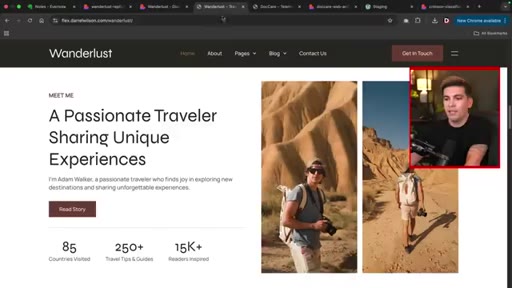
03 · Side-by-side: Wunderlust
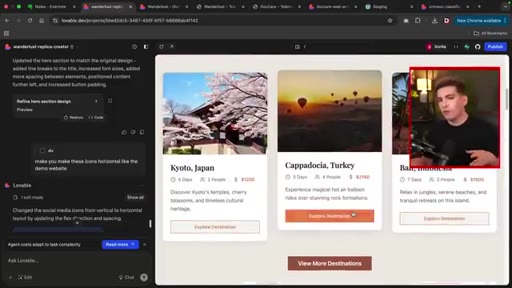
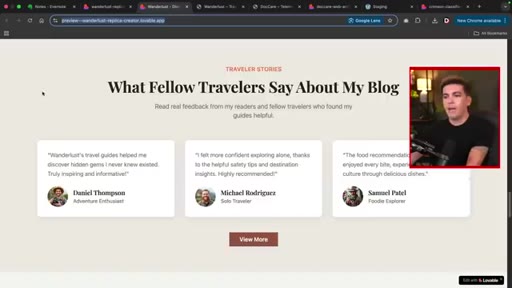
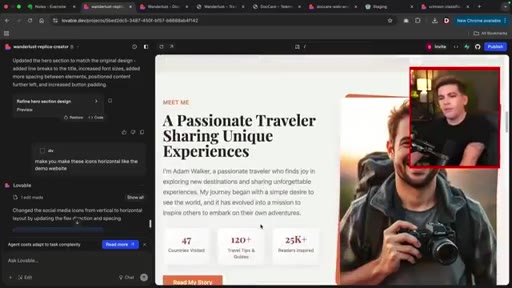
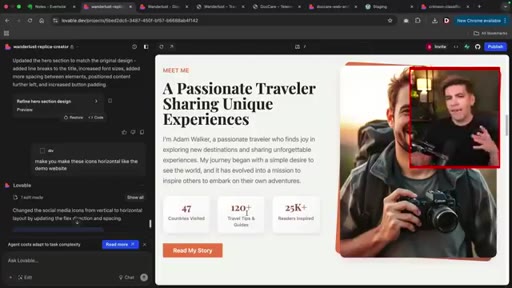
Hero, buttons, sections, FAQs all present. Padding issues and social icon orientation are the main misses.

04 · Section-level editing
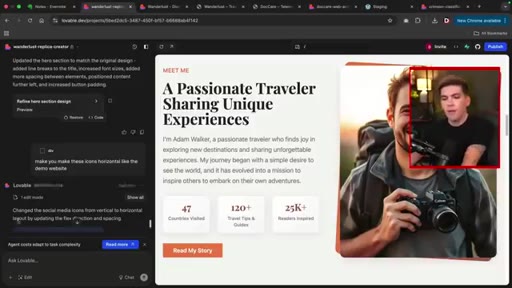
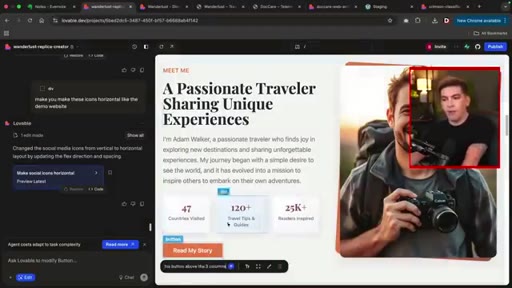
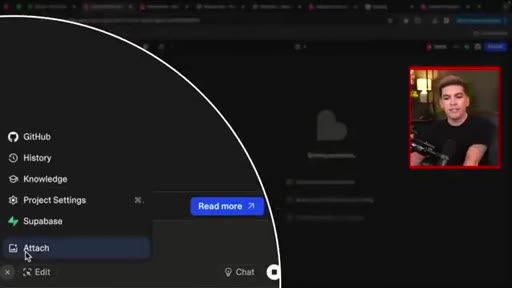
Click-to-target edit: selects social icons, prompts horizontal fix. Moves button above three columns. Both succeed.

05 · Fresh-project rule
Critical tip: close editor and start fresh before cloning a second site to avoid style bleed from the prior session.
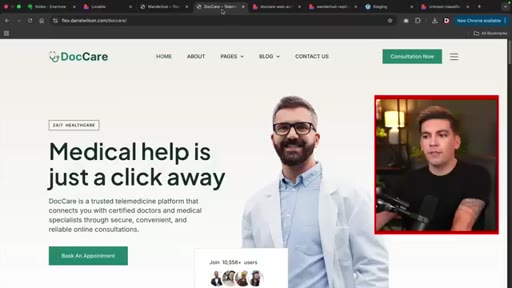
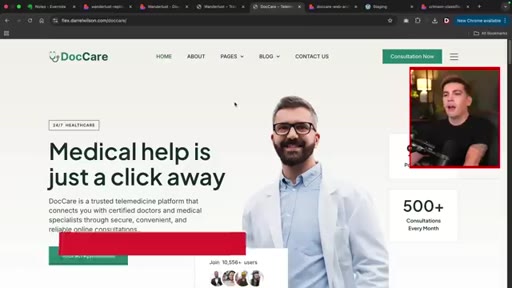
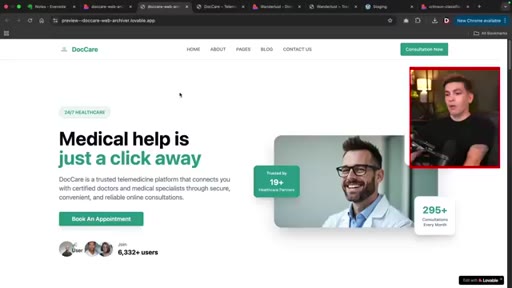
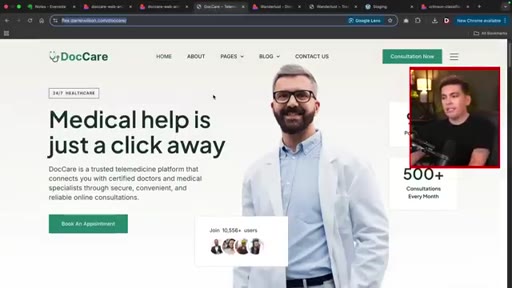
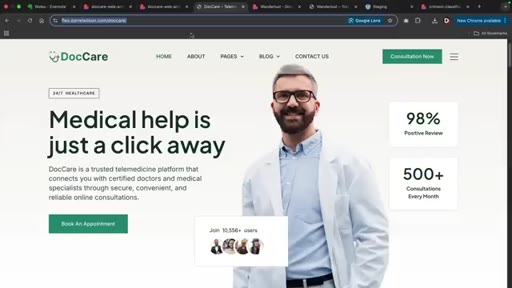
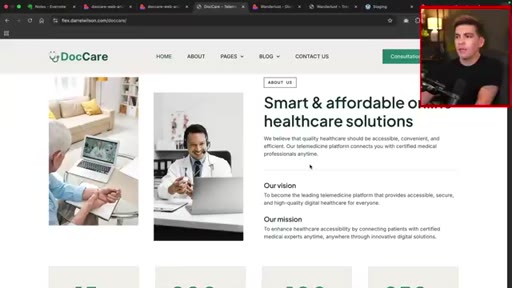
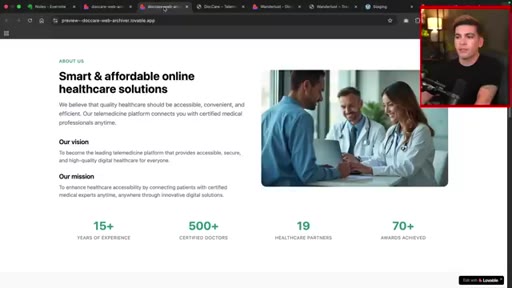
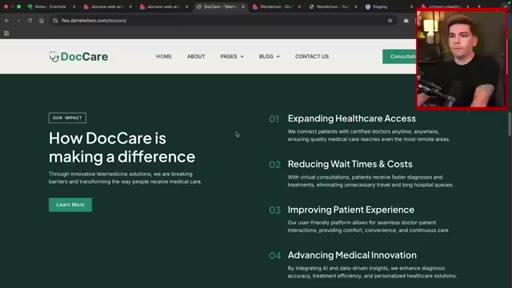
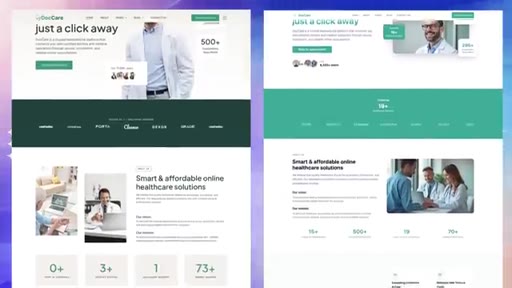
06 · Cloning DocCare
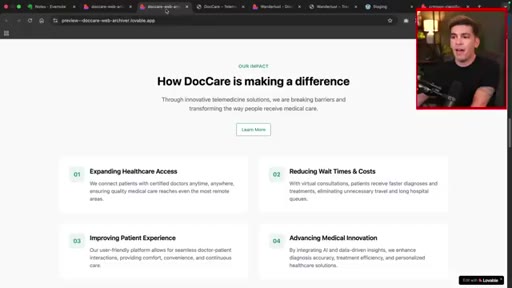
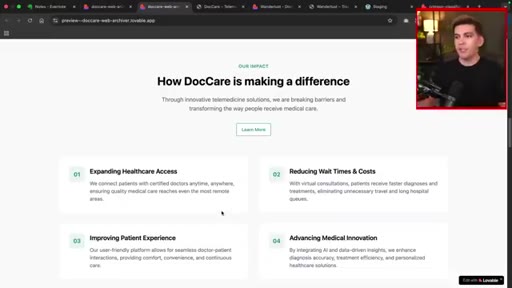
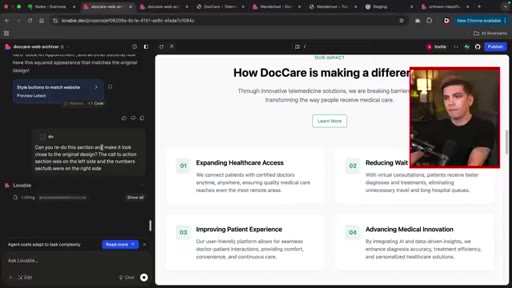
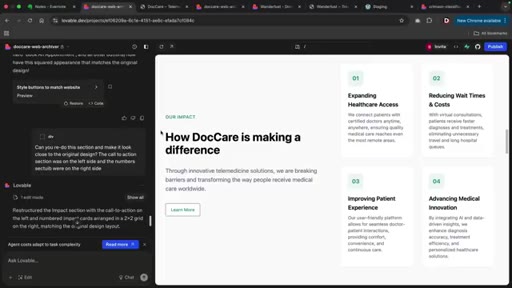
Complex layout drifts more. Impact section numbers land in wrong column. One correction prompt fixes it.

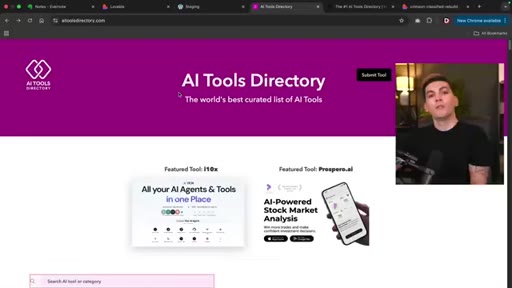
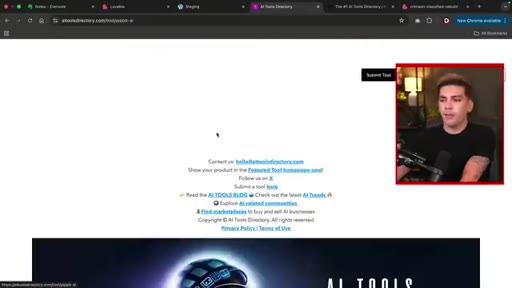
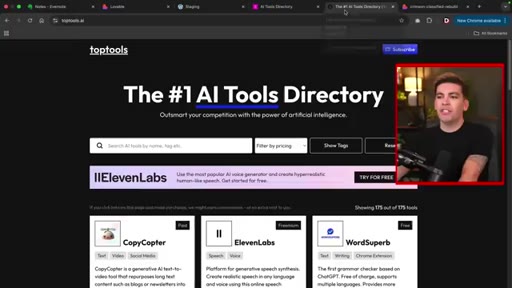
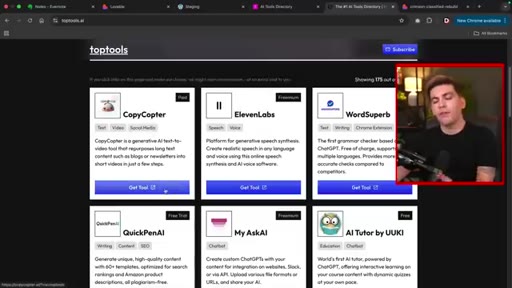
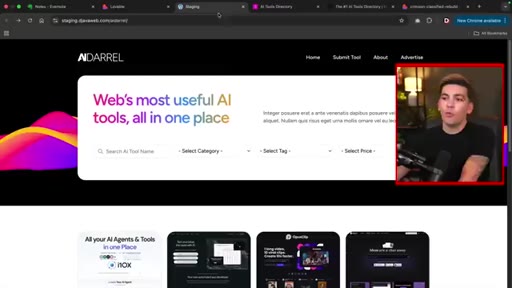
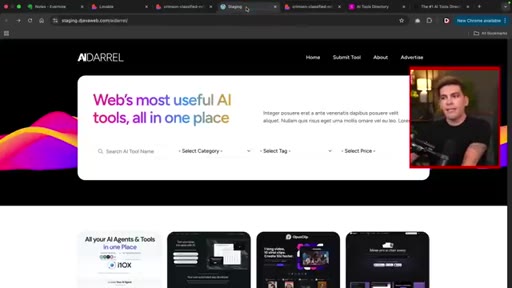
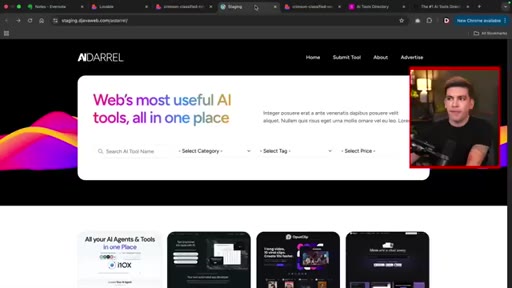
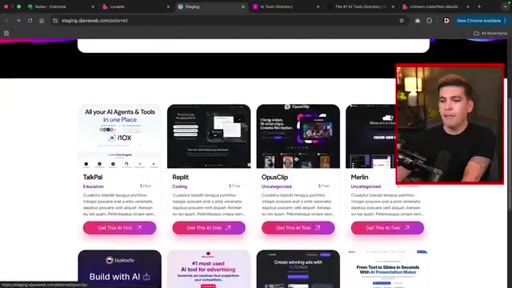
07 · Functional cloning: directory
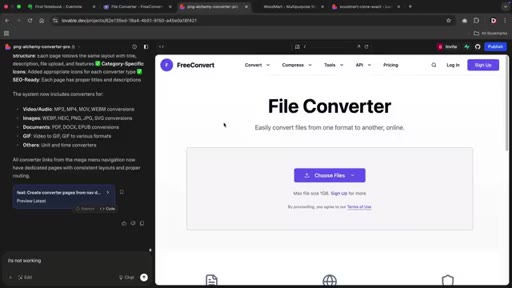
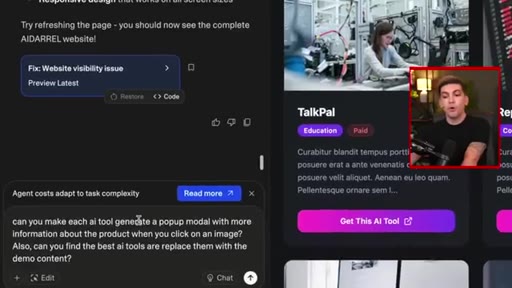
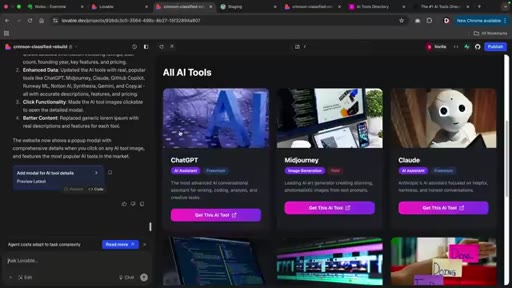
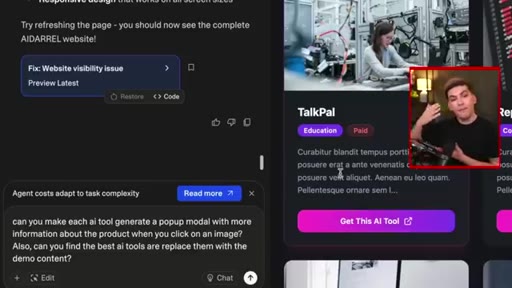
Clones AI tools directory shell, then adds pop-up modals, filterable tags, and affiliate link placeholders.
08 · Pop-up demo + wrap-up
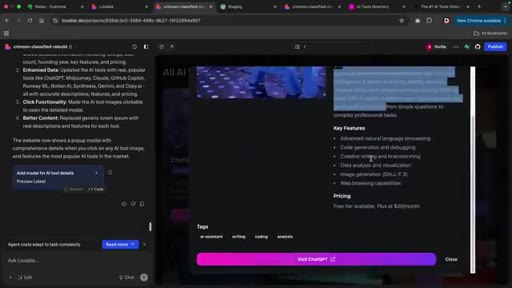
Modal works with description, features, pricing, and visit link. Affiliate links injectable. Future speculation.
Visual structure at a glance.


Named ideas worth stealing.
URL-paste cloning
Paste any live public URL into Lovable to clone its design and structure.
Section-targeting edit
Click a visual element to scope the correction prompt to that area only.
Fresh-project rule
Open a new project for each clone target to prevent style bleed from prior sessions.
Functional layering
Clone visual shell first, then add interactive features as separate follow-up prompts.
Lines you could clip.
"A year ago, that was not possible. A year later, this is possible. So two years from now, I'm very curious to see what these AI tools are gonna do."
"You can actually kind of use it like a page builder almost."
"Start from scratch — the AI tends to take stuff from that previous design and drag it on to your new one."
Things they pointed at.
How they asked for the click.
"There is a link to Lovable in the video description, and you can use that to sign up for free."
Affiliate link mention is early (0:44) and natural, reiterated implicitly at close. No hard sell — keeps tutorial tone throughout.
Word for word.
What AI website cloning can and cannot do yet.
Lovable's URL-paste cloning closes most of the gap between a reference design and a working prototype in minutes, but layout fidelity degrades on complex pages and functional behavior is always a separate second pass.
- Pasting a URL into an AI builder produces a working clone in under three minutes — the bottleneck is no longer getting a starting point, it is knowing which mismatches to fix.
- Simple, grid-based layouts clone well; pages with overlapping boxes, asymmetric columns, or dense hero sections give the model the most trouble.
- Section-targeting edit mode is the core productivity unlock — correcting one element without regenerating the whole page means you can iterate quickly on specific drift.
- Always start a fresh project session when switching clone targets, because AI context from a previous design actively bleeds into the next generation.
- Visual cloning and functional cloning are separate tasks: clone the shell first, then issue follow-up prompts to add interactivity such as modals, filters, and affiliate links.
- Screenshot-based cloning produces results virtually identical to URL-paste cloning — useful as a fallback when a URL is behind authentication or renders dynamically.