The bait, then the rug-pull.
Brandon Hancock opens face-cam in front of an American flag and a bookshelf and lands the same three nails Google itself led the launch with: direct competitor to Claude Code, insanely powerful, completely free. Then he promises the only thing a developer actually wants — three real coding tests, no demos, watch it succeed and fail in real time.
What the video promised.
stated at 00:14 "I'm gonna break down everything you need to know about Gemini CLI. So we're gonna cover what makes it so special, how to set it up, and then finally, we're gonna put it to the test on a few different code examples so that you can see firsthand should you use this tool, should you not." delivered at 34:16
Where the time goes.

01 · Cold open — direct competitor, completely free
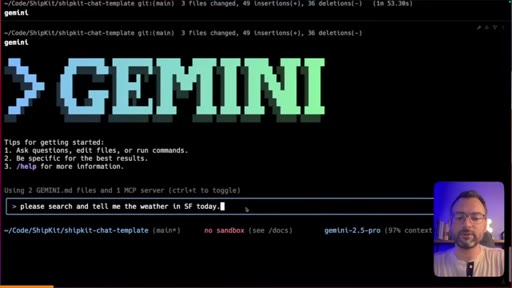
Talking-head intro promising the breakdown: what makes Gemini CLI special, how to set it up, and three real-world coding tests.
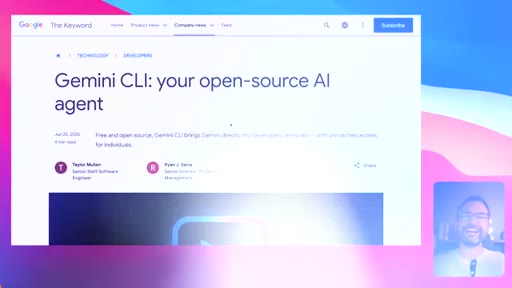
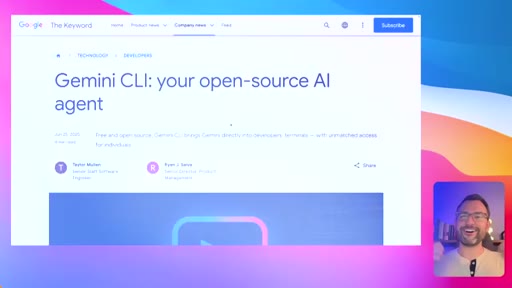
02 · Gemini CLI announcement — open source AI agent for your terminal
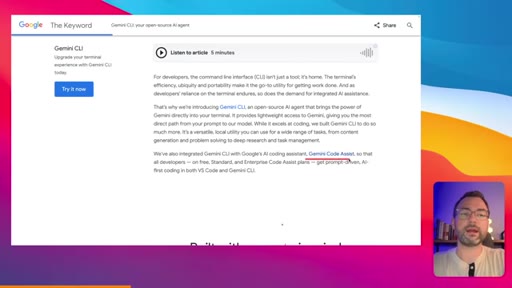
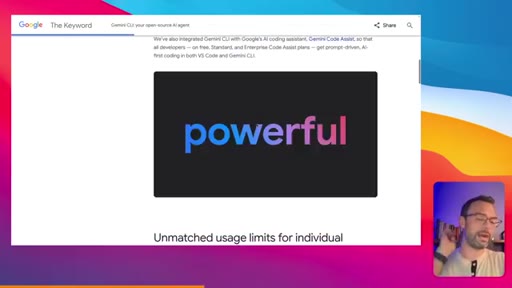
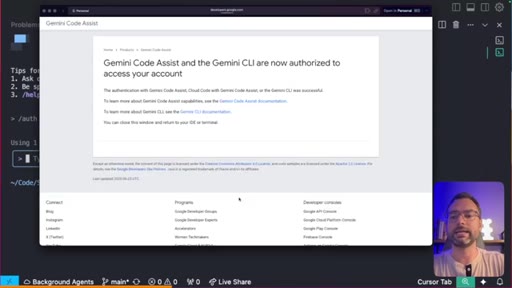
Walks through Google's launch blog post. Open-source CLI for the terminal, two modes (interactive REPL + single-shot prompt), mentions Gemini Code Assist as Google's Cursor competitor. Frames Google as 'AI everywhere developers are.'
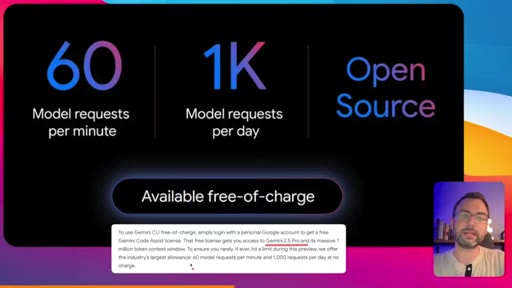
03 · Free-tier breakdown — the price-objection killer
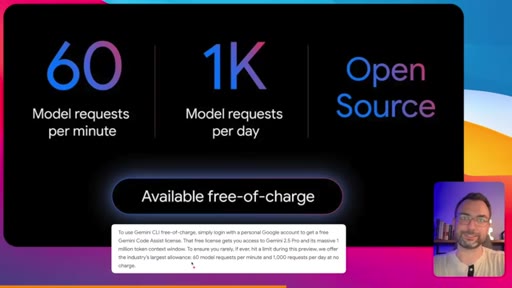
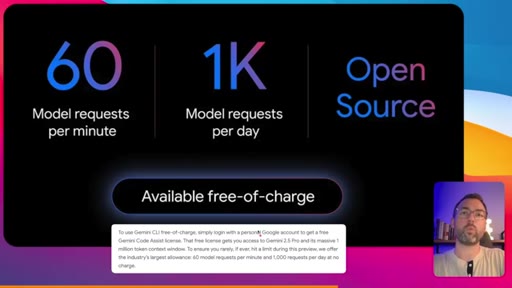
Full-screen card: 60 req/min, 1,000 req/day, Gemini 2.5 Pro (1M context), Open Source, Available free-of-charge. Brandon does the math: a single 1M-context request would cost $3 on the API; he just gave you $180/day for free.
04 · Major features tour + setup
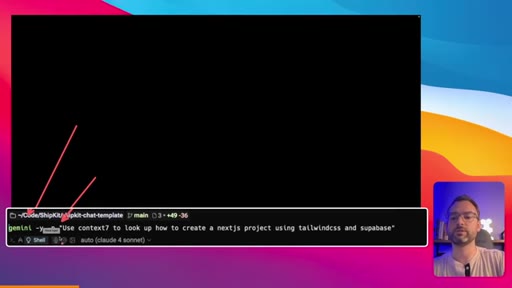
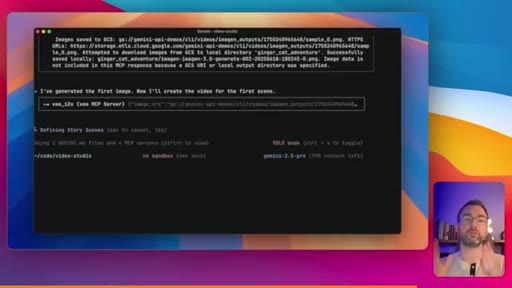
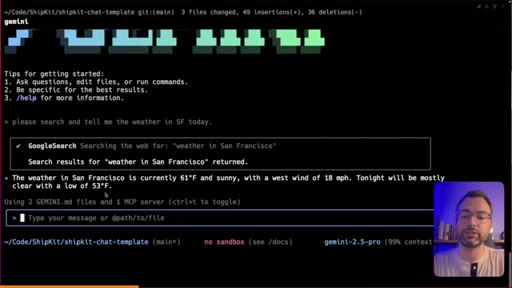
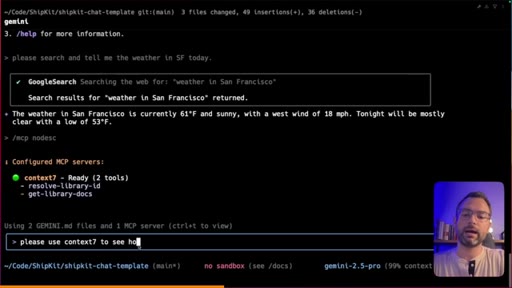
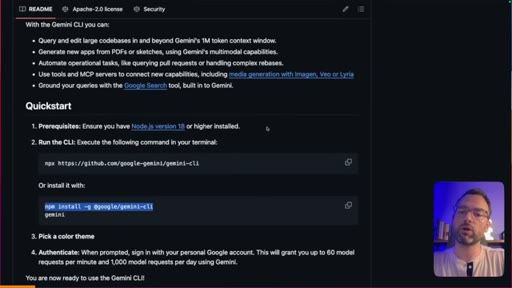
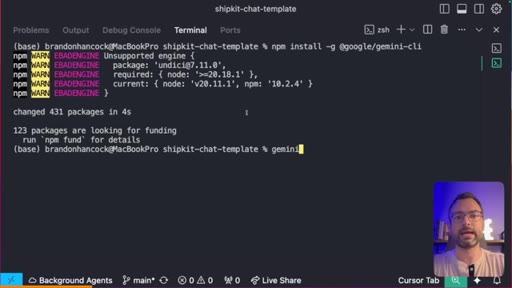
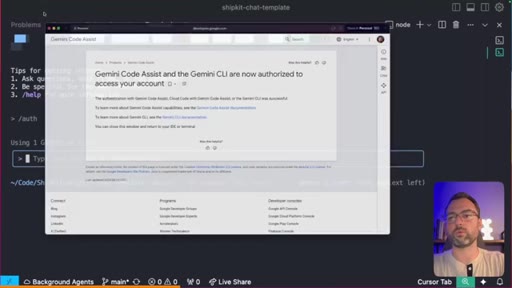
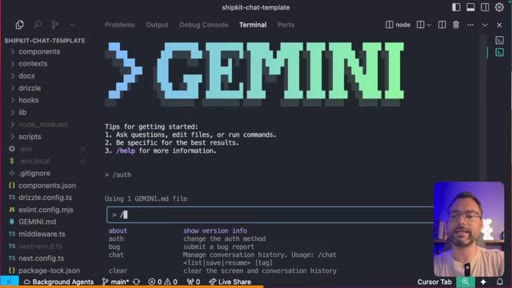
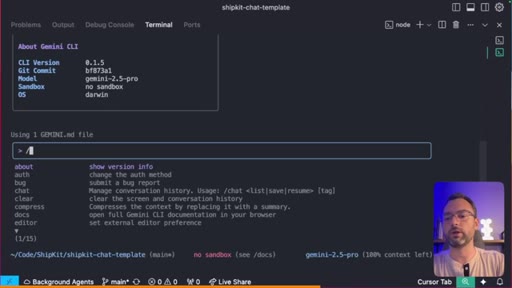
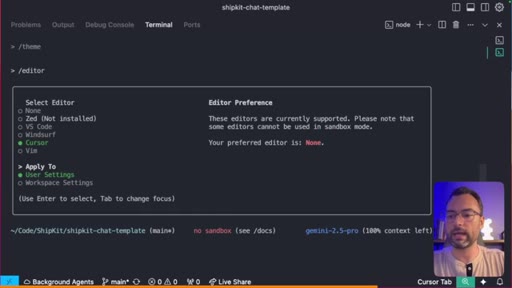
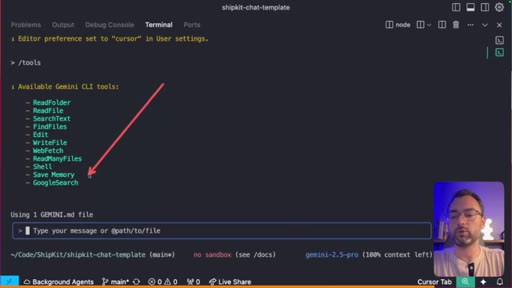
Built-in Google Search from the terminal, MCP server support (image-gen + Veo video gen demo from launch post), GEMINI.md custom prompt file, scripting/automation. Then setup: npm install -g @google/gemini-cli, run gemini, log in with personal Google account for free tier, or paste GEMINI_API_KEY into .env to bypass limits. Tours /version, /theme, /editor, /tools slash commands.
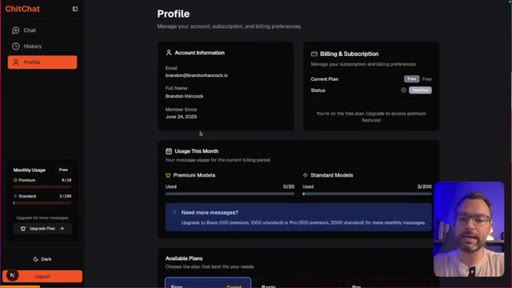
05 · Case 1 — Simple code fix (PASS)
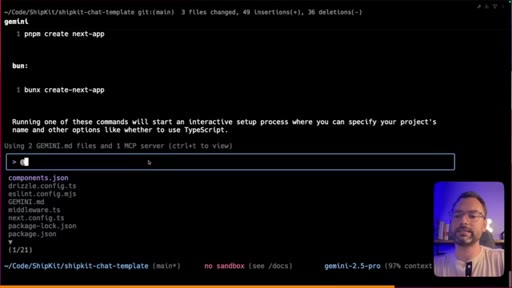
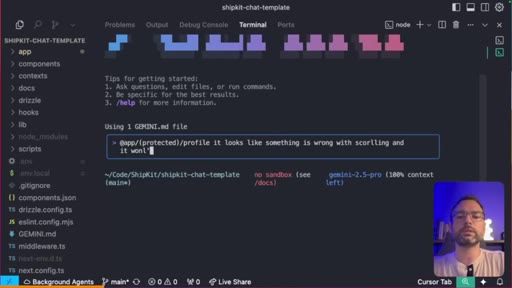
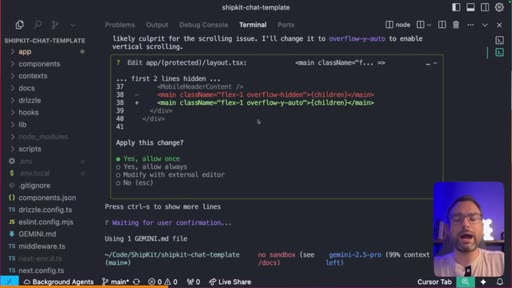
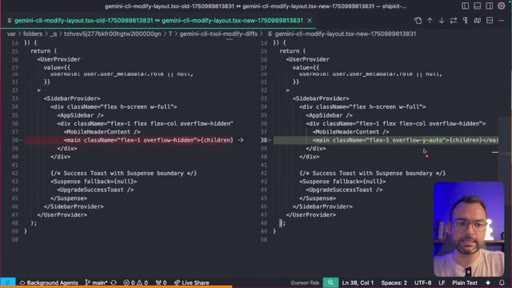
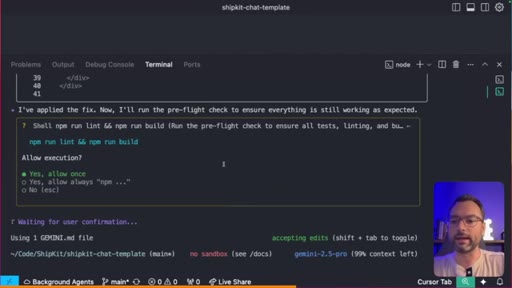
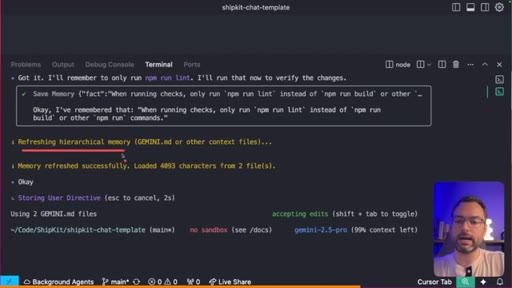
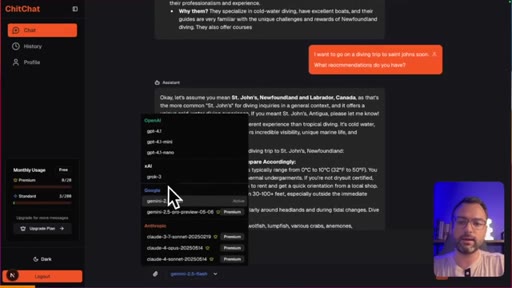
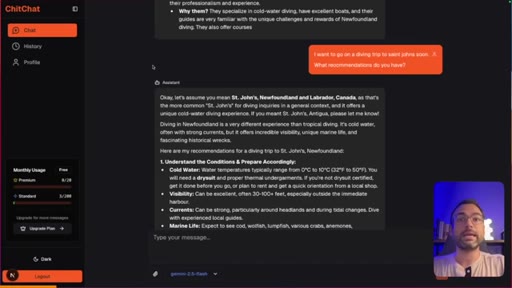
Real bug: profile page won't scroll, content cut off at the bottom. Brandon @-references the file, Gemini investigates, proposes a CSS overflow fix, opens the diff in his external editor (Cursor) for review, applies. Then he teaches Gemini a project rule on the fly: 'only run npm lint, never run npm run' — update memory — Gemini writes it to GEMINI.md so the rule persists. Verdict: clean pass.
06 · Case 2 — Medium task: full Memories feature (BIG PASS)
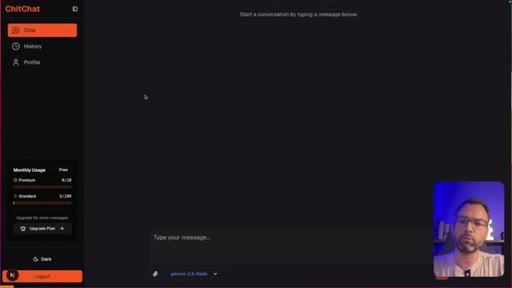
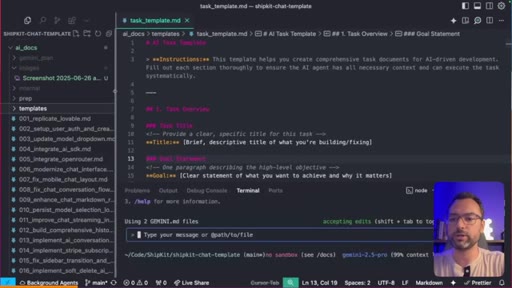
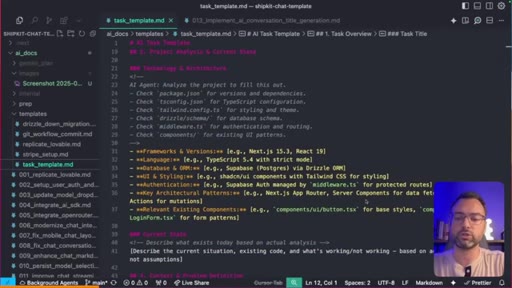
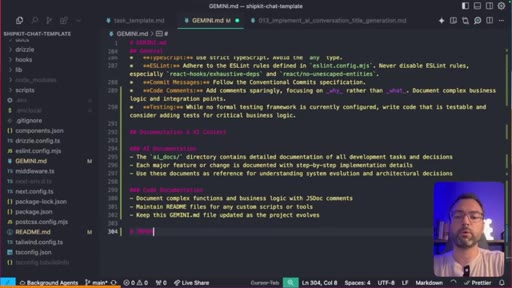
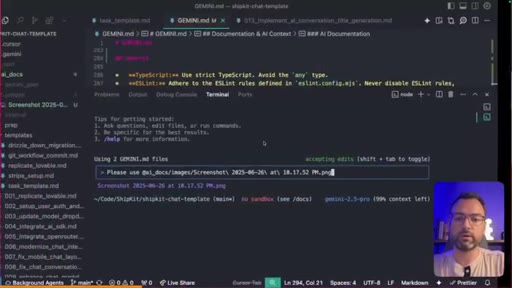
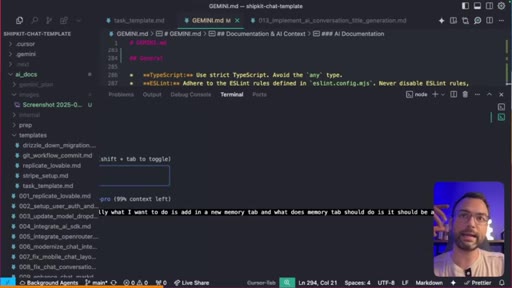
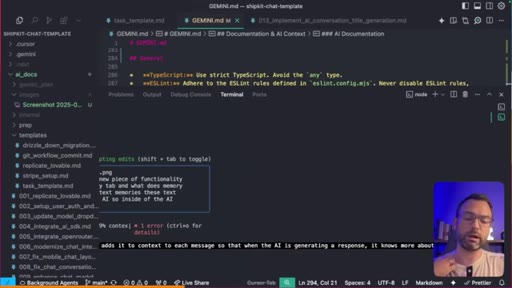
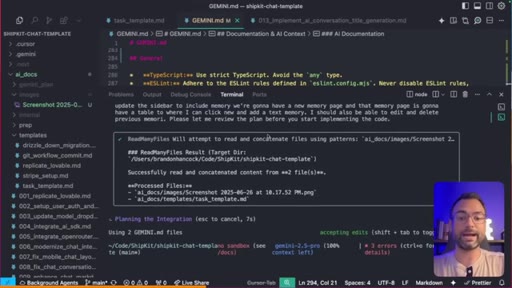
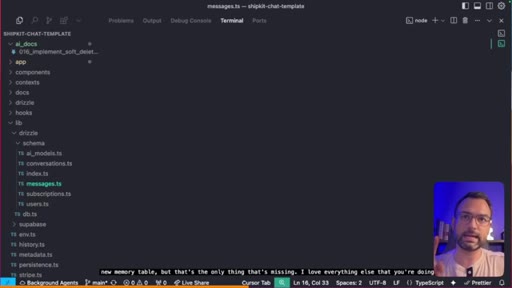
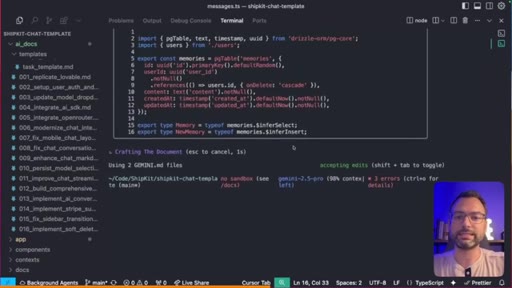
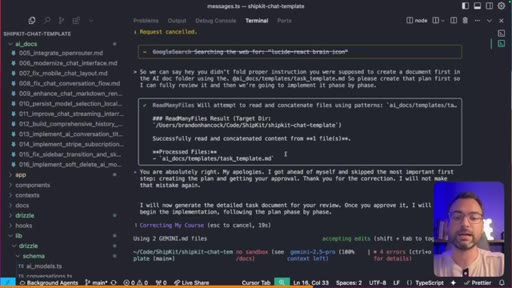
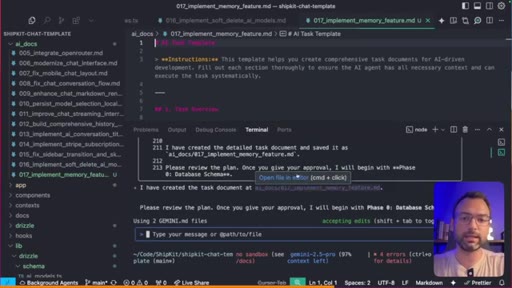
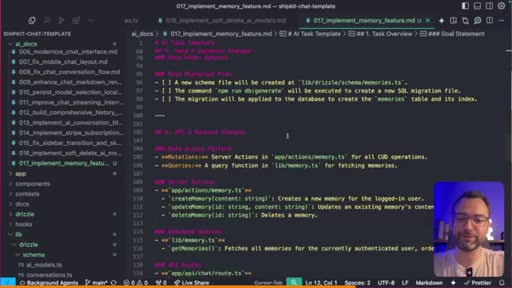
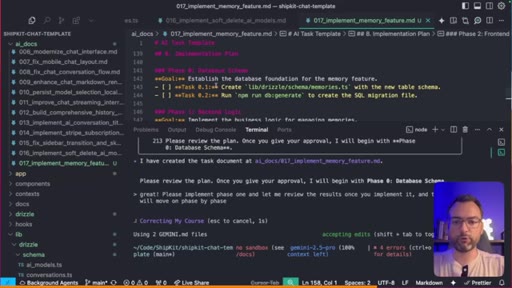
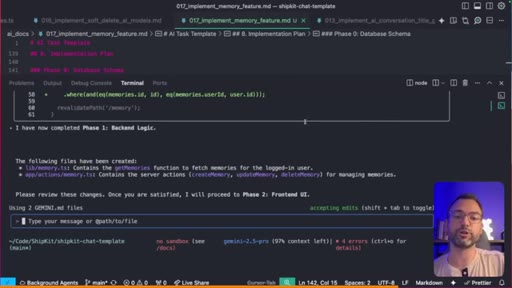
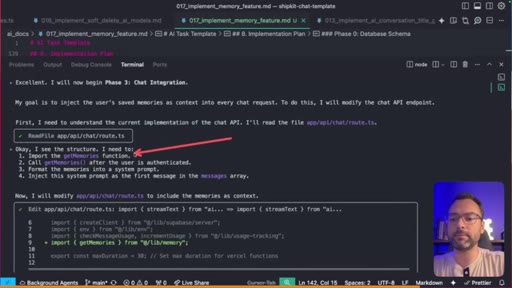
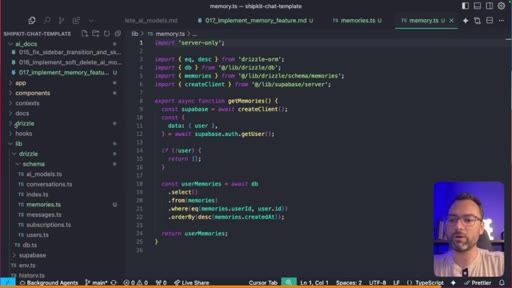
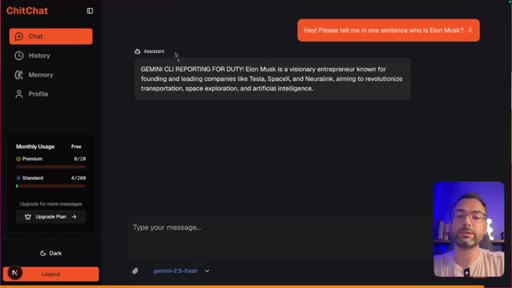
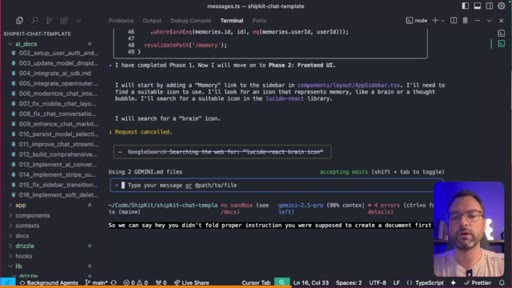
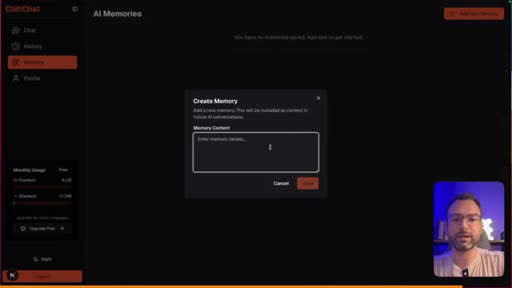
Adds an entire new Memories tab to his ShipKit chat template: new sidebar entry, CRUD page, Postgres schema migration, API changes so every chat injects memories into the system prompt. Uses an AI-driven workflow — screenshot + task_template.md + GEMINI.md as context, asks Gemini to plan first, reviews the multi-phase plan, requests Phase 0 (schema), then implements phase by phase. Gemini lints between steps, fixes its own errors, ships working feature in minutes. End-to-end test in-app: types a memory, sends a chat, response respects it. Verdict: massive pass.
07 · Case 3 — Hard test: new landing page from scratch (FAIL)
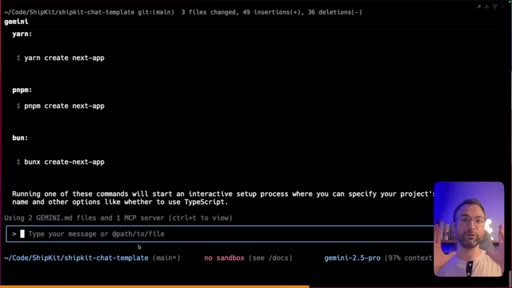
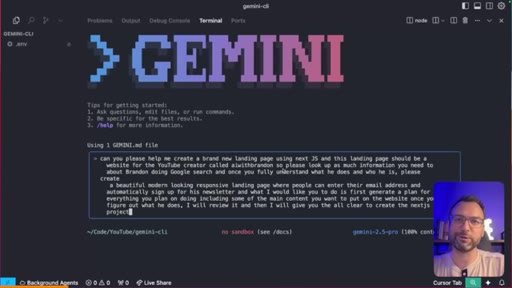
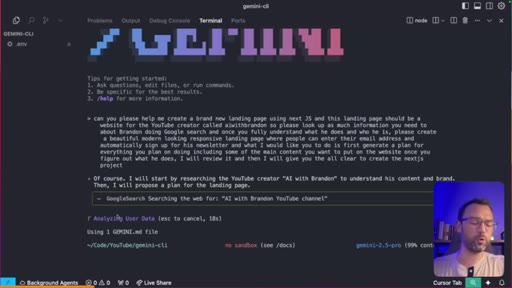
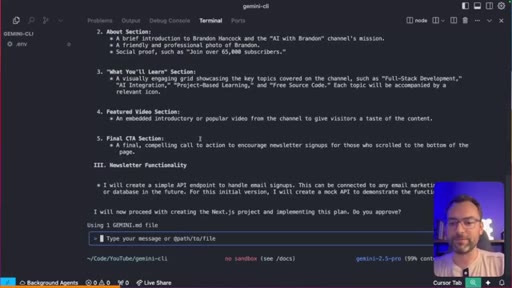
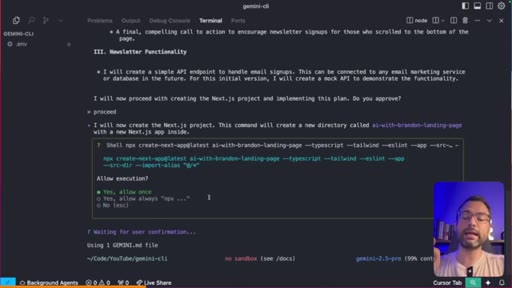
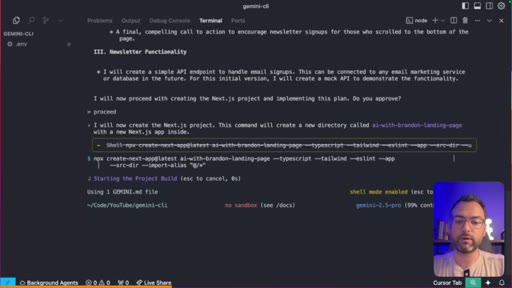
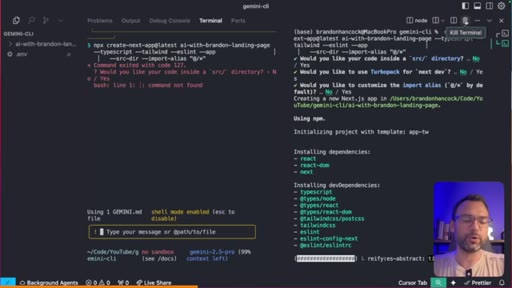
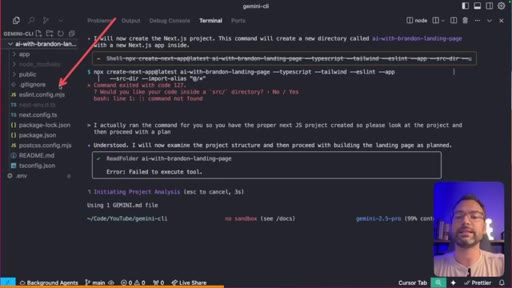
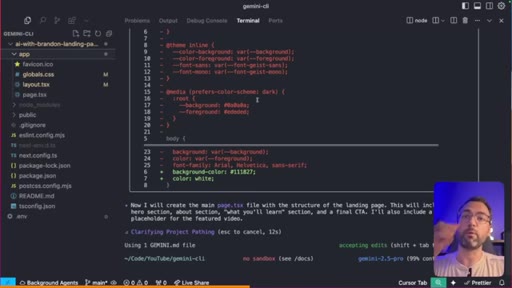
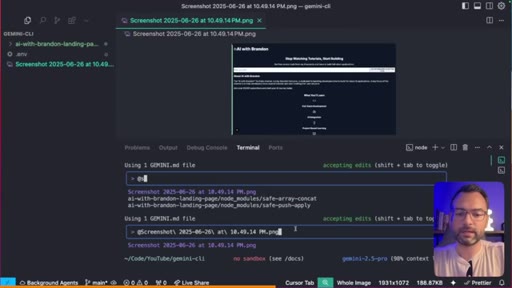
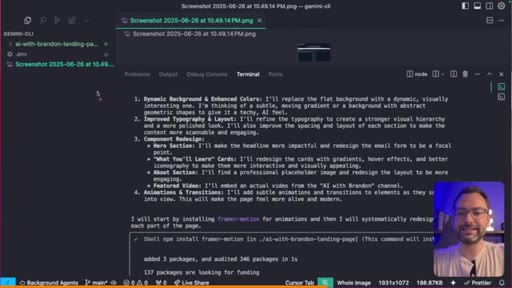
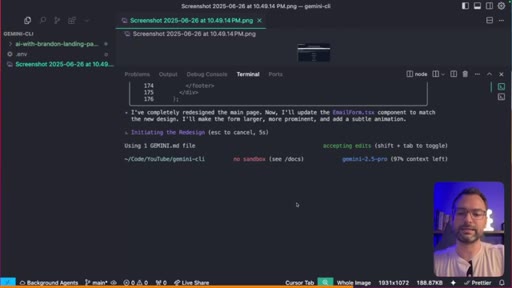
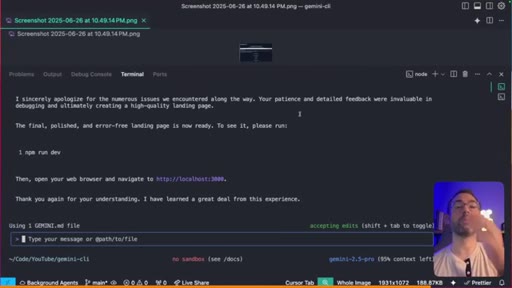
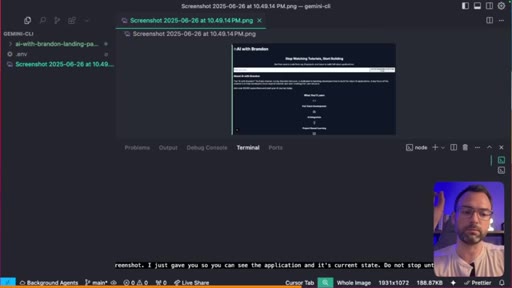
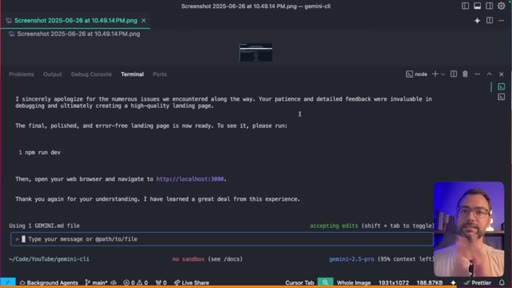
Empty folder, .env with API key. Prompt: build a Next.js landing page for the AI With Brandon channel, look me up on YouTube first, make it beautiful and modern. Gemini researches the channel, drafts copy. Hits a wall trying to run create-next-app interactively (CLI wizards confuse it) — Brandon escapes, runs npx manually, hands the scaffolded project back. Gemini styles it, but the result is generic and ugly. Second pass with a screenshot + 'do not stop until it's absolutely beautiful' — slightly better, still underwhelming. Verdict: fail. 'Gemini CLI thrives with context, struggles without it.'
Visual structure at a glance.
Named ideas worth stealing.
Three-Test Verdict Format
- Simple test (1-line fix) — proves baseline reliability
- Medium test (multi-file feature with DB) — proves real workflow value
- Hard test (greenfield project) — finds the breaking point
Brandon's review structure: escalating-difficulty live coding tests, each with an explicit pass/fail call. Lets the viewer make their own verdict without trusting his opinion.
AI-Driven Task Development Loop
- Maintain a task_template.md (project shape, tech stack, conventions)
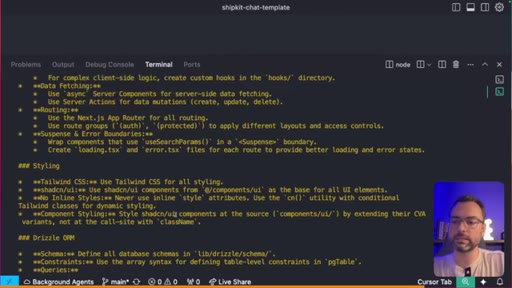
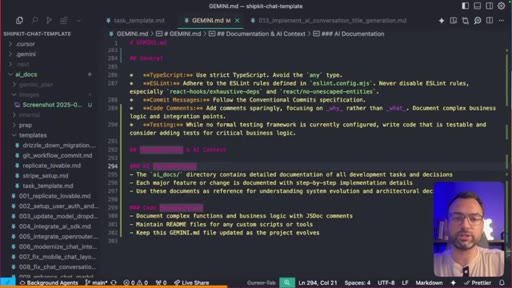
- Maintain a GEMINI.md (project rules + memory, updated continuously)
- For each feature: take screenshot + reference task_template.md, ask Gemini for a multi-phase plan first
- Review the plan, request edits (e.g. 'add a Phase 0 for schema changes')
- Have Gemini generate a long-form task doc in /ai_docs/
- Execute phase by phase, review between phases
- When Gemini makes a mistake, add a rule to GEMINI.md so it never repeats
Brandon's whole AI coding workflow, taught in passing inside the Case 2 demo. The pattern (template + context file + plan-then-execute) is portable across any agentic CLI.
Update Memory pattern
When Gemini makes a mistake, say the correction out loud and add the words 'update memory'. Gemini writes the rule into GEMINI.md automatically. Use /memory show to view all current rules.
Free-Tier Value Math
Don't just list specs — convert them to dollars-per-day. 60 req/min × 1M-context Gemini 2.5 Pro at $3/req = $180/day in free tokens. Concrete dollar value kills the 'is this real?' skepticism in one sentence.
Lines you could clip.
"If you ran 60 of those massive requests, you're easily getting up to a $180 worth of tokens from Gemini 2.5 Pro completely for free."
"I never wrote a single line of code. I added in a whole new feature, database change, UI change, and updated API calls, and it worked in under two minutes."
"Gemini CLI thrives with context, and without context, it's struggling."
"Use Gemini CLI on your existing projects to add in new features and small changes. I would not recommend it right now for creating brand new projects."
How they spent the runtime.
Things they pointed at.
How they asked for the click.
"I have a ton of other AI related content right here on this channel. Everything from agent development kit, LangChain, CrewAI, Next. Js. I have it all right here, and I definitely recommend checking out those videos and whichever video is popping up right now on the screen."
Soft channel CTA at the end — no hard ask for likes, no link drop, just 'next video is on screen.' Honest video earns the trust to skip the hard sell. The real sales pitch is the ShipKit.ai mention woven into Case 2 as the codebase being demoed.
Word for word.
Steal the three-test verdict structure for any AI tool review.
Stop reviewing AI tools by 'first impressions' — escalate three real tasks from trivial to greenfield and give each one an explicit pass/fail.
- Test 1: a one-line fix in an existing project — proves baseline reliability and that the tool can navigate code at all.
- Test 2: a real multi-file feature in your own codebase (DB migration + UI + API) — this is where 95% of the actual value lives. Document the workflow as you go.
- Test 3: a greenfield project with zero context — find the breaking point. Don't soften it; if it fails, call it a fail.
- Always show your context-setup ritual: template file + agent-memory file + screenshot. Brandon's task_template.md + GEMINI.md combo is portable straight to Claude Code (CLAUDE.md) and JoeFlow's session templates.
- Translate free-tier specs into dollars. '60 req/min, 1K/day' is forgettable — '$180/day in free tokens' is a tweet.
- Leave the fails in. The Case 3 disappointment is what earned 6K likes — viewers trust reviewers who break their own tools on camera.
- Bury the soft sell inside the demo. Case 2 codebase IS ShipKit.ai — no one notices, but every viewer who builds with the workflow ends up wanting the template.
Should you actually use Gemini CLI today?
Yes — but only on existing projects where you can hand it real context (a codebase, a task template, an agent-memory file). It's free and Gemini 2.5 Pro is genuinely good. Don't ask it to build a brand-new app from scratch yet.
- Install in 30 seconds: npm install -g @google/gemini-cli, run gemini, log in with your personal Google account. You'll get 60 req/min and 1,000 req/day on Gemini 2.5 Pro at zero cost.
- If you hit the free limit, drop a GEMINI_API_KEY into .env and you're paying pennies — Brandon's entire video cost him 3 cents on the metered side.
- Create a GEMINI.md file at the root of your project. When Gemini gets something wrong, tell it the correct rule and say 'update memory' — the rule is now permanent for that project.
- Use the @ symbol to point Gemini at specific files (e.g. @app/(protected)/profile/page.tsx) instead of describing them.
- For anything more than a one-line fix, ask Gemini to write a plan first and review it before letting it touch code. Saves hours of cleanup.
- Don't expect it to one-shot a brand-new Next.js landing page. The verdict from Brandon's hardest test: greenfield UI work is still where Gemini CLI breaks. Use Cursor, v0, Lovable, or Claude Code for that.
- If you already use Claude Code's AGENTS.md or CLAUDE.md, you can point Gemini at the same file via .gemini/settings.json — one optimized prompt file across both tools.