The bait, then the rug-pull.
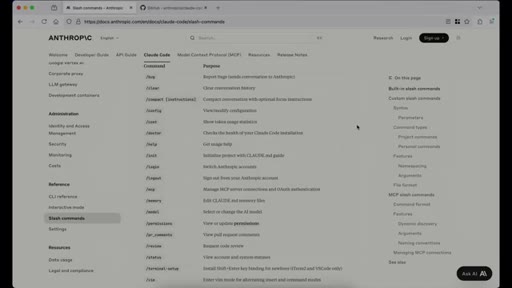
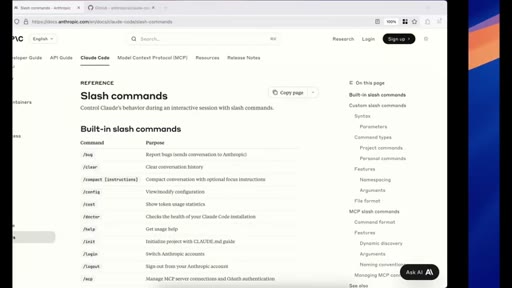
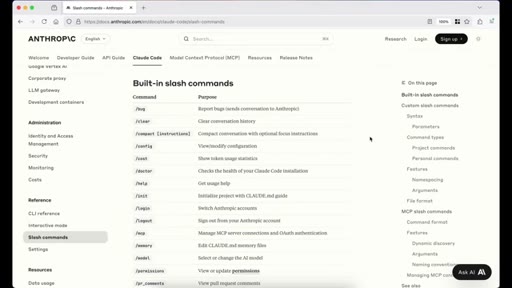
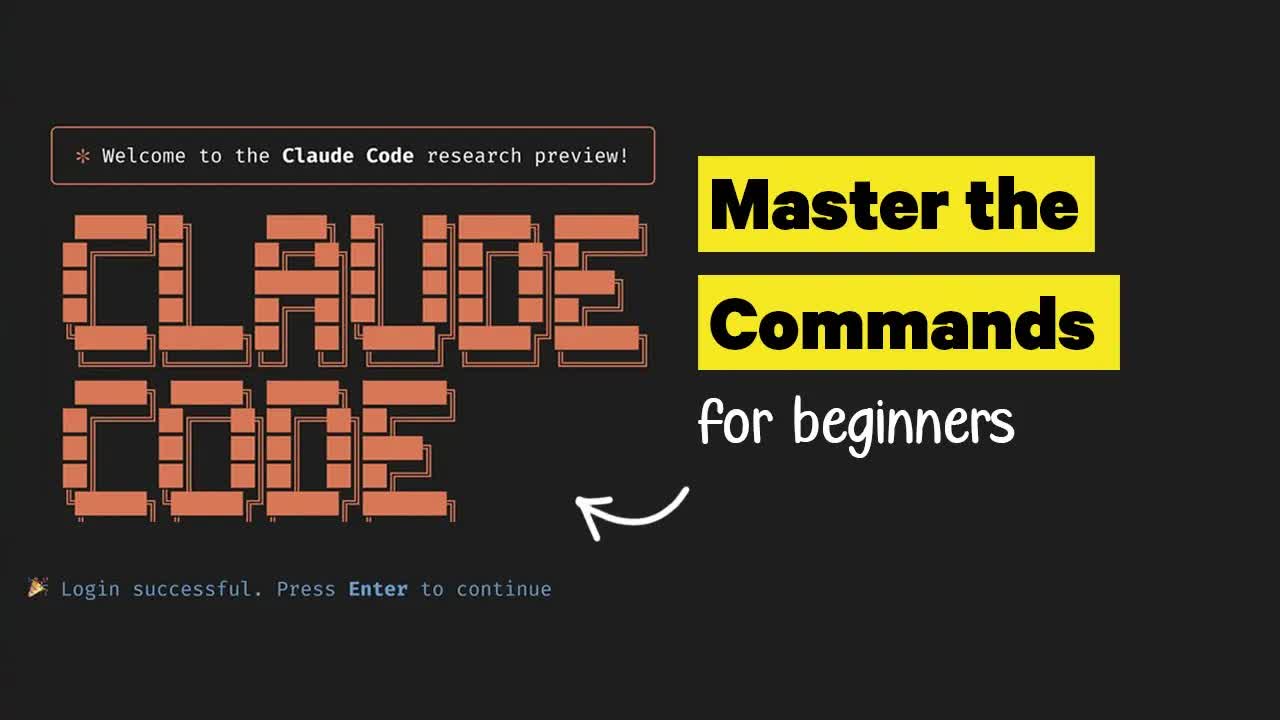
Every beginner who opens Claude Code for the first time stares at a terminal prompt and thinks: what do I even type? This 35-minute encyclopedic walkthrough covers every slash command in docs order, live demo included. The promise is on the thumbnail before you click.
What the video promised.
stated at 00:12 "I will walk you through all the commands that Claude Code has and show you what they do and how to use them effectively." delivered at 34:57
Where the time goes.
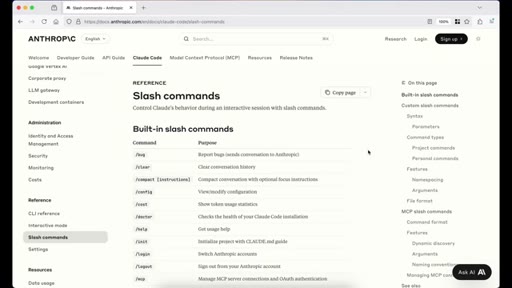
01 · Intro + /bug
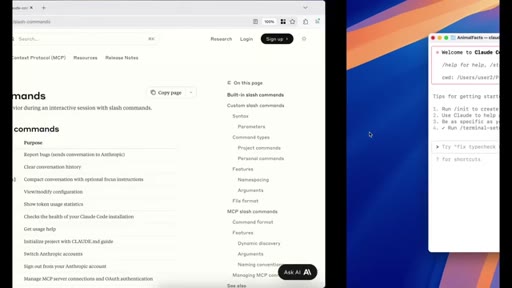
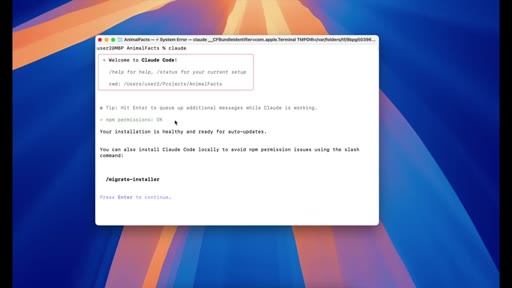
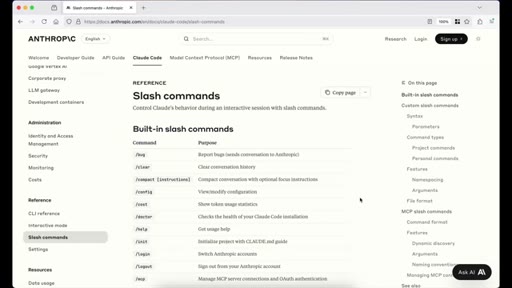
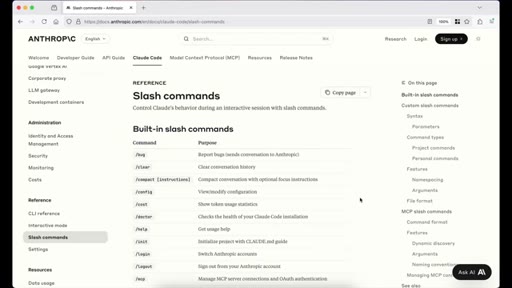
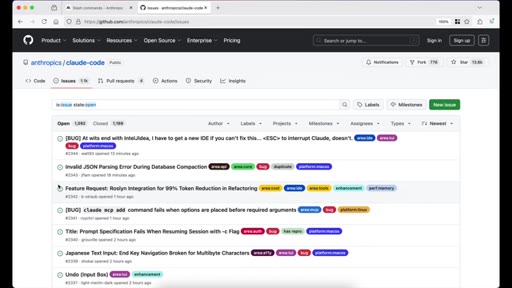
Promise stated. /bug: report directly to Anthropic; GitHub issues page shown with 1.5k open issues.
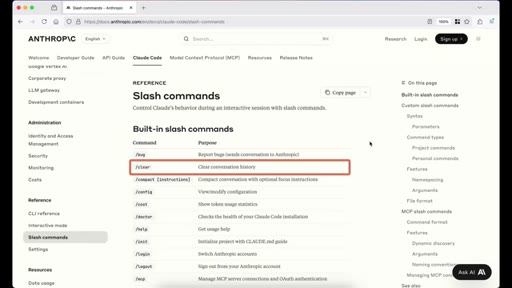
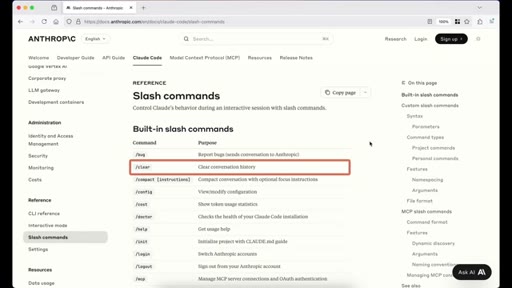
02 · /clear
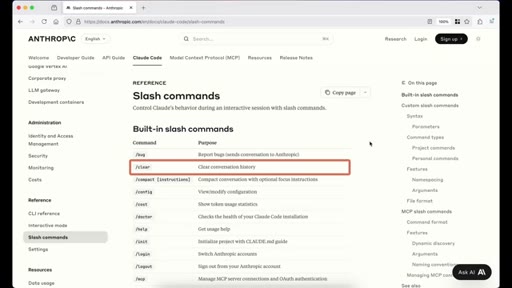
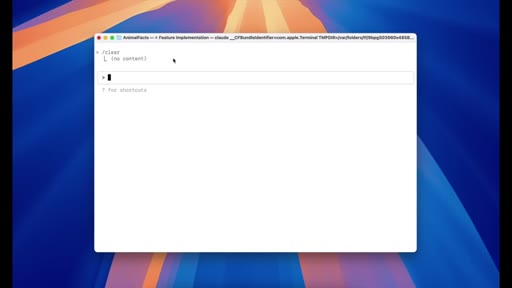
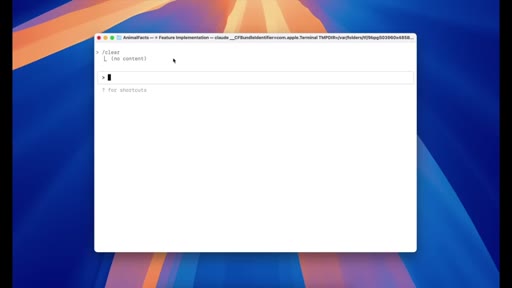
Token cost compounding explained: message 2 costs 1500 tokens not 500. Live /clear demo shows context wiped.
03 · /compact
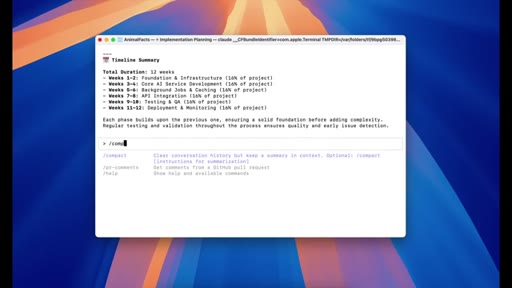
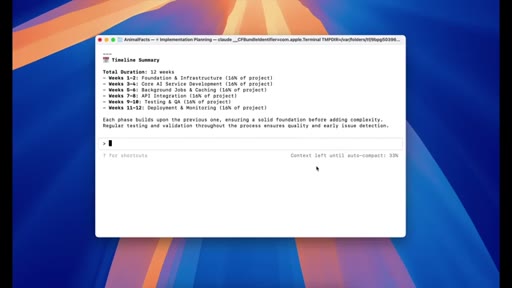
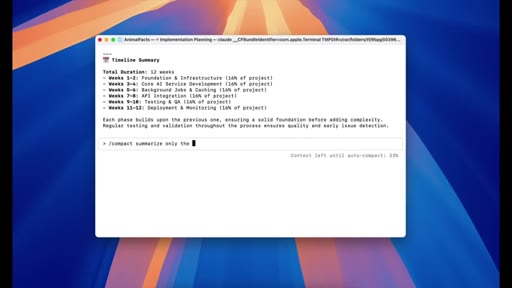
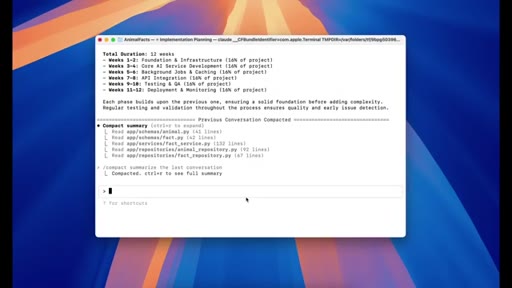
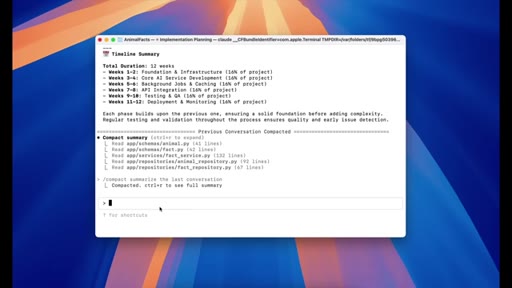
Auto-compact at 95% capacity. Custom summarization instructions demo. Ctrl+R to inspect summary.
04 · /config
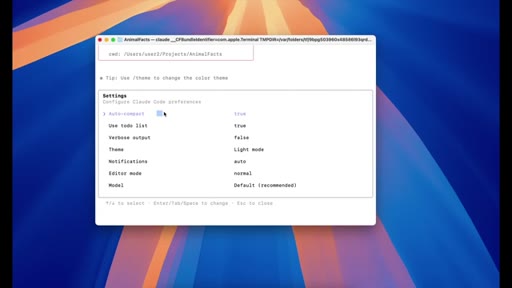
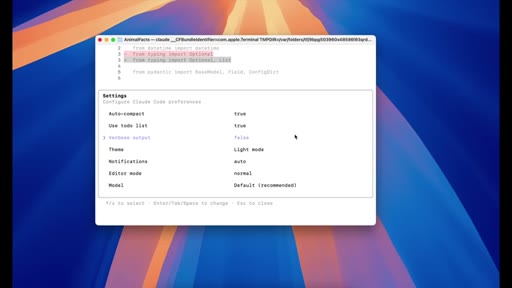
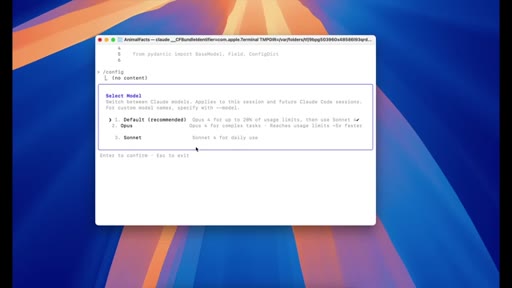
All 6 settings: auto-compact, use-todo, verbose, theme, notifications, editor mode, model selector.
05 · /cost
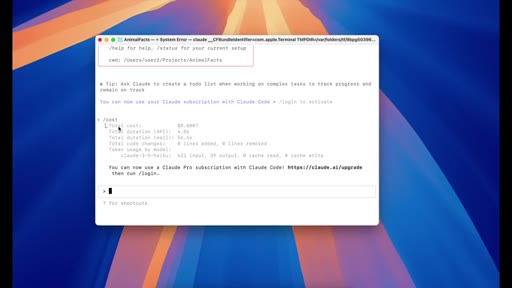
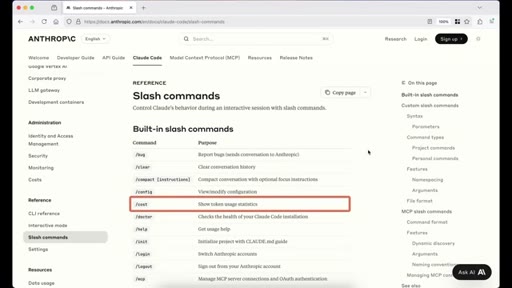
API-only usage tracker. No output on Max/Pro plans.
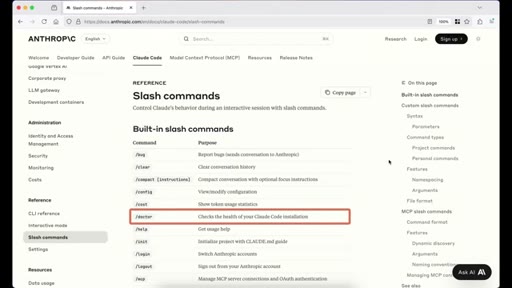
06 · /doctor
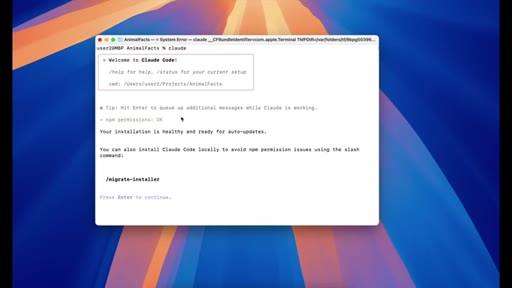
npm permissions health check.
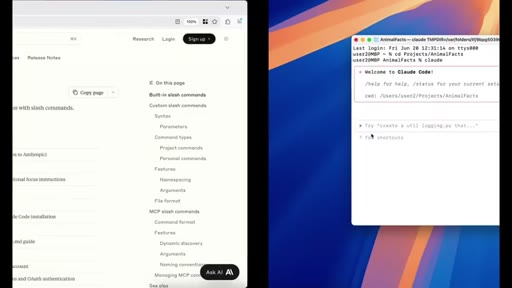
07 · /help
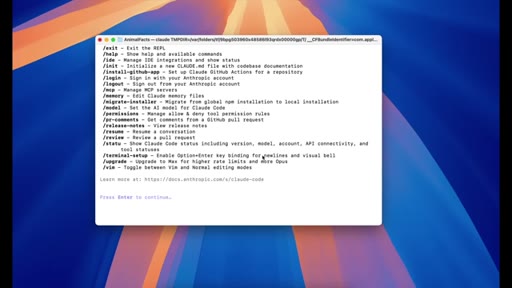
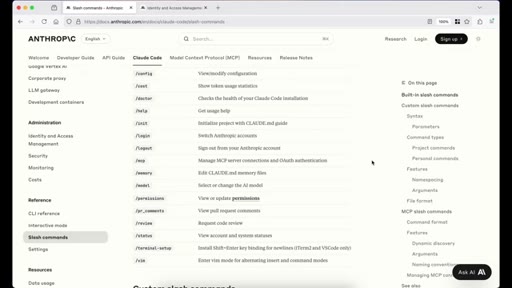
Full inline command list.
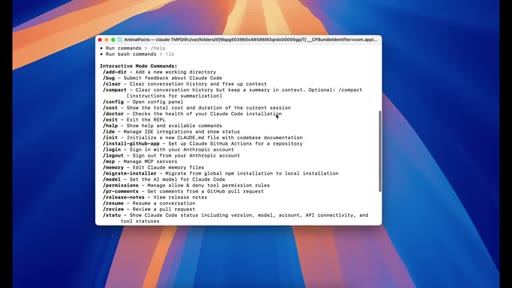
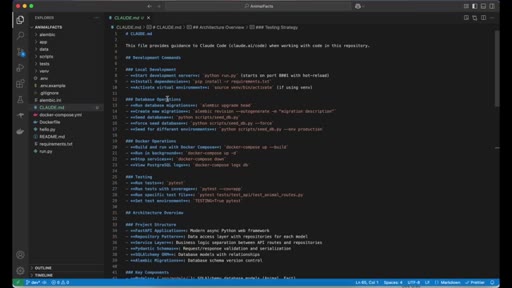
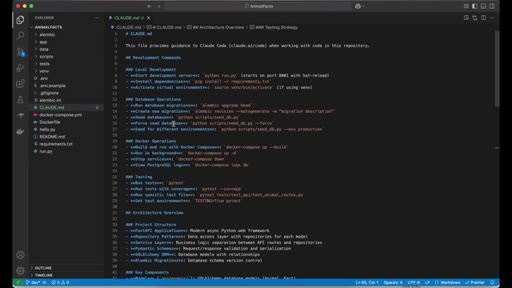
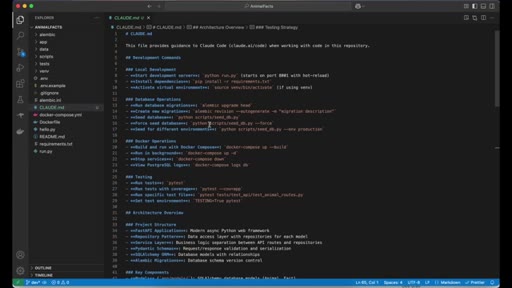
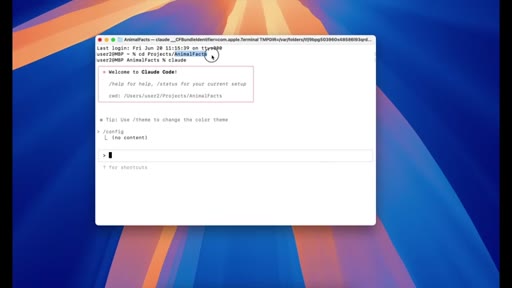
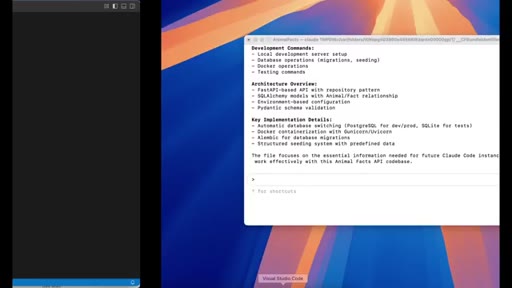
08 · /init
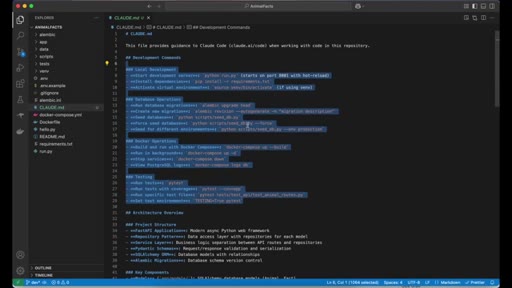
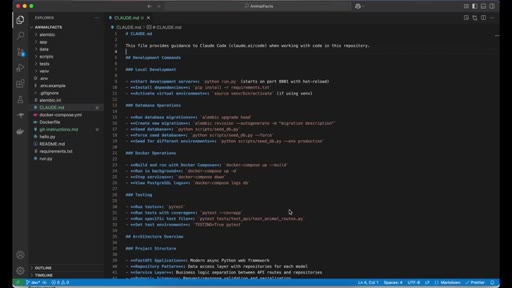
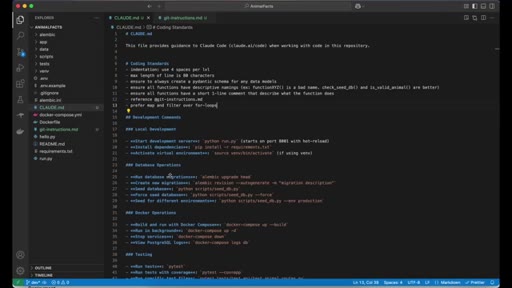
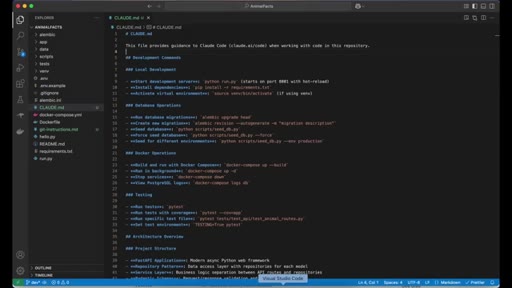
Scans codebase, generates CLAUDE.md. Acts as persistent project memory.
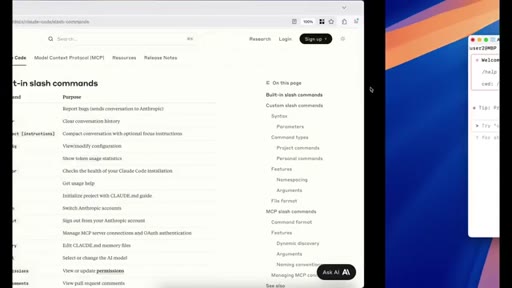
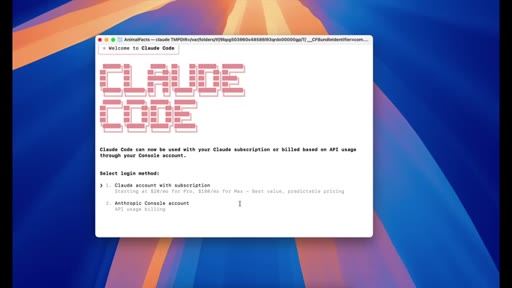
09 · /login
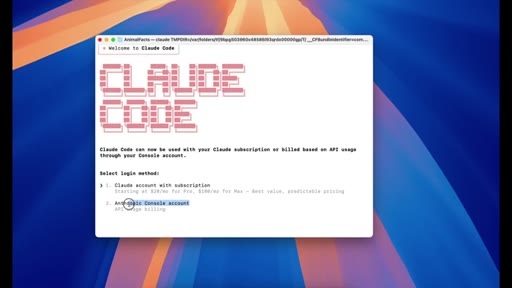
Two methods: subscription (Pro/Max) vs API (Console).
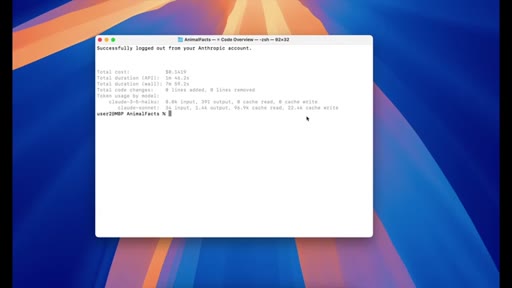
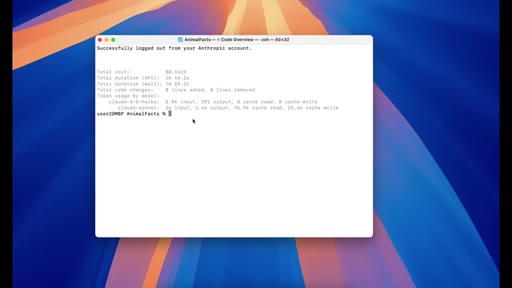
10 · /logout
Prints session summary: total cost, duration, model breakdown.
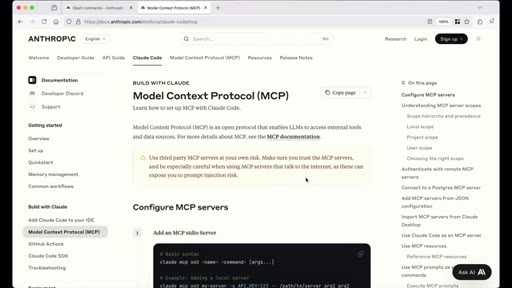
11 · /mcp
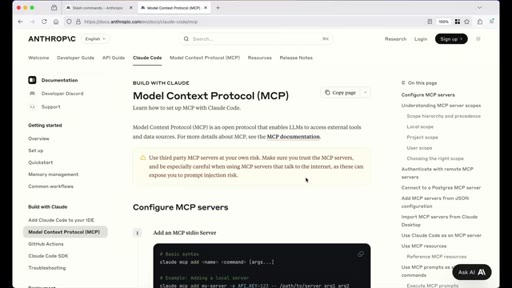
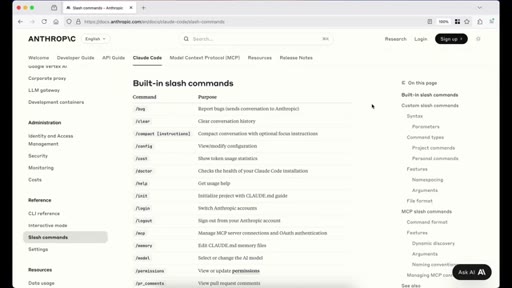
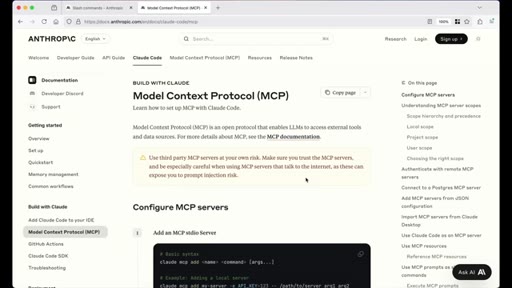
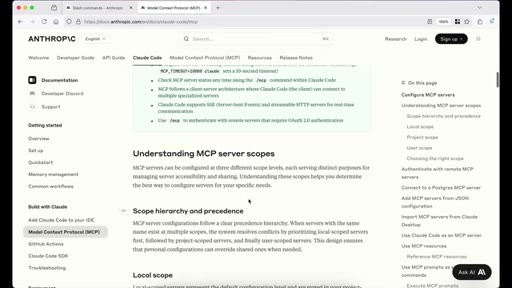
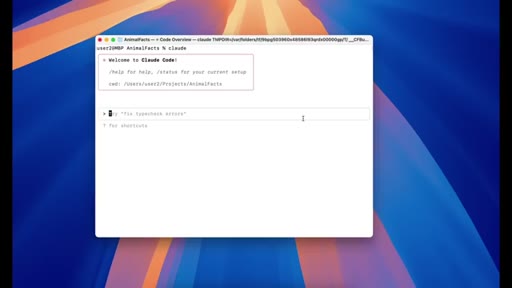
MCP as translator/interface layer. Postgres example. Anthropic docs walkthrough. No install demo.
12 · /memory
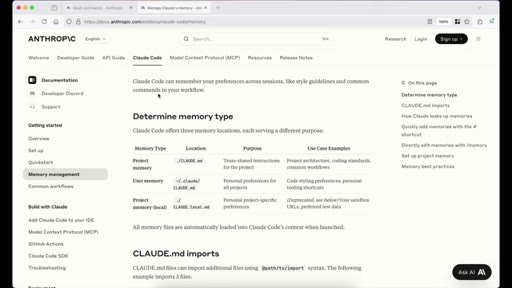
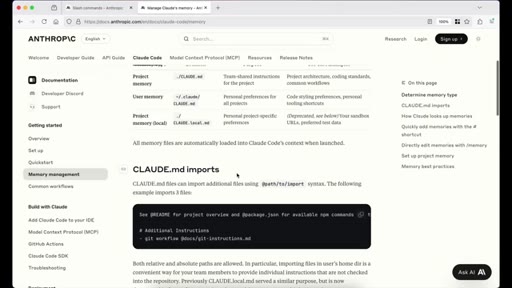
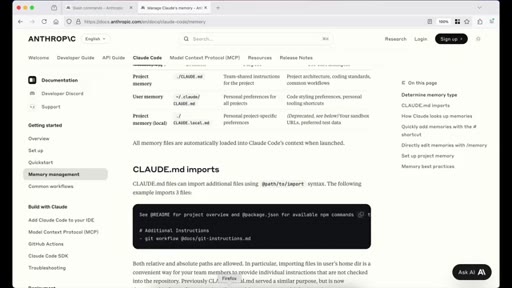
Three memory types (project, user, project-local deprecated). @-import syntax. # shortcut. Best practices: specific, structured, lean.
13 · /model
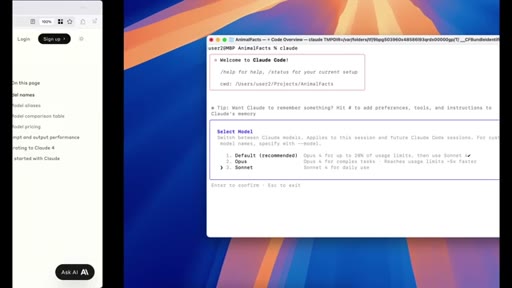
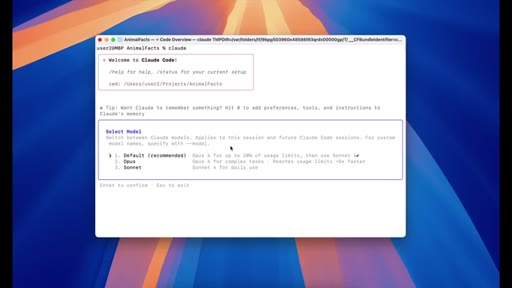
Default routing: Opus 4 until 20% session limit, then Sonnet 4. How to pin a specific model ID.
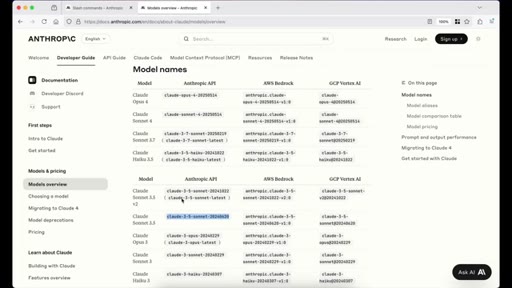
14 · /permissions
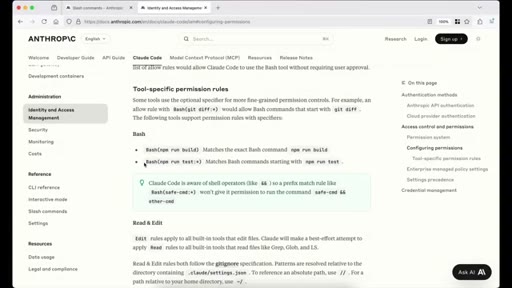
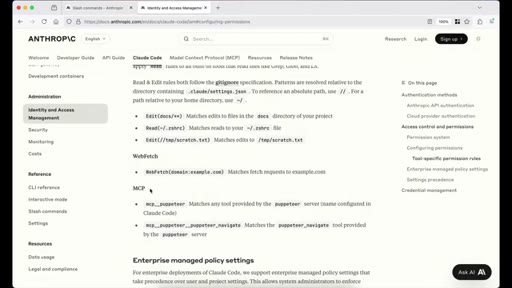
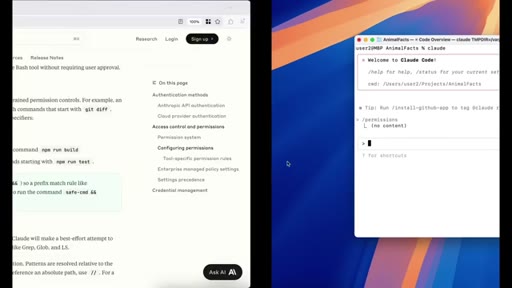
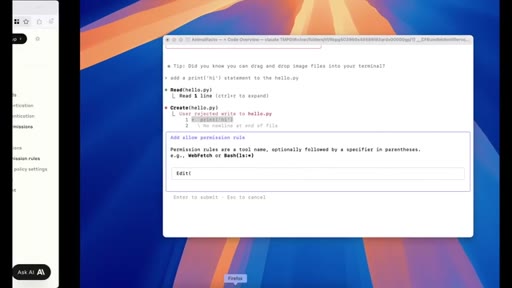
Four rule types: bash (exact + wildcard), read/edit, web fetch, MCP. Allow/deny/workspace tabs. Safety warning.
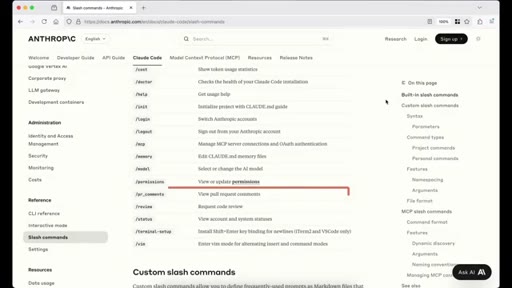
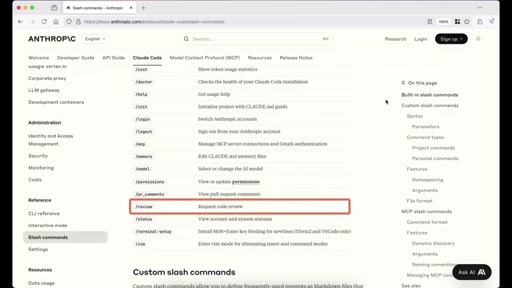
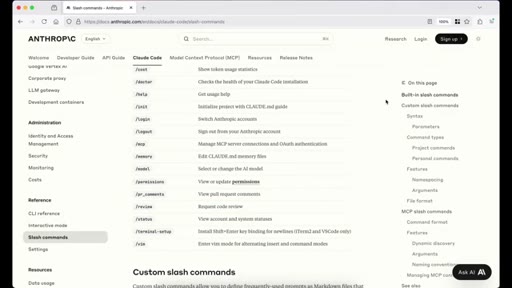
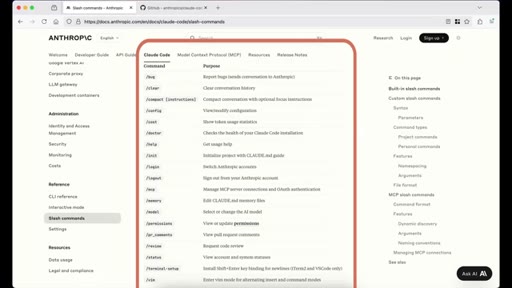
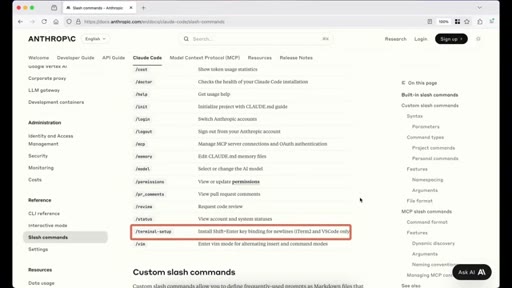
15 · /pr_comments /review /status /terminal-setup /vim + Outro
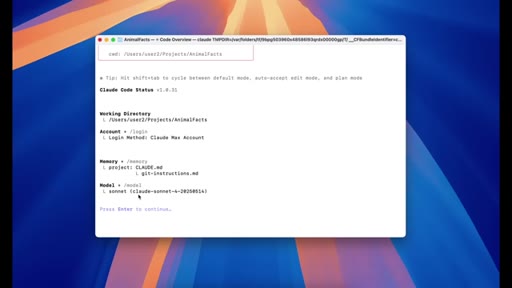
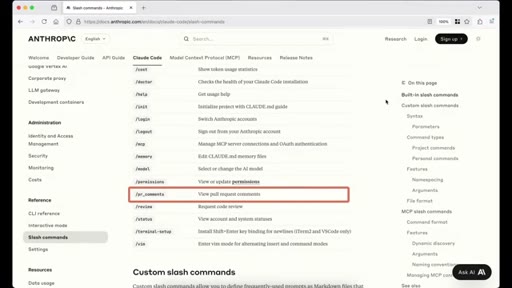
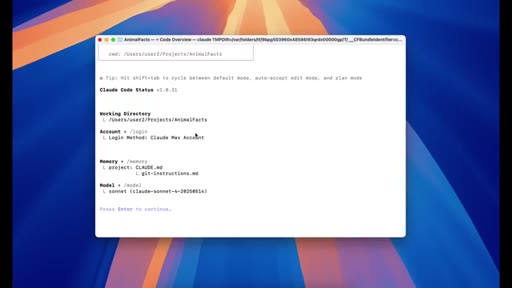
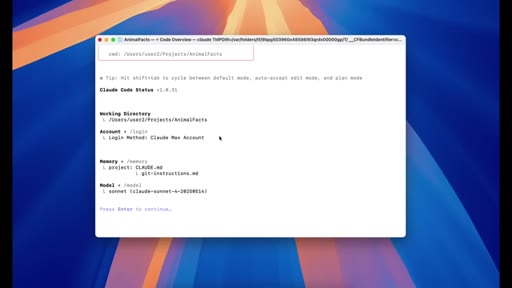
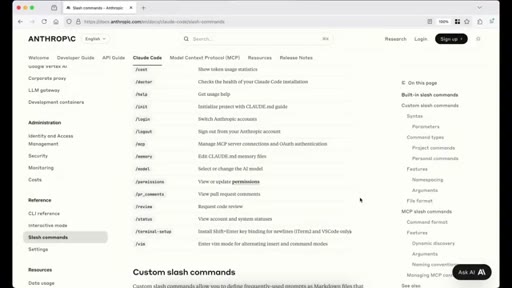
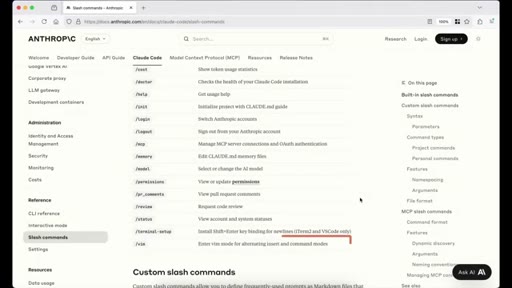
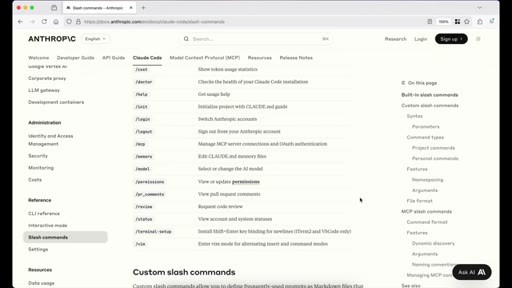
Rapid-fire final commands. /status shows account/memory/model. Comment CTA.
Visual structure at a glance.
Named ideas worth stealing.
Token Cost Compounding
Every message re-sends all prior messages. Use /clear after each discrete task.
Three Memory Types
- Project memory (./CLAUDE.md)
- User memory (~/.claude/CLAUDE.md)
- Project-local (deprecated)
Project = codebase rules. User = personal preferences across all projects. @-import keeps CLAUDE.md lean.
Four Permission Rule Types
- Bash (exact match or wildcard)
- Read/Edit (gitignore-aware)
- WebFetch (domain)
- MCP (server or tool)
Granular control over what Claude auto-runs. Wildcards supported.
Lines you could clip.
"Message two actually costs a thousand five hundred tokens."
"A good rule of thumb is to run it whenever you finish a task."
"I have seen users with thousands of memory entries, and that usually ends up confusing both the user and the model."
"Be very careful with permissions. Do not just copy someone elses permission rules unless you understand exactly what each command does."
How they spent the runtime.
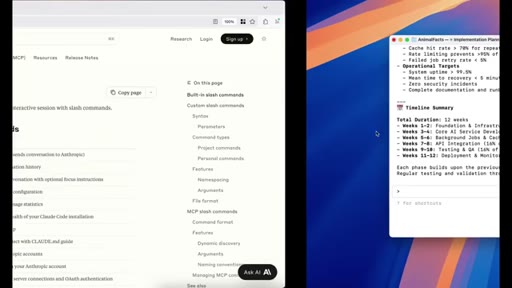
Things they pointed at.
How they asked for the click.
"If you have any questions or want me to cover something specific in a future video, feel free to drop a comment below."
Low-pressure soft CTA, comment solicitation only. Leaves viewer wanting the MCP and memory deep-dives promised.
Word for word.
Own your Claude Code workflow from day one.
The commands most beginners never find - /compact with custom instructions, /memory @-import, and wildcard permissions - separate someone who fights Claude from someone who flows with it.
- Run /clear after every discrete task, not just when you hit the limit. Treat it like closing a browser tab.
- Use /compact with a specific instruction (summarize only the last task) rather than dumping the whole conversation.
- Build your CLAUDE.md with @-imports for modular instruction files - coding standards, commit message rules - keeps the root file lean.
- Use the # shortcut at the Claude prompt to add memories on the fly without opening the file.
- Set bash permissions for your most-used commands (npm run dev, npm run build) so you stop approving the same actions every session.
- The /logout session summary is your usage receipt - check it when debugging cost or model behavior.