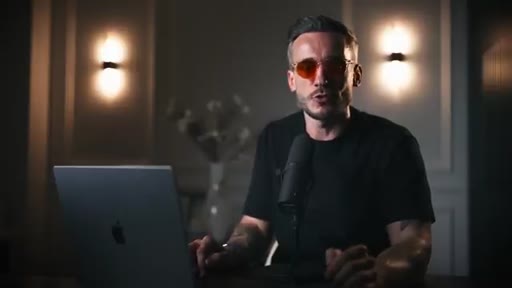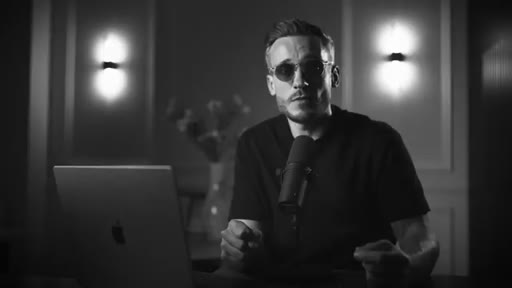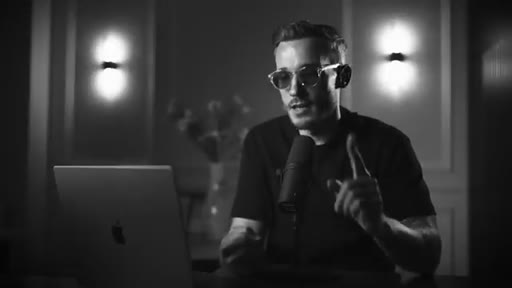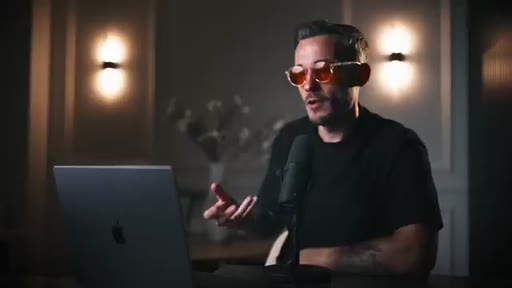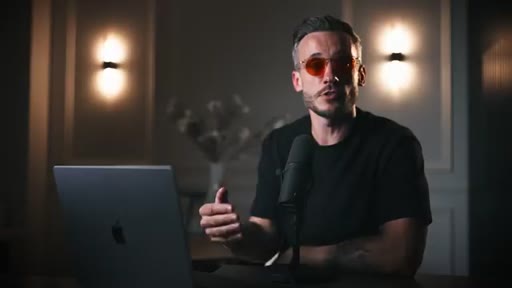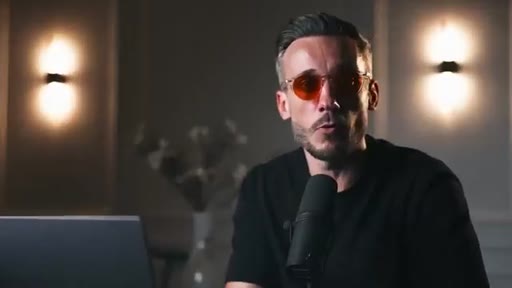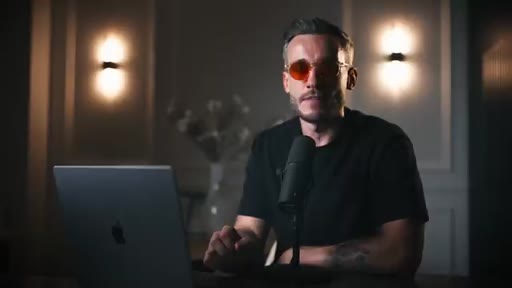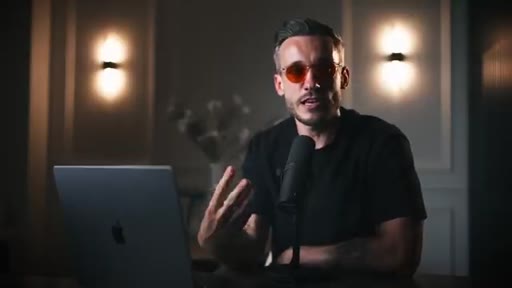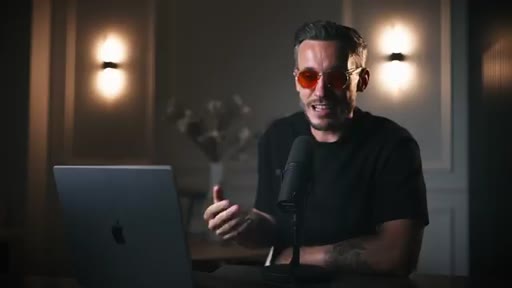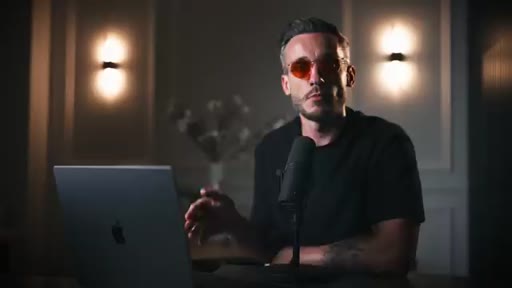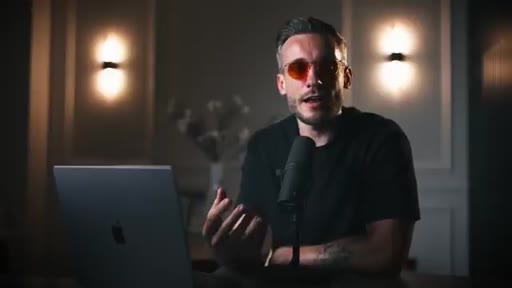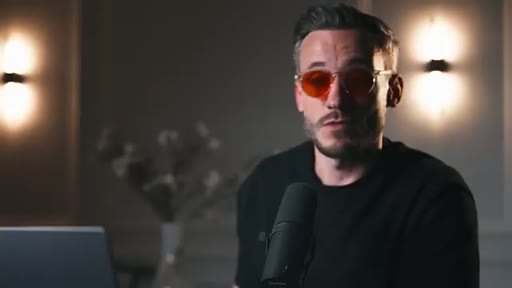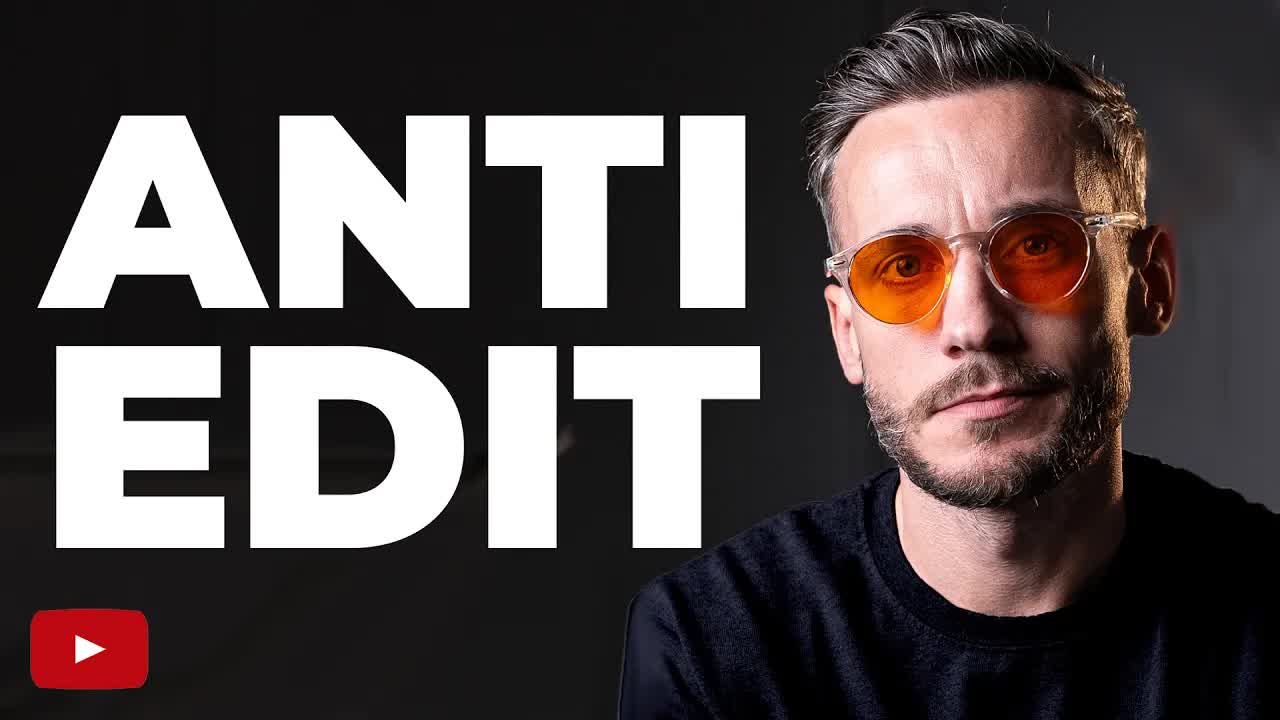
The bait, then the rug-pull.
Will editing less actually make you more money? Ed Lawrence spent twelve months testing that question with his editor, and the answer wrecked everything he used to teach about production value.
Where the time goes.
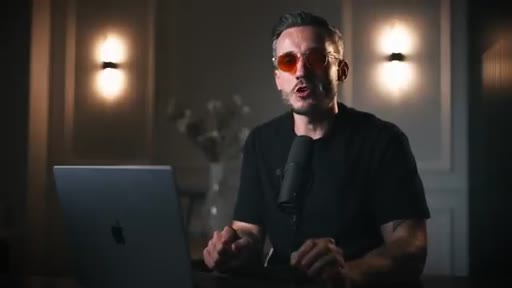
01 · Hook + premise
Counterintuitive question hooks viewer; promise of a simpler, more effective editing system.
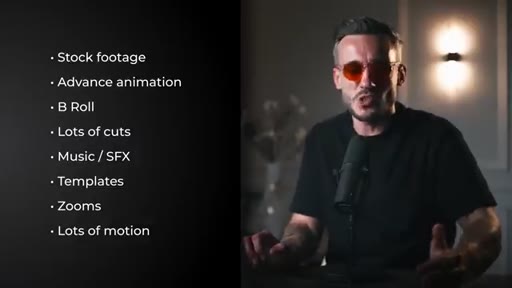
02 · Old way vs new way
Lists the over-produced approach and reveals twelve months of testing produced better business results with the stripped-back style.
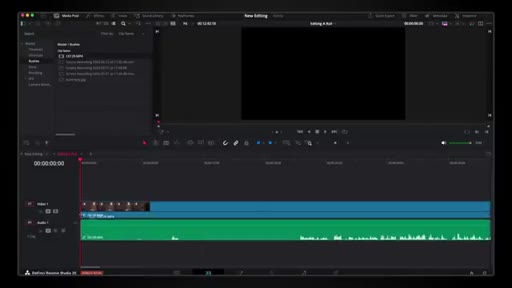
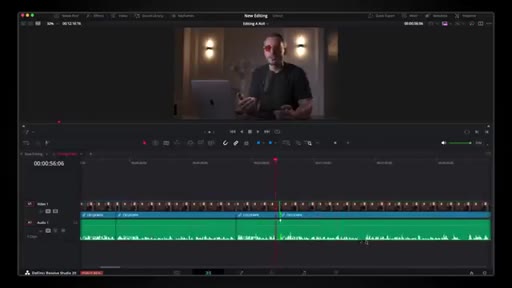
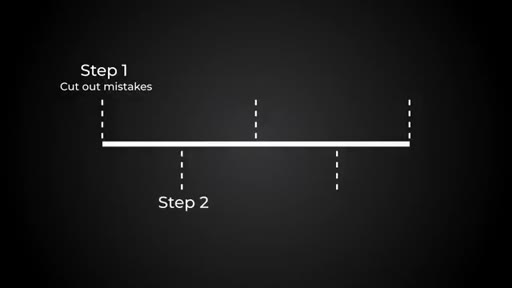
03 · Step 1 - Cut mistakes
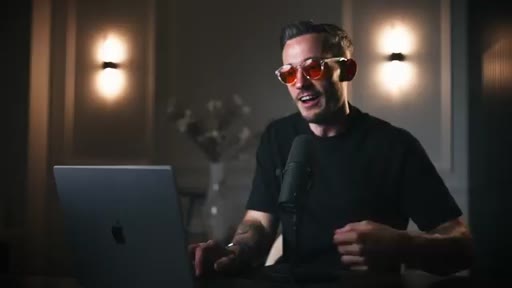
Load A-roll into timeline, remove errors, pauses, and stumbles. Shown live in DaVinci Resolve.

04 · Step 2 - Cut waffle
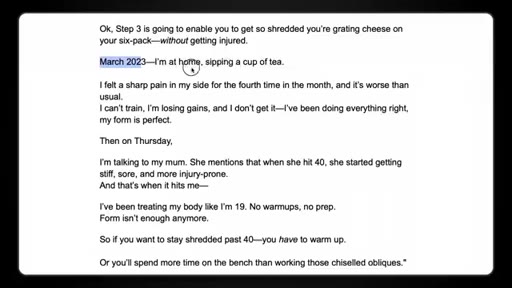
Remove every line that does not affect the rest of the video. The fitness script example demonstrates how atmospheric detail destroys pacing and viewer trust.

05 · Step 3 - Limit jump cuts
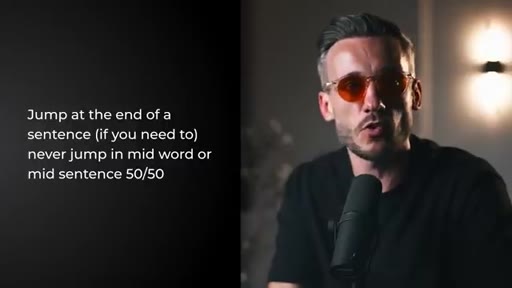
Jump cuts only at natural sentence endings, never mid-word. Demonstrates the jarring effect live on camera.
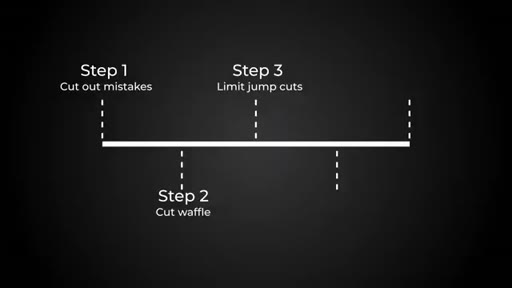
06 · Step 4 - Use text
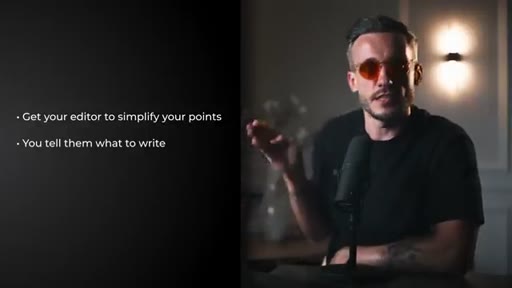
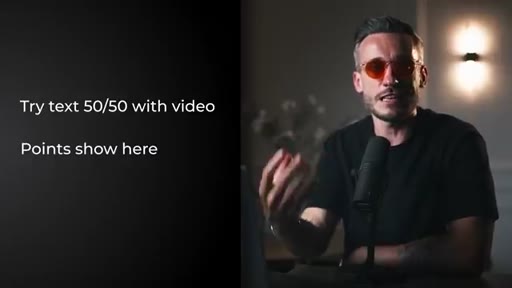
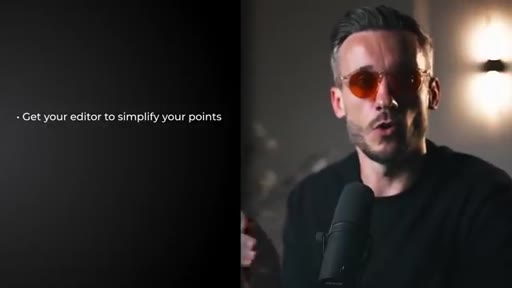
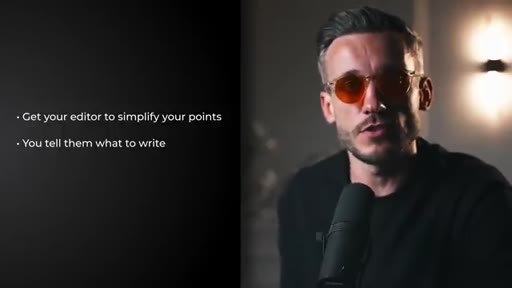
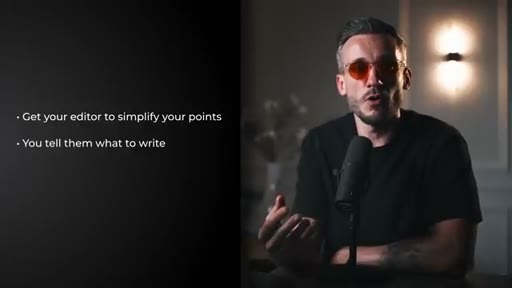
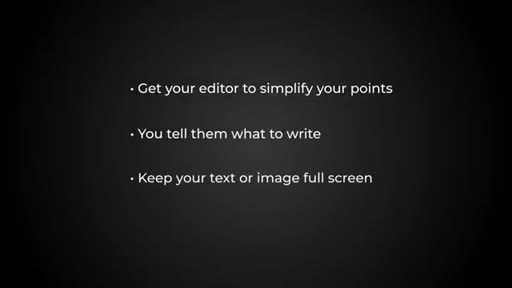
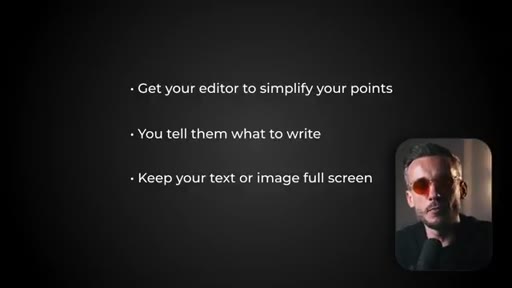
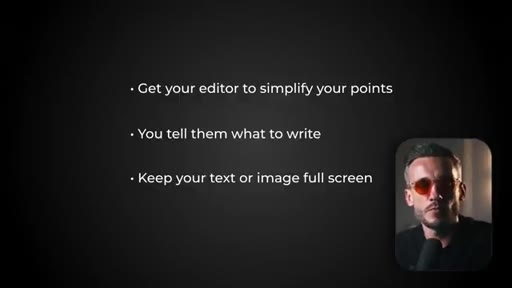
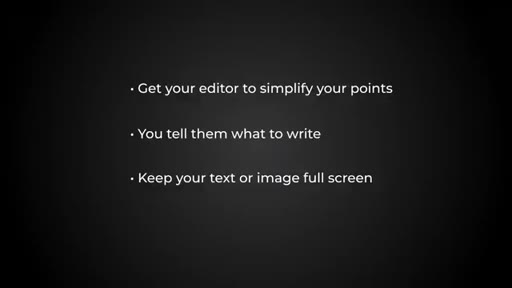
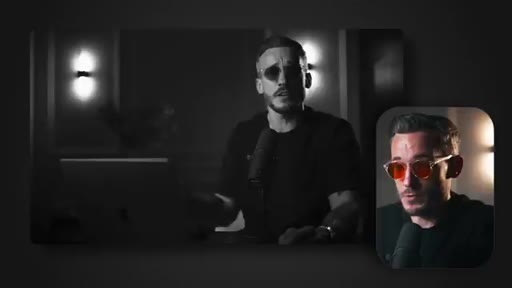
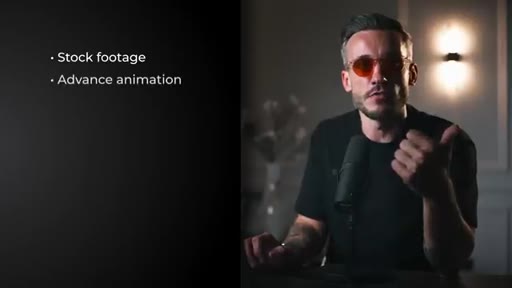
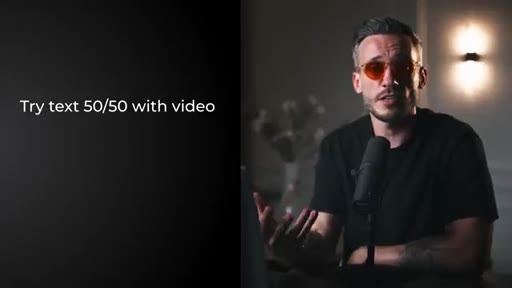
Three standardised text styles: step-number cards on black, 50/50 split with key points, full-screen with pip. Standardising eliminates editor feedback loops.
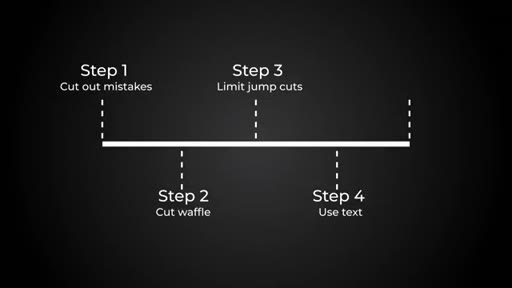
07 · Step 5 - Show don't tell
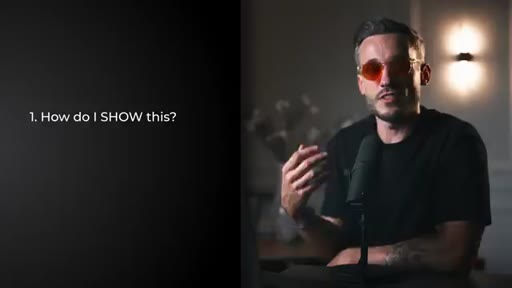
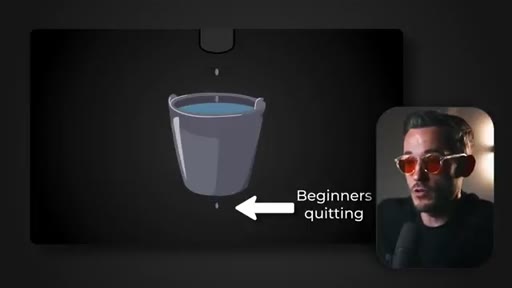
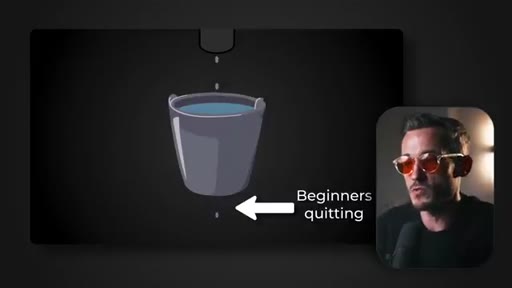
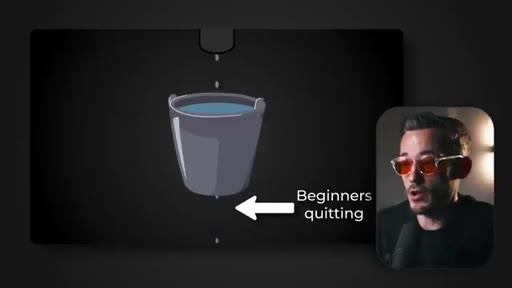
Ask how to make the concept physically visible. The leaky bucket analogy for YouTube retention is the live demonstration.
08 · CTA
Points to a follow-up video. Description links to consulting and sales-tracking tool.
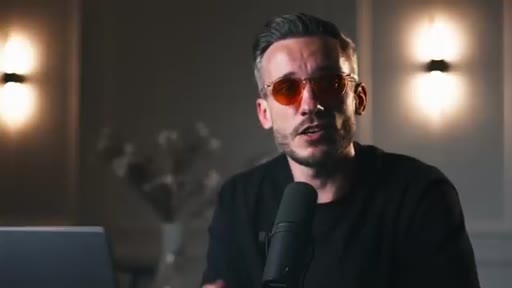
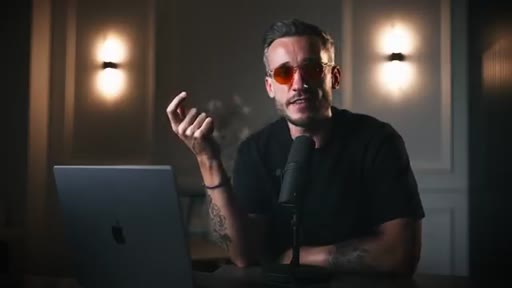
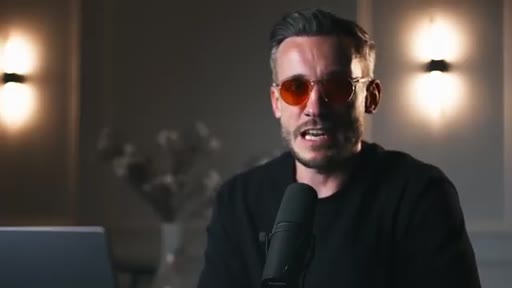
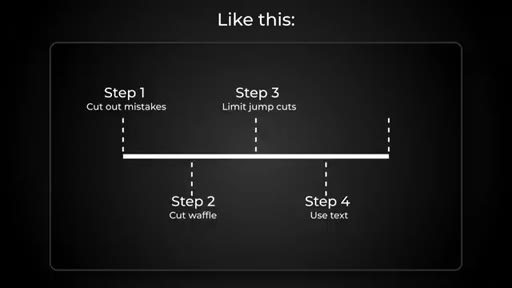
Visual structure at a glance.
Named ideas worth stealing.
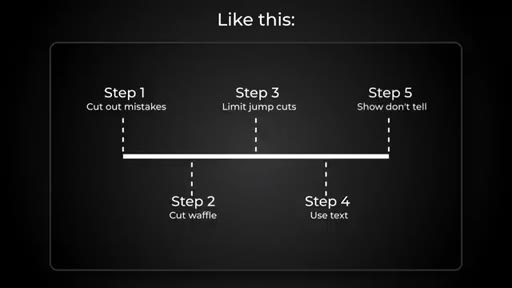
The Scale-Back Edit (5 Steps)
- Cut mistakes
- Cut waffle
- Limit jump cuts
- Use text
- Show don't tell
A complete editing system designed to reduce production effort while increasing clarity, credibility, and conversion.
Three Text Styles
- Step-number card (black background + number)
- 50/50 split (host left, key points right)
- Full-screen with pip (diagram fills frame, host in corner)
Standardised on-screen text formats that eliminate editor feedback rounds and keep visual consistency.
Show Don't Tell Question
Before every abstract concept, ask how to make it physically visible. Turn the invisible problem into a diagram, metaphor, or animation.
Lines you could clip.
"When people feel like the solution is simple, they listen, they get value, they go and action it, they come back, you're the hero and then they buy your shizzle."
"Cut every single line that doesn't impact the rest of the video."
"I got more comments, more leads, more sales, and conversion. It was just all in all better for my business."
How they asked for the click.
"Watch this video next where I break down exactly how to turn every video you make into a full blown experience your viewers will get addicted to."
Clean verbal handoff to a related video. No hard sell, no subscribe ask. Description carries the commercial links.
Word for word.
Five rules for editing that actually builds trust.
Removing complexity from your edit is not a shortcut - it is the mechanism by which your message, and your credibility, reach the viewer intact.
- Every line of narration or dialogue should earn its place by affecting something that comes after it - if removing it changes nothing, it should go.
- Jump cuts work as emphasis, not as a rhythm - used mid-word or reflexively, they register as a glitch and pull the viewer out of trust.
- Standardising your text overlay system to three fixed styles eliminates editor feedback loops and makes your visual language consistent across every video.
- Putting a step number on screen solves an orientation problem the play bar does not - viewers want to know where they are in the argument, not just how far through the runtime.
- Making an abstract concept physically visible is what converts comprehension into action; without it, the viewer understands but does not move.
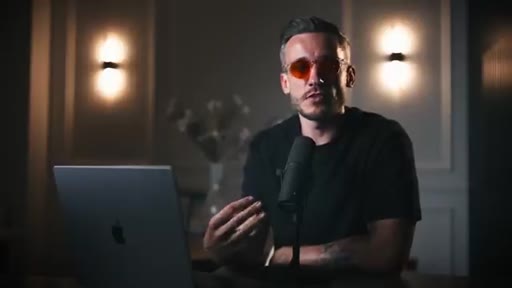
- Body language and facial expression are among the most powerful trust signals in video; a layout that keeps the presenter on screen while displaying information preserves those signals rather than sacrificing them to a slide.