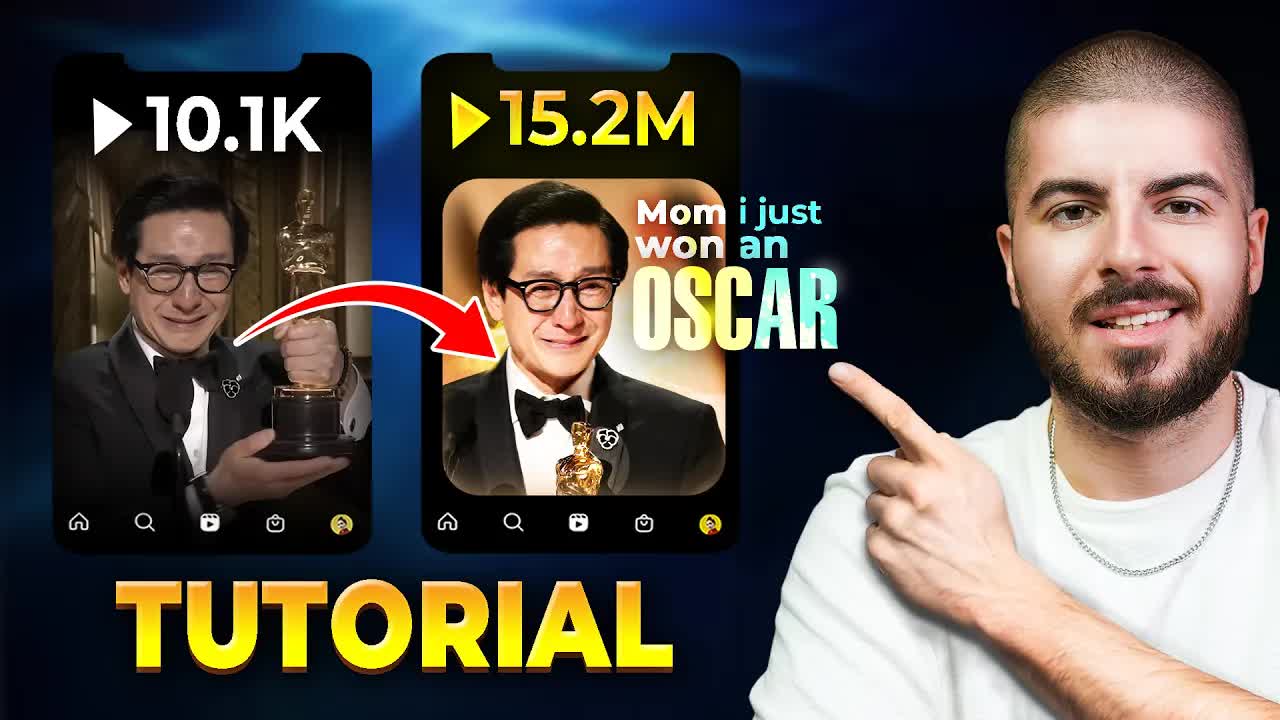
Grow with Alex · Youtube · 13:16

How To Create TRENDING Reels, Shorts & Tiktoks (Step-by-Step)

A 13-minute teardown of the bymaximise viral reel format -- motivational speech, cinematic b-roll, rounded black border -- rebuilt step-by-step in CapCut.

Posted
December 2nd 2024
1 year ago
Duration
13:16
Format
Tutorial
educational
Channel
GW
Grow with Alex
§ 01 · The Hook

The bait, then the rug-pull.

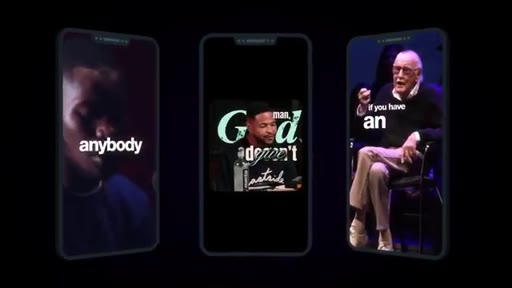
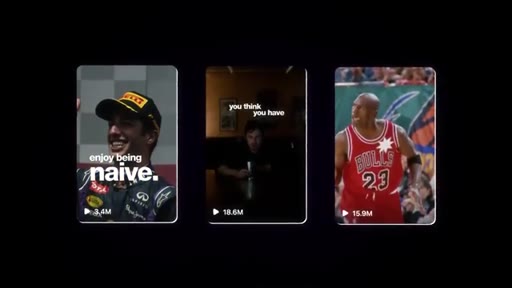
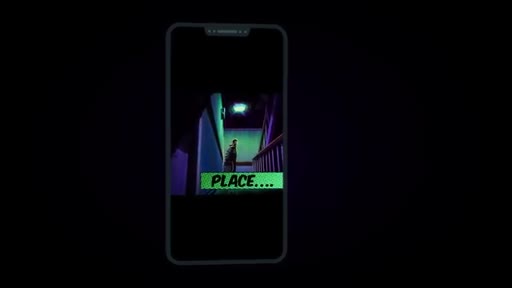
The video opens on three phone mockups side by side -- a Formula 1 driver, a motivational speech clip, Stan Lee -- each one already viral, each one built from the same template. Before Alex says a word, the proof is on screen.

§ · Chapters

Where the time goes.

00:00 – 00:40

01 · Hook -- viral proof

Three phone mockups showing viral reels with millions of plays; promise to walk through the full process A to Z with no gatekeeping.
00:40 – 01:36

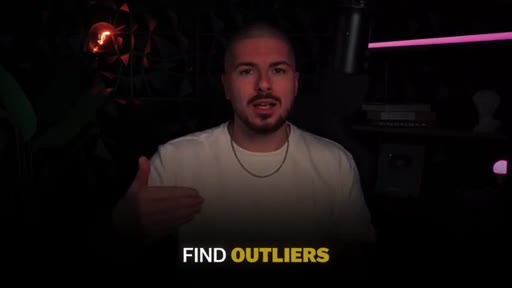
02 · Important info -- find outliers

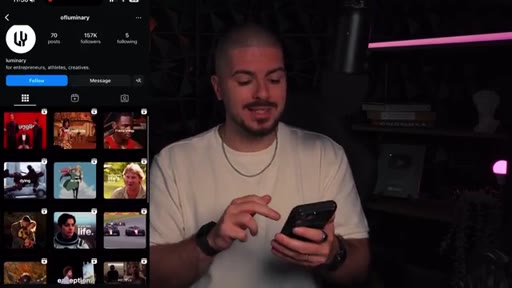
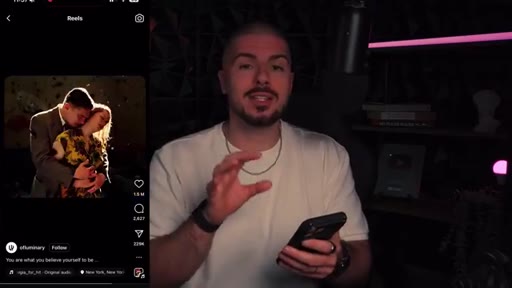
Do not overcomplicate or reinvent the wheel; find outlier posts on proven accounts to use as a reference. Shows ofluminary Instagram page with one post at 11M plays.
01:36 – 02:15

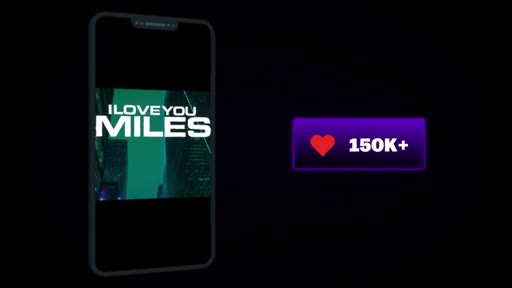
03 · Bonus -- 150K-like example

Shows a second reference video with 150K likes that will be used as the uniqueness benchmark for standing out from the crowd.
02:15 – 02:46

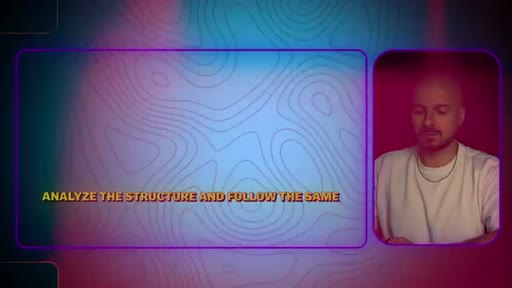
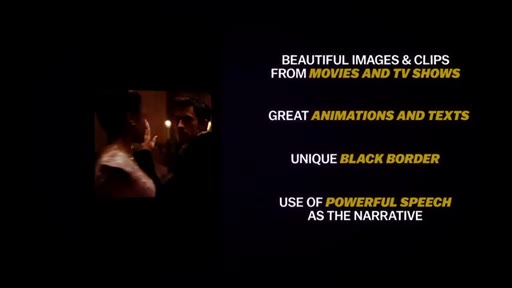
04 · Analyze the reference

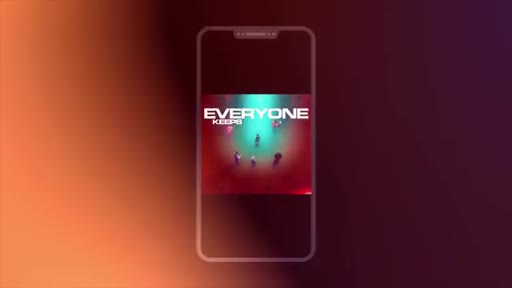
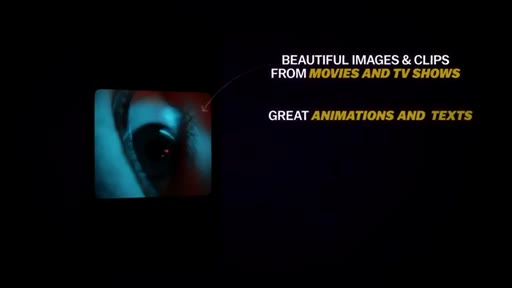
Watches the reference reel together, identifying its four key elements: cinematic b-roll, animations + text, unique black border, powerful speech as narrative.
02:46 – 03:47

05 · Step 1 -- Find your source clip

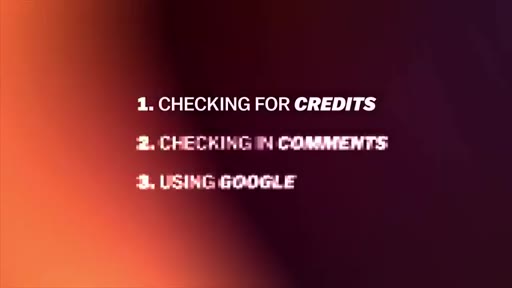
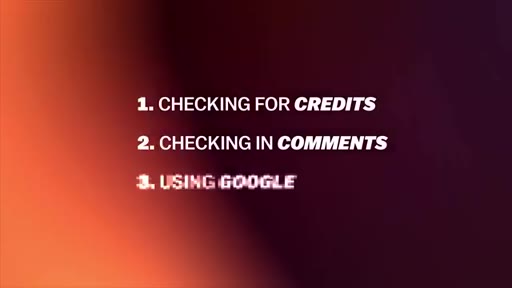
Three methods to find the original speech: check caption credits, search comments, Google a sentence from the speech.
03:47 – 05:10

06 · Steps 2-4 -- Import, cut to climax, remove silences

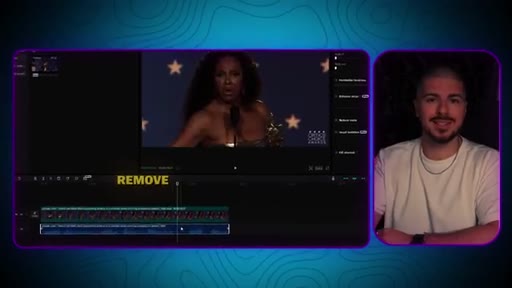
Drag footage to CapCut timeline; cut out buildup and anticlimax to protect retention; extract audio and remove silence gaps.
05:10 – 06:55

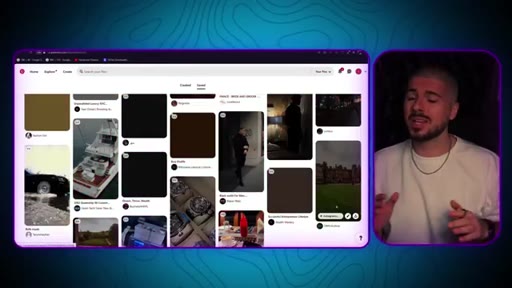
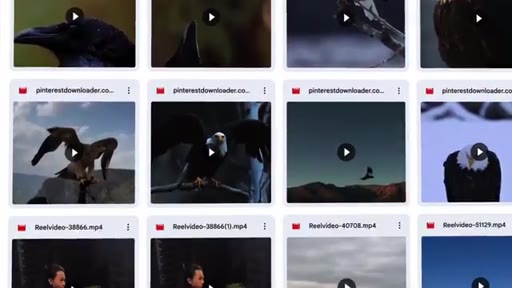
07 · Steps 5-6 -- Source b-roll from Pinterest

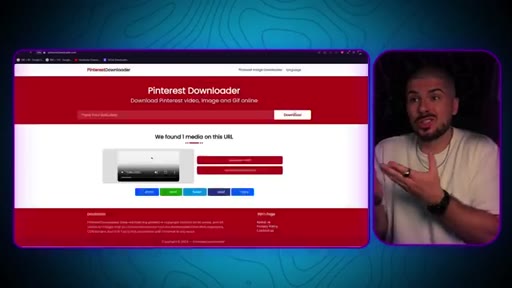
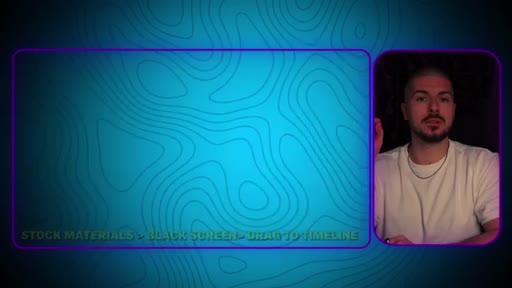
Use Pinterest as the primary b-roll source; use a Pinterest Downloader to grab 6-7 clips; ChatGPT can help generate search terms.
06:55 – 08:10

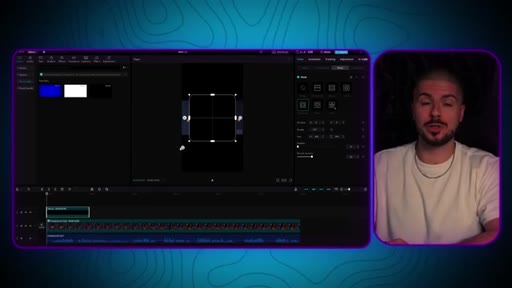
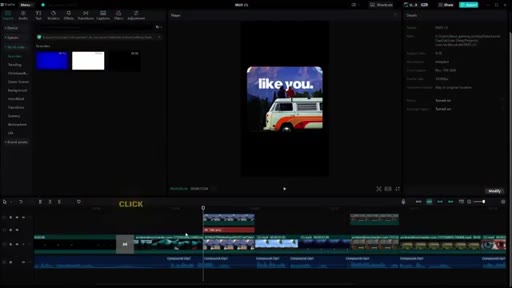
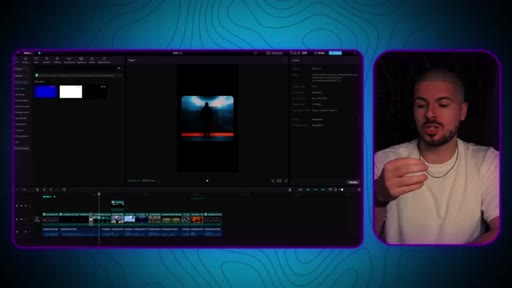
08 · Steps 7-9 -- Build the rounded black border frame

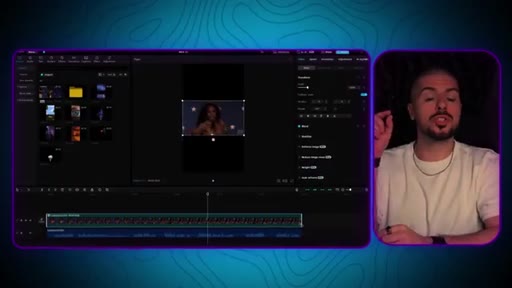
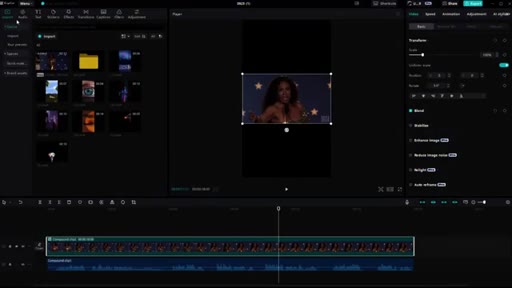
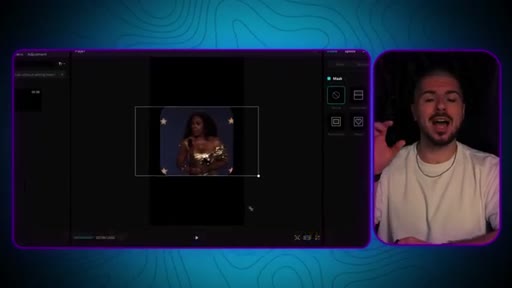
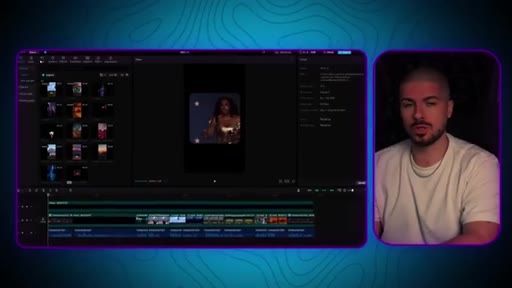
In CapCut: Stock Materials > black screen > drag to timeline > Mask > Rectangle > adjust curve > Reverse. Center main footage inside mask.
08:10 – 09:27

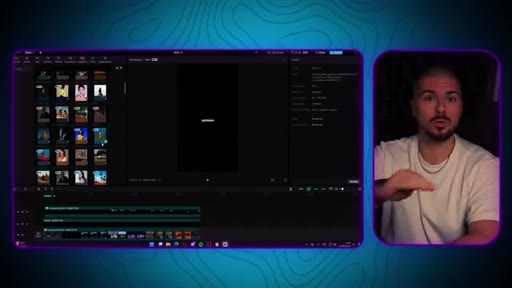
09 · Steps 10-11 -- Add b-roll and follow reference structure

Cut main footage at b-roll swap points; keep reference video on the same timeline as a guide; build the story by placing Pinterest clips where relevant.
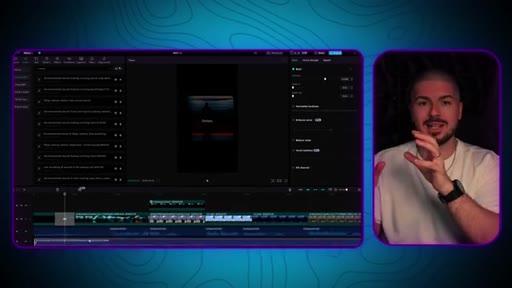
09:27 – 10:48

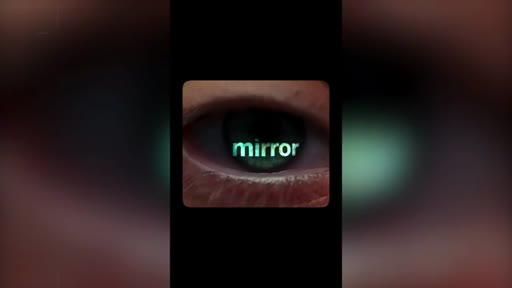
10 · Steps 11-12 -- Captions and mirror-eye effect

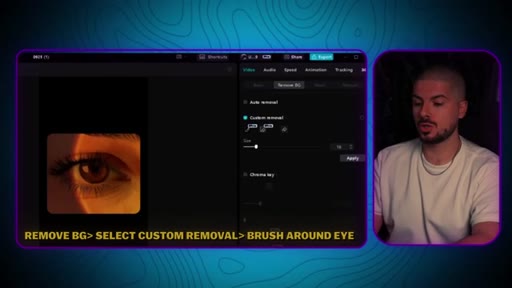
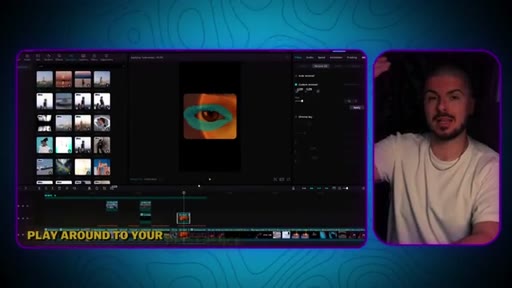
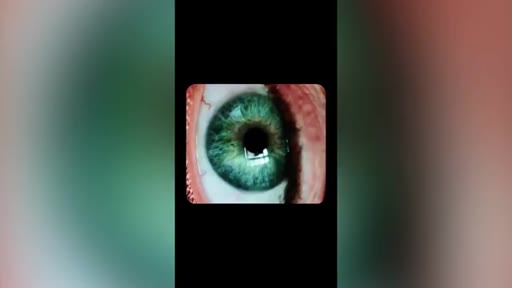
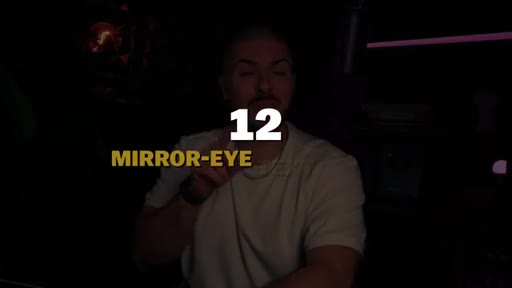
Add captions with Europa font in sliding pyramid word-sync layout; mirror-eye bonus: remove background > custom removal > brush around eye > layer text beneath.
10:48 – 11:40

11 · Steps 13-14 -- Color grade and ambient audio

Color grade to preference (vivid filter used); soft light blend mode for text effect; add scene-matched ambient sounds (waves, nature).
11:40 – 13:16

12 · Bonus -- biggest mistakes and differentiation

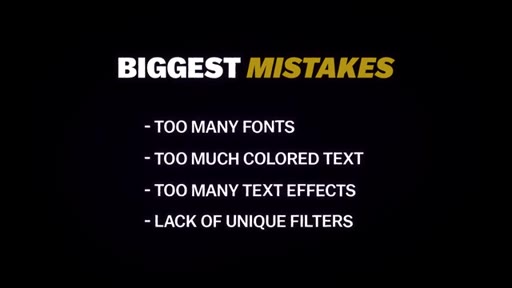
Final result preview. Four biggest mistakes: too many fonts, too much colored text, too many text effects, lack of unique filters. Stand-out strategy: pick one consistent visual identity.

§ · Storyboard

Visual structure at a glance.

viral proof
find outliers
analyze elements
source clip
remove silences
build the frame
add b-roll
mirror-eye effect
biggest mistakes
§ · Frameworks

Named ideas worth stealing.

00:56 model

Outlier-first content research

Before creating anything, find the single post that massively outperforms the average on a target account -- that is the template to reverse-engineer, not the average post.

Steal for Any content niche where you want a repeatable starting point without guessing
06:07 concept

Reference-on-timeline editing

Download the reference video and place it directly on the CapCut timeline alongside your edit so you can mirror its cut timing, b-roll placement, and caption sync without guesswork.

Steal for Any format-replication editing project
02:10 list

Four-element viral reel anatomy

  1. Cinematic b-roll from movies/TV shows
  2. Animations and natural-feeling text
  3. Unique black border frame
  4. Powerful speech as the narrative driver

The four components identified in the 1.5M-like reference video that together explain its performance.

Steal for Evaluating or building any motivational/inspirational reel
11:57 list

Biggest mistakes list

  1. Too many fonts
  2. Too much colored text
  3. Too many text effects
  4. Lack of unique filters

The four editing errors that prevent accounts in this format from standing out and building a recognizable brand.

Steal for Editing self-audit for any short-form account
§ · Quotables

Lines you could clip.

03:37
"Go straight to the climax because this is gonna keep retention high, and it is going to help you go viral."
Counterintuitive edit advice that contradicts most beginners instinct to include the full speech. → TikTok hook
00:23
"Just remember me when you are a 100k followers."
Confident, quotable moment -- works as a punchy cold open. → IG reel cold open
12:42
"If one of the elements of your videos was that you use anime and you always have purple and white text color, this makes you unique. This goes a long, long way when it comes to being remembered and building a brand."
Concrete visual example of the differentiation principle -- easy to understand out of context. → newsletter pull-quote
§ · Resources Mentioned

Things they pointed at.

§ · CTA Breakdown

How they asked for the click.

08:49 newsletter
"Head over to my Instagram, press follow and DM me hooks, and I will send you a folder with hooks."

Mid-video DM-for-resource CTA -- low friction, builds Instagram following and creates direct message conversation. Repeated offer to join Discord/newsletter at the end.

§ 04 · The Script

Word for word.

HOOK opening / re-engagementCTA the pitch analogy story
00:00HOOKThese types of videos have been going super viral recently on Instagram, TikTok, and YouTube shorts, allowing accounts
00:07HOOKto skyrocket their followers and engagement. Now whether you are a theme page, a personal brand, or a business, if you're able to incorporate this style of content into your strategy,
00:19HOOKit's still early and you can profit massively. Just remember me when you're a 100 k followers. Now this reel right here got over 1,500,000
00:30HOOKlikes. Yes. 1,500,000
00:32HOOKlikes. And we're about to do the same. Now I'm about to walk you through the whole process from a to zed.
00:39HOOKNo gatekeeping. It's important for us to not complicate the process, especially when we're trying a new editing style. So we want to use what's already out there and proven
00:49to inspire us. Avoid reinventing the wheel.
00:52This can come later. What you want to do is find outliers, best performing posts on accounts.
00:59I will be also sharing how to make your videos unique exactly like this video, which has gained over 150,000 likes so that you can stand out from everyone else creating these videos. For the purpose of this video, we're gonna use this page right here as our inspiration.
01:15They've done really well. 70 posts, a 150,000 followers.
01:19And, basically, we're gonna do the same. So we're gonna go look through their reels, and we're just gonna kind of see, you know, what's performed well. Straight away, you can see seventy,
01:27fifty, 40, then boom, 11,000,000. So we're gonna press that one. We are going to recreate this video, but not a 100% the same, but we're going to basically try to incorporate every single element that they've done.
01:41And it's important for us to analyze content so that we understand why it's doing well. So let's actually watch this video together.
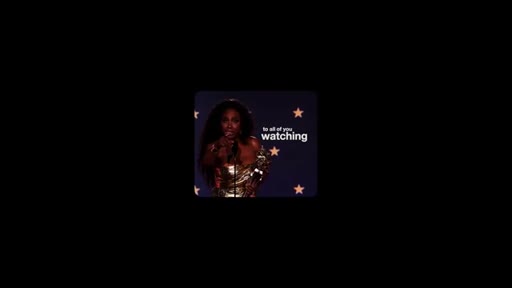
01:48To all of you watching here, come close to the screen and listen. People don't have to like you.
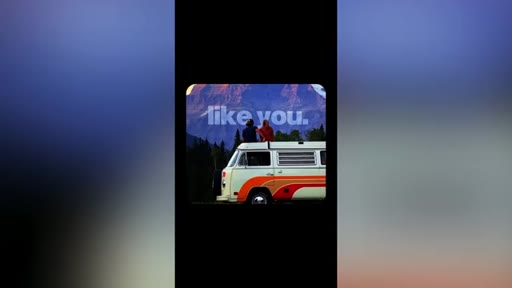
01:54So in this video, there are a lot of great elements, you know, beautiful images from movies and TV shows, great animations and text that feels natural to the overall style of the video, and they also created a unique black border that you don't usually see on Instagram. But most importantly, they used a powerful speech as the narrative to drive the video forward.
02:15This is key to grabbing a viewer's attention, and it also is motivational, and a lot of people will save and share this video with friends and family. So how can we replicate this? Make sure you stick around until the end as I'll be giving some free resources to help you improve your videos even more.
02:31Let's begin our process, finding your source clip. This part is simple, and usually I will do this in three different ways. The first is by checking if there is a credit in the caption of your chosen video which you want to replicate.
02:46Number two is if there is nothing there, you check the comments. Often people will ask here and get a response. And then finally, if there is a sentence being said by a speaker,
02:57you can type this in Google, and it should let you know straight away. Next up, simply put this footage into your editing software. So for the purpose of this video, we're going to be using CapCut.
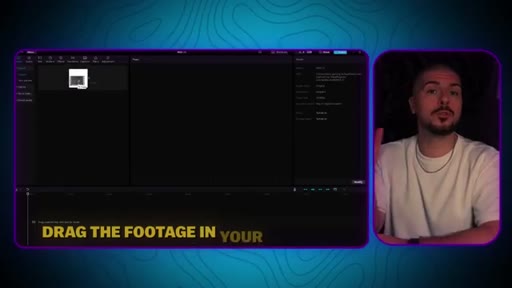
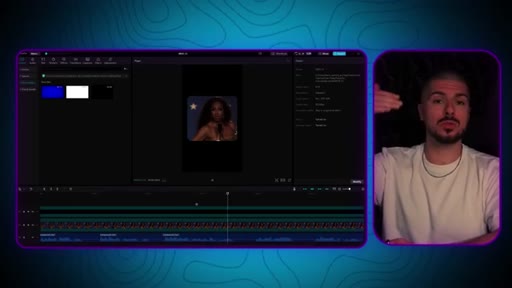
03:08I'll have a bonus at the end of this video showing you how to do certain styles of text with AE, which is After Effects, but we'll also be doing that in CapCut. So drag your footage into your timeline. So now you just wanna cut the clip.
03:21So this speech was longer than the actual speech used in the video. So you want to use the length that you kind of need, you know, try to avoid any buildups or any anticlimax parts.
03:33Go straight to the climax because this is gonna keep retention high, and it's going to help you go viral. The next thing is to remove any silences. So we've basically separated our footage with our audio footage.
03:45So we've extracted our audio, and now we want to remove any kind of silences so that the video is flowing super smooth. This will help retention and increase watch time.
03:56And it's really simple on most editing software. You'll be able to see kind of the dips in the graph on the extraction where there's kind of the silences, and you basically wanna cut there and kind of drag them forward, make some changes that way.
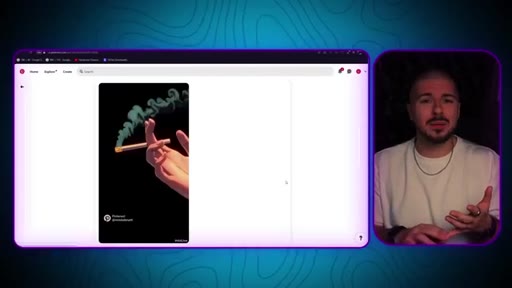
04:08It shouldn't really take you that long. The next thing is actually finding our videos that we're going to use as b roll. Now most of these accounts right now, and I've said this before about a year ago or longer, you can use Pinterest for this.
04:23Pinterest is so so useful. You can find animations. You can find all different types of kind of content, and it's super simple.
04:31Find a Pinterest downloader, download, you know, six, seven different clips that you think suit the video, and that's it.
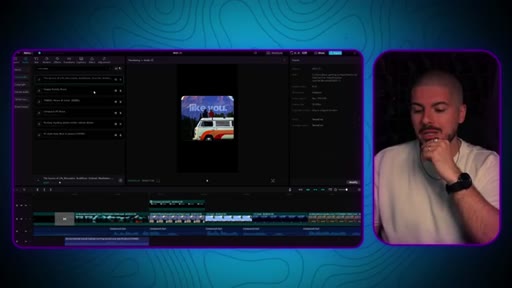
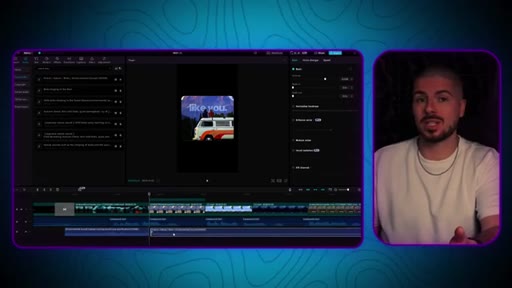
04:38You can even use ChatGPT to give you ideas. When you've downloaded all of these, drag them over to CapCut so they're ready when you need them. Now this is where the magic happens where we get that frame with the curved edges.
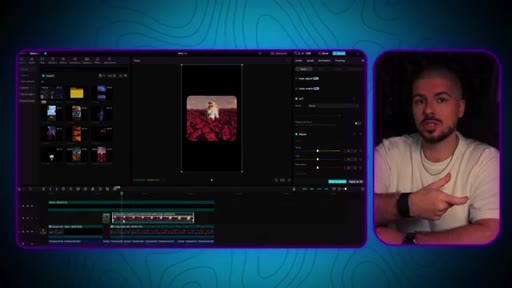
04:50This is how you do it on CapCut. So what you want to do is go to the left on your CapCut where it says stock materials, and you should see kind of a black screen.
05:01You want to drag that into your timeline. Make it fit the size of your screen, then head over to mask.
05:08Once you hit mask, press the rectangle option. And from here, you basically create the mask. So if you see, you know, you see these kind of squares with curved edges, you want to get it to the sides you want.
05:19So you have a lot of freedom here. If you don't wanna do it like that and do a different style, you can. But this is how you do this exact style.
05:26Then you want to press the reverse button, which is in the top right of the mask section, and there you have it. And now it's a matter of kind of playing with your main footage
05:35to be in the center of this mask at all times. Now what you want to do is cut the main footage into where you think we should add clips.
05:46Okay? So and one thing I want to say is, you know, we're editing being inspired by this other video, which got 1,500,000 likes. What we actually do is download that video and have it on your timeline as well.
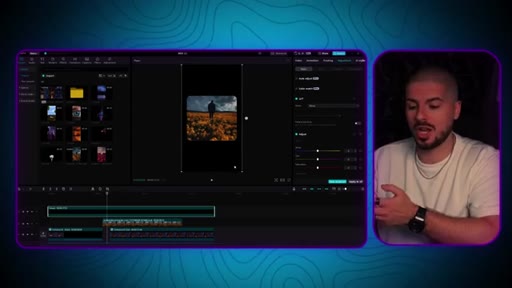
05:59At this point, you wanna see how they've done it, you know, where they've made the cuts, where they've added b roll, etcetera, and you want to basically follow that pattern. Now this is where the magic starts to happen, and we start to add the clips that we use from Pinterest, you know, and start adding it to our timeline.
06:16And you can see it's already starting to take shape. You know, this process, I'm going to speed up for the purpose of this video, but essentially, you want to start placing it where you think it's relevant, etcetera,
06:27and really start to build that story. Remember, as I said in the previous point, you know, having the reference next to you on the timeline will help you to kind of give you ideas. Remember, it's not about just copying it.
06:37You can add your own ideas and etcetera, but the cuts, etcetera, can be useful for you. Now the next thing to do is your auto captions or captions. If you have the Canva Pro, you can use auto captions.
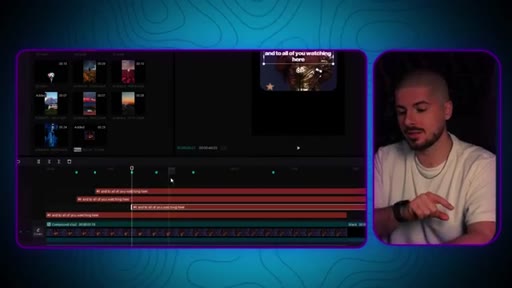
06:49If you don't, then you'll have to do it manually. Either way, you will have to do some manual work, so it doesn't really matter too much. The audio caption is gonna make it slightly easier.
06:58So we're using the Europa font. You know, this is a matter of preference. It's completely down to your creativity.
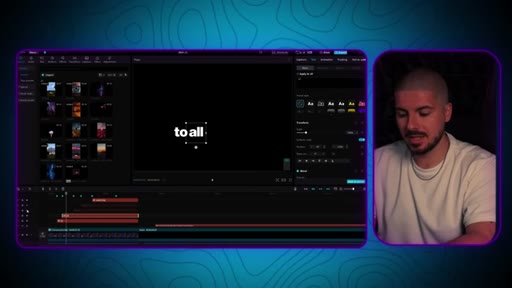
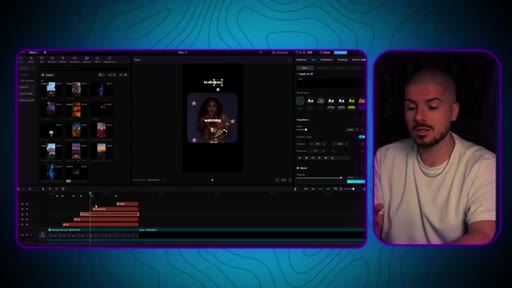
07:05For the text, it's important for us to actually separate each word manually, And you kind of wanna do it in this order like this where it's in kind of this sync, almost like a sliding pyramid
07:17so that basically the words pop up, you know, as she says it. And, as I said, the reference clip is gonna be so so useful. It's gonna make your life so much easier instead of a guessing game, you know, in terms of when they've added potentially the cuts or the added the words, etcetera.
07:35So, yeah, just kind of with this, use that to get inspiration how they do it with the placement. You know, once you kind of get this strategy, you know, for the first time you do this, it might take you a bit longer. You might think, uh, but remember this got 1,500,000 likes.
07:50But my point is is once you start to understand how to do this, it becomes easier and easier. So right now, it looks a bit difficult, but it takes time, but it's worth it. So, you know, remember the reference is gonna help you with the placement.
08:03So this is down to preference or to your reference. There was a scene where the mirror or the word mirror was in the person's eye, and it looks really, really cool.
08:12Let me show you how to actually do that on Capcom. So I've got my actual eye right here. What you want to do is go to remove background and go to custom removal
08:22and go to the kind of one where you can do it yourself. And you just wanna basically with your mouse go around the eye. And then you want to press apply and obviously have the text there as a layer already.
08:35You know, these kind of little things you might not think matter, but, you know, people respect it. You know, when they see quality, when they see effort, it's more likely for people to get a like.
08:45CTAYou don't need to do this on every video, but it helps, and it's part of that kind of strategy. You've seen these viral video hooks going off everywhere on Instagram and other platforms. Well, if you want access to a folder full of hooks that you can start using in your videos,
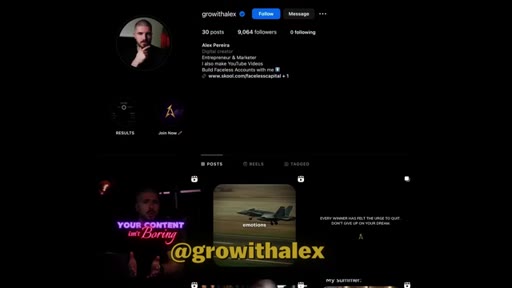
09:01CTAhere's what you want to do. Head over to my Instagram, which will be in the description of this video. Make sure you press follow and DM me hooks, and I will send you a folder with hooks.
09:13CTAAnd also stick around on Instagram as I'll be sharing a lot of valuable content on there that you might not see on my YouTube channel. The link will be in the description of this video. In regards to color grade, you know, this is really down to preference.
09:27Some pages are black and white. Some of them are super vivid. Some of them are super sharp.
09:31Like, this is completely down to your creativity. For us in this video, we use this vivid one right here. This is how you get that special effect on the text on Capcom.
09:41Click on the text layer, create compound clip, go to the blend mode, and select
09:48soft light. If you want to also know how to do this text style using After Effects, I've uploaded a short tutorial
09:58on my Discord, the free resource section. So just head over to there, and it's going to be raw. There won't be me speaking.
10:06That's in the YouTube videos, but it will show you how to also do it in After Effects if that's something of interest. Something that is good worth doing sometimes is also reducing, like, the background noise. And for this, press the audio, go to basic, press this button right here, which is reduced noise.
10:23Now the next thing and one difference that we're making to the one that went super viral is adding background audio. So, essentially, what we're going to try is by using CapCut, we're going to use and add a bunch of kind of audios which match the scenery.
10:41You know, when there's waves, we'll add an audio of kind of a wave. You know, small things like that just take it to another level. So even, you know, once there's like the scene with the butterflies,
10:51etcetera, we can add an audio of kind of, you know, nature sounds. And it just adds a bit more to the video.
10:58And this again can be applied to any niche, you know, when you add the b roll and you can see all the different ones that we actually end up adding to our timeline. If you're using a different software, you know, lots of the free kind of stock video websites also offer free stock music or effects. Here is how the video looks after we've put it all together.
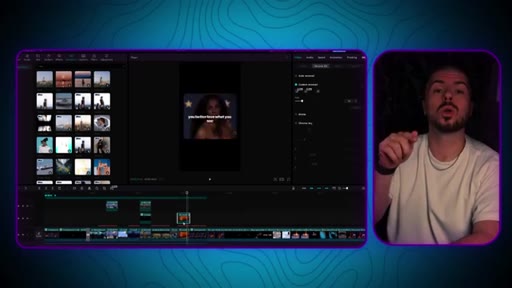
11:20To all of you watching here, come close to the screen and listen. People don't have to like you. People don't have to love you.
11:30They don't even have to respect you. When you look in the mirror,
11:35you better love what you see. Here is the bonus as promised. This video right here got 150,000
11:44likes. They have done a great job in standing out. A big mistake I see people make right now with this style of content and even editing in general is this.
11:53Too many fonts, too much colored text, too many text effects, and a lack of unique filters on their video. In an already competitive market, you should be trying to find ways to stand out and be unique.
12:06But, Alex, how do you actually do this? An example in this case is clearly people love anime or Spider Man. If one of the elements of your videos was that you use anime and you always have purple and white text color, This makes you unique.
12:19This goes a long, long way when it comes to being remembered and building a brand. In our Discord, we have multiple people who are going viral with this style of content
12:30CTAright now. And if you want to join my newsletter, which is full of value, all you need to do is follow the link in the description.
12:38CTAYou'll get access to my weekly newsletter, which is full of value, and also my Discord where we do video reviews and other things. If you want to go deeper into how to grow your Instagram profile, like warming up your account on all of those elements, which can also be applied to YouTube
12:54CTAand TikTok, make sure you watch this video right here. It will give you everything you need to actually do well and better than probably 99%
13:03CTAof courses that are paid for out there. Some of you are going to change your life from watching a few of my videos, and that's exactly why I'm here. Let's grow.
— full transcript
§ 05 · For Joe

One proven reference video is worth more than ten creative ideas.

WHAT TO LEARN

The fastest way to make a viral reel is not to invent a new format but to dissect an existing hit and rebuild it with one element that belongs only to you.

  • Find the single outlier post on an inspiration account -- the one that dramatically outperforms the rest -- and treat that as your template, not the average.
  • Cutting straight to the emotional climax of a speech, removing buildup and silence, is the most direct intervention for improving retention on this format.
  • Pinterest is a consistently underused b-roll source for cinematic clips; downloading 6-7 clips per video gives enough material to match the reference structure without repetition.
  • Keeping the reference video on the same editing timeline as your own work removes the guesswork of cut timing, b-roll placement, and caption sync.
  • The rounded black border frame is a three-step mask operation -- black stock screen, rectangle mask, Reverse -- not a filter or preset, which is why most imitators get it wrong.
  • Word-level caption sync in a sliding pyramid layout is what separates the top-performing accounts in this style from the ones that blend in.
  • Picking one consistent visual element -- a color, a font, an aesthetic like anime or Spider-Man imagery -- and using it across every video is how a faceless account becomes recognizable.
  • The four editing mistakes that kill differentiation: too many fonts, too much colored text, too many text effects, and no unique filter.
  • A detail like the mirror-eye text effect costs 90 seconds in CapCut and signals effort to viewers -- effort is a trust signal that increases the probability of a like or save.
  • Ambient sound effects matched to b-roll scenes add a layer of sensory immersion that most creators in this format skip entirely.
§ 06 · Frame Gallery

Visual moments.